2
1.1 MAIN NAVIGATION
2
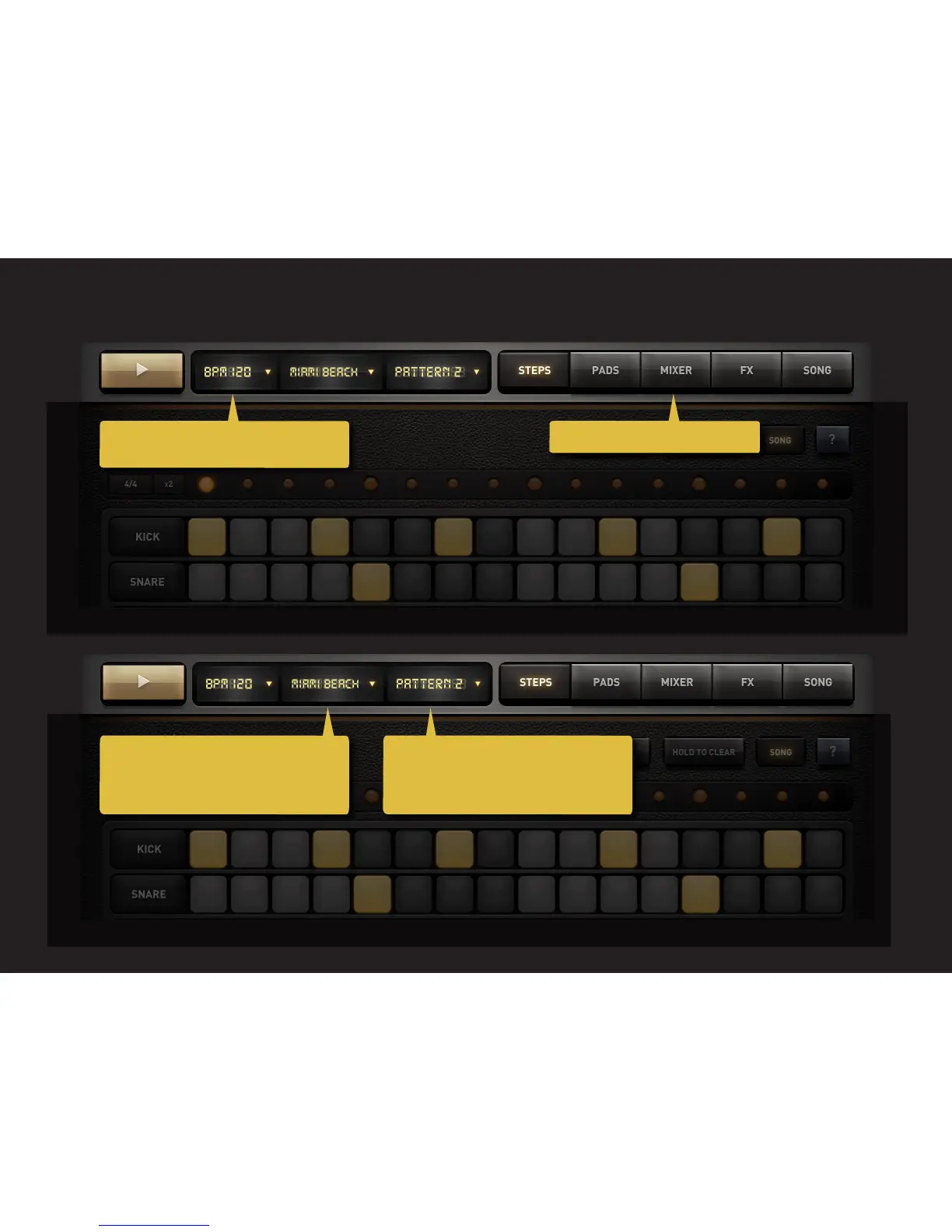
Tap to open the BPM pop-up. Swipe right to
increase or decrease the tempo.
Tap to open the Pattern pop-up. Tap with 2
fingers to duplicate the current pattern to
the next one. Swipe left or right to select
the next or previous pattern.
DM1 is loaded with lots of ready-made drum
kits. Loads of them. Tap to open the Drum
Kits popup. Swipe left or right to select the
next of the preview kit.
Navigate to the 5 main DM1 sections.



 To Next Page