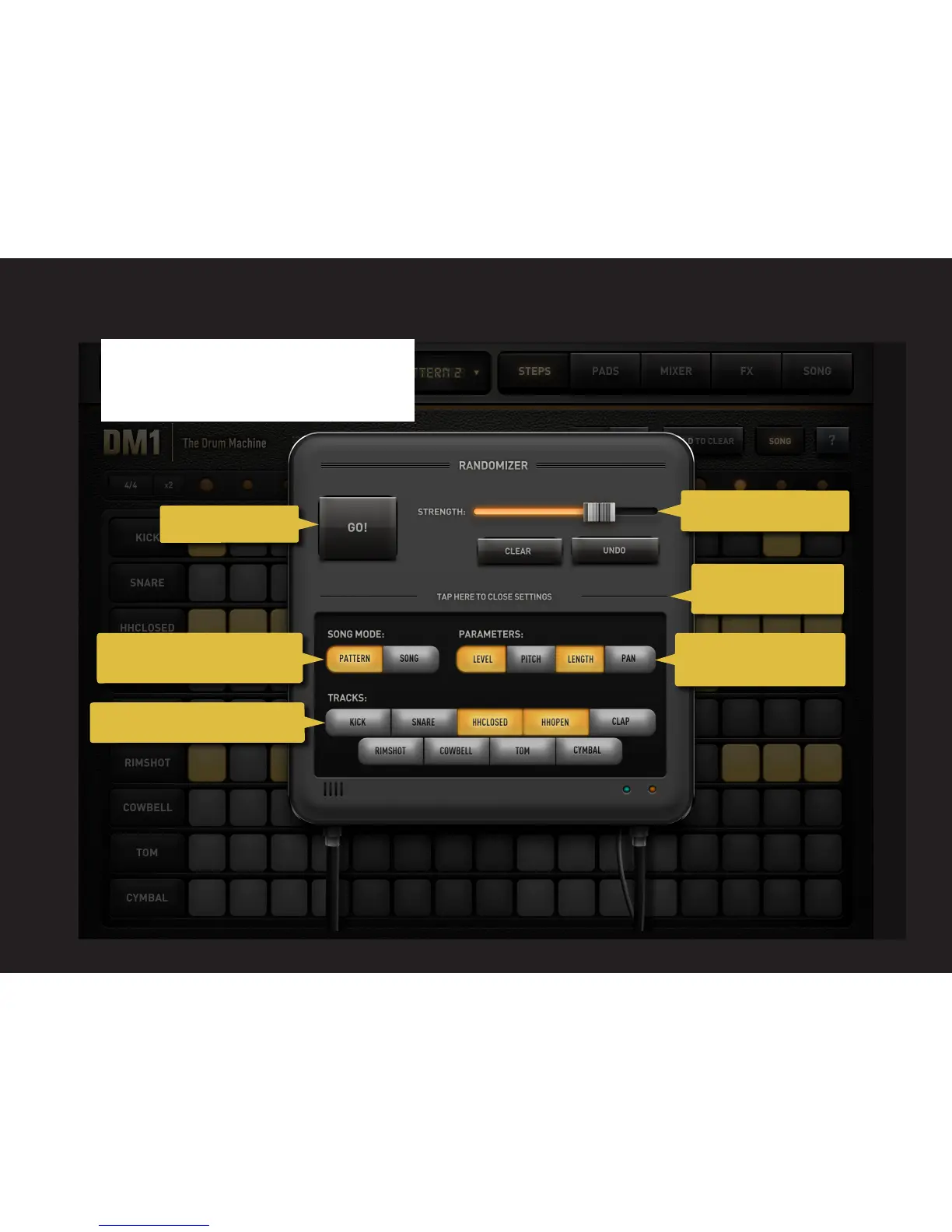
The Randomizer - a new exciting tool to un-
leash the creative potential of the Mixer step
by step. Just press 'Go" and have fun!
3.1 RANDOMIZER
17
Tap GO! to randomize.
Swipe to select the strength.
Tap here to open or close
the advanced settings.
Select pattern or song to randomize
the current pattern or the song.
Select what tracks to be randomized.
Select the Mixer parameters
to be randomized.



 To Next Page