17
GB
START-Up AND OpERATION
STOPPING the compressor
Machine starting and stopping is timed.
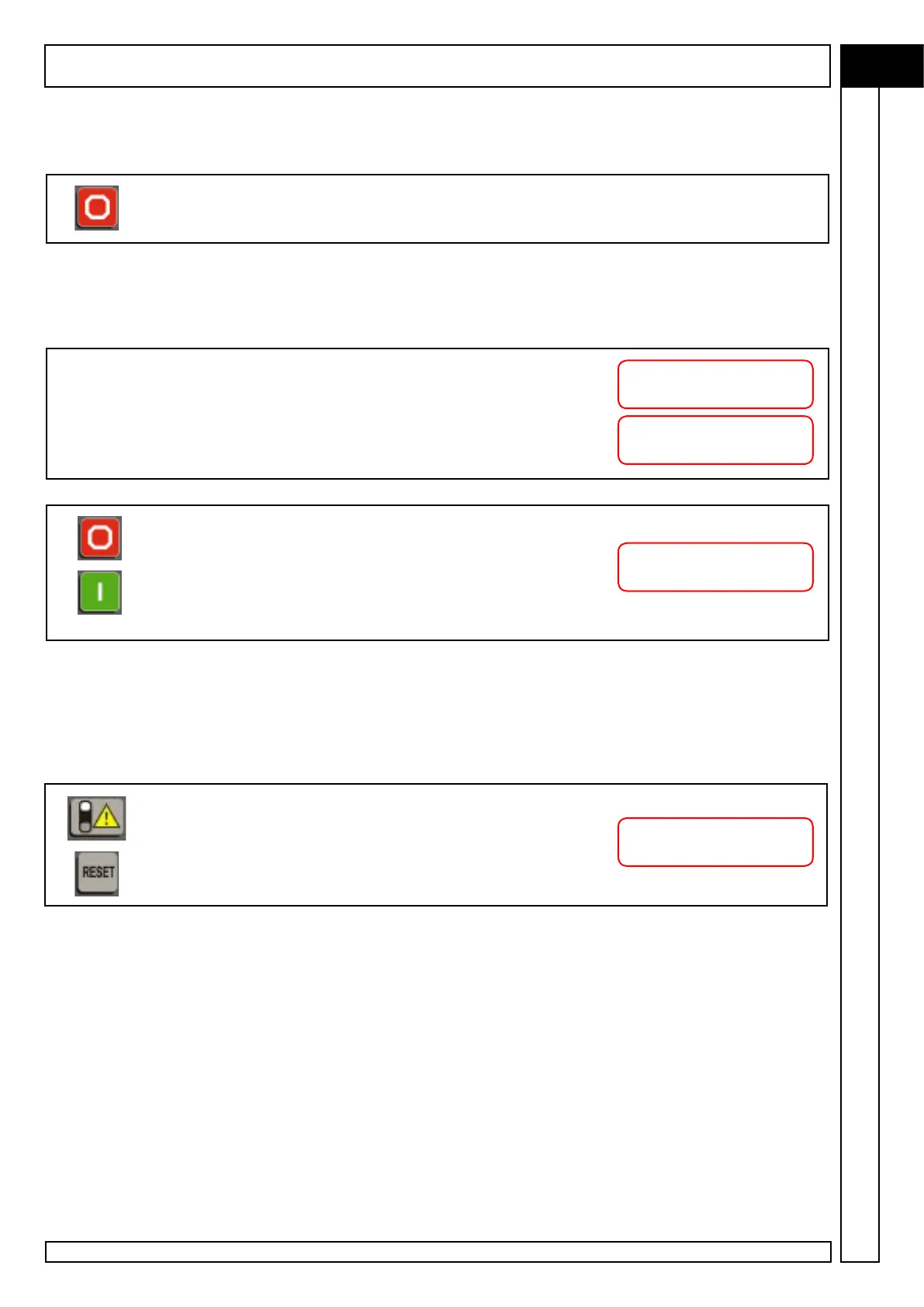
Simply press the K2 button to stop the compressor.
The compressor does not stop immediately but starts a set of operations to stop the
machine according to operating conditions when the STOP command is invoked.
If, at the time of the STOP command, the compressor was operating at full load, the
control unit sets the machine to unload run.
Display DL shows this countdown; at the end of the countdown, the
motor is stopped.
At this point, the display shows this additional timing: during this phase,
the compressor vents the pressure inside the separator reservoir
preparing for subsequent restart.
If the K1-START key is pressed again before the preset timed
restart time has passed, a new timing is shown on display D1 which
indicates the time to compressor restart.
This function prevents restarting the compressor when it is still
pressurized, avoiding electrical motor overload.
Compressor emergency STOP
Press the PE red EMERGENCY STOP button to stop instantaneously the compressor
in a hazardous situation.
The emergency stop button intercepted by the monitoring unit which
displays the following message with LED L3 on.
To reset, release the EMERGENCY STOP button lock and press button
K3-RESET.
Stop in XXX sec.
hour-date
Blowdown in XXX sec.
hour-date
Start in XXX sec.
hour-date
EMERGENCY STOP
compress. Blocked



 To Next Page