21
GB
START-Up AND OpERATION
OPERATION
COMPLETED
OPERATION
ABORTED
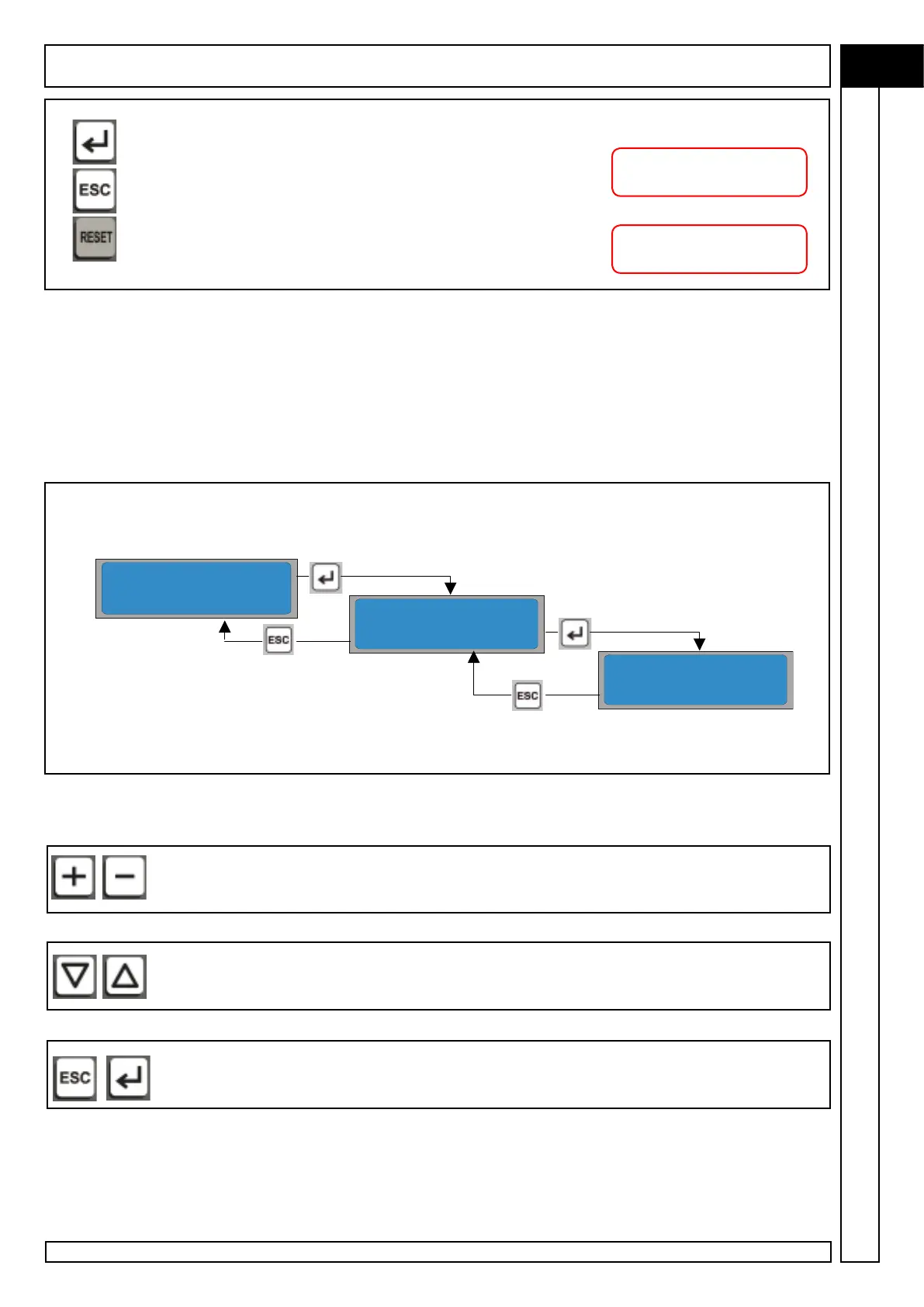
keys K7 and K8 to modify the flashing character; numbers and letters
are displayed subsequently.
keys K5 and K6 keys to move to modification of the previous /next
character.
After inserting the password, this can be-confirmed with the K9-ENTER
key or cancelled with the K4-ESC key.
lf no other key ís pressed, the password entered “expires” after five minutes with possibly
display of a re-entry prompt.
> PASSWORD
ENTER PASSWORD
ENTER PASSWORD
0000
CONFIRMED
pressing the K9-ENTER key
CANCELLED
pressing the K4-ESC key
Each time a parameter is modified, the factory-set (default value) can be
restored for the selected compressor pressing the K3-RESET key.
4.2.1 PASSWORD MENU
Used to enter a password to enable particular functions (e.g. AUTORESTART) or to
access protected menus.
For enabling of the AUTORESTART function, contact the Manufacturer’s Customer Service
The password is inserted using:
MENU C



 To Next Page