EasyManua.ls Logo

Finicare FC-IR202 - Switching Mute;Un-mute; Temperature Compensation; Maintenance and Specifications

Finicare FC-IR202
11 pages
Print Icon
To Next Page IconTo Next Page
To Previous Page IconTo Previous Page
Loading...
7.
Temperature
taking
tips
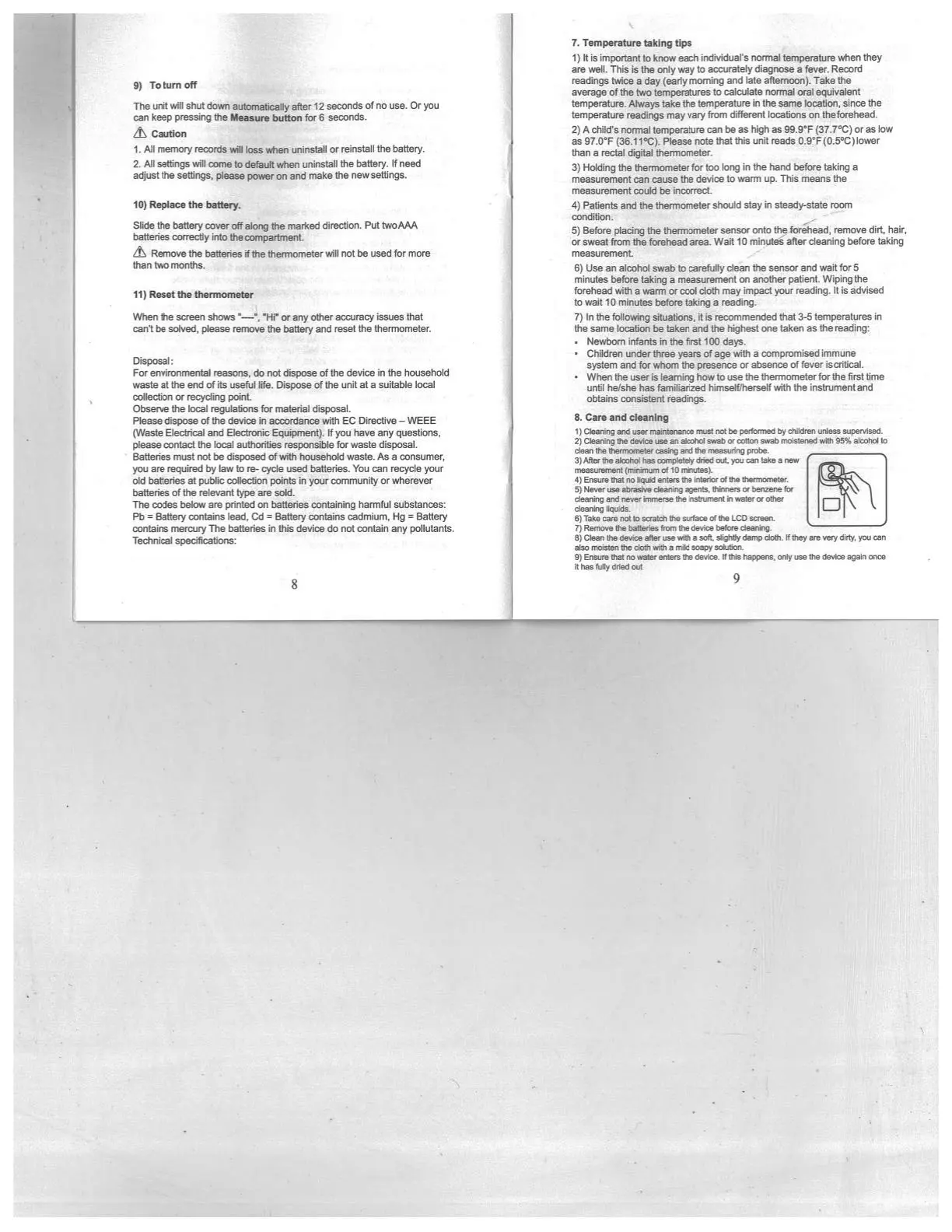
9)
Toturn
oft
The
unit
will
shut
down
automatically
afler
12
seconds
of
no
use.
Or
you
can
keep
pressing
the
Measure
button
for
6
seconds.
&
Caution
1. All
memory
records
will
loss
when
uninstall
or
reinstall
the bahery.
2.
All
settings
will
come
to
default
when
uninstall
the
battery.
If
need
adjust
the
settings,
please
power
on
and
make
the
new
settings.
10)
Replace
the
battery.
Slide
the
battery
cover
off
along
the
martced
direction.
Put
lwoAAA
batteries
correctiy
into
thespa°bnersl.
&
Remove
the
batteries
if
the
thenricenseter wit
not be
used
for
more
than
two
months.
11)
Reset
the
thermometer
When
the
screen
shows
“—‘,
Hi°
oray
other
accuracy
kesues
that
can’t
be
solved,
please
remove
the
battery
and
reset
the
tnerrna’neter
Disposal:
For
environmental
reasons,
do
not
dispose
of
the
device
in
the
househdd
waste
at he
end
of its
useful
life.
Dispose
of
the
unit
at
a
suitable
bee]
coflectiocs
or
recyctng
pdnt,
Observe
the
local
regulations
for
material
disposal.
Please
dispose
o(the
device
in
ardance
with
EC
Directaie
-
WEEE
aste
Eiecbica.’
and Electronic
Eiipoient).
If
you
have
any
questions,
please
contact
the
beat
authorities
responstae
for
waste
dkeposai.
Batteries
roust
not
be
dsposed
of wtth
hcejsetsdd
waste.
As
a
consumer,
you
are
required
by
law
to
re- cycle
used
batteries.
You
can
recyde
your
old
batteries
at
public
collection
points
in
your
community
or
wherever
batteries
of
the
relevant
type
are
sold.
The
codes
below
are
printed
on
batteries
containing
harmful
substances:
Pb
=
Battery
contains
lead,
Cd
=
Battery
contains
cadmium,
Hg
=
Battery
contains
mercury
The
batteries
in
this
device
do
not
contain
any pollutants.
Technical
specifications:
8
I)
It
is
important
to
know
each
individual’s
normal
temperature
when
they
are
well.
This
is
the
only
way
to
accurately
diagnose
a
fever,
Record
readings
twice
a
day (earty
morning
and
late
aftemoon).
Take
the
average
of
the
two
temperatures
to
calculate
normal
oral
equivalent
temperature.
Always
take
the
temperature
in
the
same
location,
since
the
temperature
readings
may vary
from
different
locations
on
theforehead.
2)
A
child’s
normal
temperature
can
be
as
high
as
99.9°F
(31.7°C)
or
as
low
as
97.0°F
(36.11°C).
Please
note that
this
unit
reads
0.9’F(O.5°C)lower
than
a
rectal
digital
thermometer.
3)
Holding
the
thermometer
for too
long
in
the
hand
before
taking
a
measurement
can
cause
the
device
to
warm
up.
This
means
the
measurement
could
be
incorrect.
4)
Patients
and
the
thermometer
should
stay
in
steady-state
room
condition.
5)
Before
placing the
thermometer
sensor
onto
the
forehead,
remove
dirt,
hair.
or
sweet
from
the
forehead
erea.
Waif
tO
minutes
after
cleaning
before
taldng
mesaurennent,
.7
6)
Use
an
atcohd
swat,
to
eftty
dean
the
sensor
and
wait
for
5
minutes
before
taking
a
measurement
on
another
patient.
Wiplrig
the
forehead
with
a
warm
or
cod
doth
may
impact
your
reading.
It
is
advised
to
watt 10
minutes
before
taking
a
reading.
7)
In
the
foflowing
situations,
it
is
recommended
that
3-5
temperatures
in
the
same
location
be
taken and
the
tsghest
one taken
as
the
reading:
Newborn
infants
in
the
first
100
days.
Children
under
three
years
of
age
with
a
compromised
immune
system
and
for
whom
the
presence
or
tsence
of
fever
itcnibcal.
Whenthetceerblearninghowtouaethethermometerforthefrsttime
until
helshe
hasfamfianzed
NmselfIherseif
with
the
instnjn,entand
obtains
constent
readings.
8.
Care
and
cleanth
I
Clawing
sd
race
nsanenarea
‘m
rat
be
peflonwc
by
d**sq
tfleaa
worm.
21
Clearing
te
tten
see
te
a’contl
saab
o-
canon
saab
,rdatened
yvth
26%
atcd’ci
to
cewl
me
tsansntcrethr
casing
ted
tnt
neanv.ni,g
peeve.
afar
the
atoind
rae
roerelaitey
died
cot
Ion,
oss
lake
a
mew
nwasssnsest
(nininsum
ottO
nsnotesl.
4)
Ensure
that
no
liquid
enters
the
inciter
Cf
nine
themiemeter.
tI
N
aver
use asraaive
cleaning
agenta.
thinners
or
benzene
tar
cleaning
and
never
lnnaerae
the
irstnjmesb
in
astor
or
ctinr
cleaning
liqaida.
61
Take cane not to
saatcln
the
strface
Cf
the
LCD
screer
7)
Remcee
lie
baaenen
tram
the
device before
cleaning.
8)
Ctets
the
device
afterutewe
a soft,
slighty
damp
cloth.
lfthsy
are
very
dirty,
you
can
alto
moisten thy
cloth
with
a
wild
soapy
nalufion.
9)
Ensure
that
no
water
cistern
the
device
Ifs,,
haprens,
only
use
the
device
again
osce
it
has
truly
dded
oat
9
5’°l•
N
F_ft..

Related product manuals