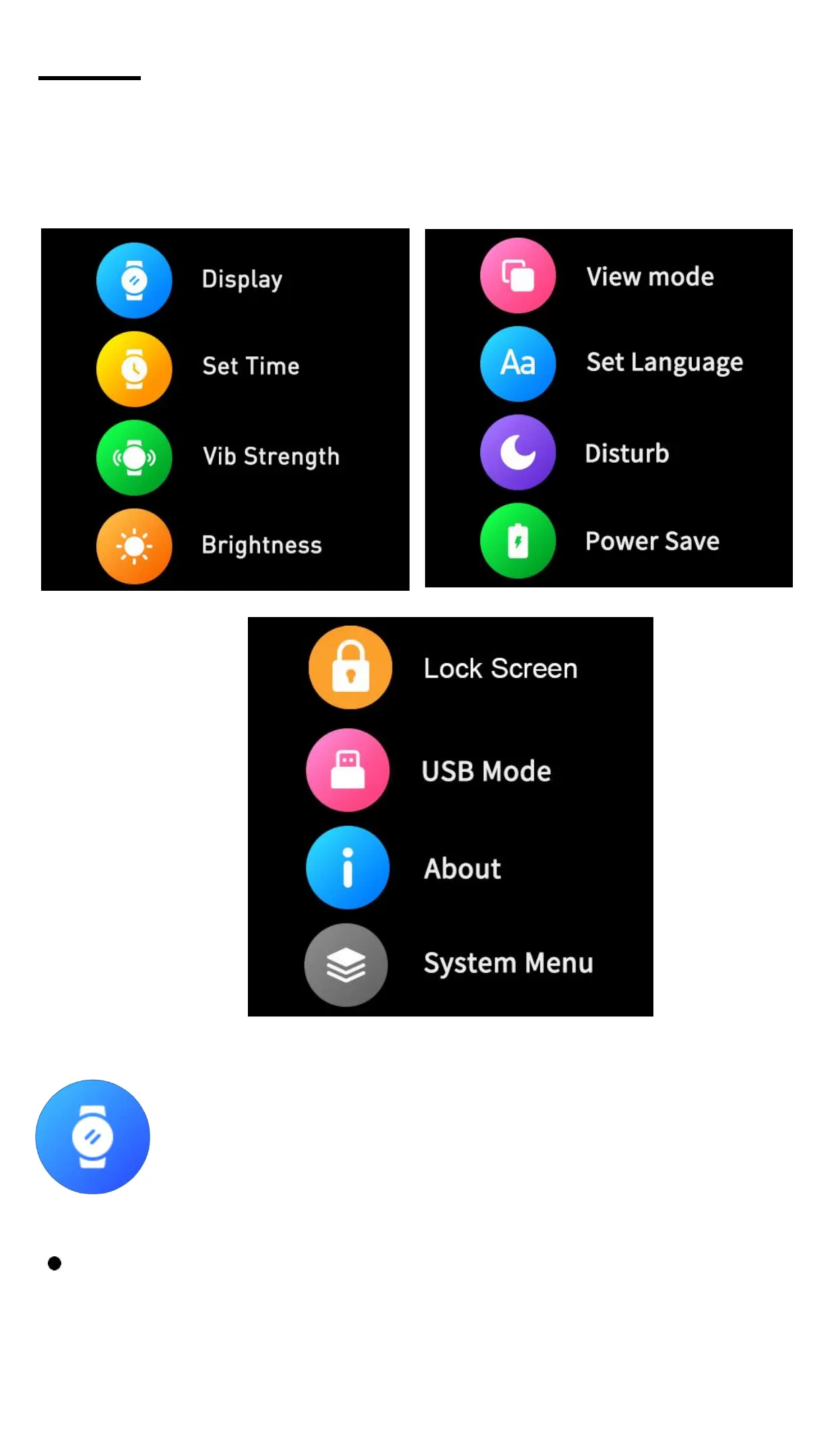
Setting - You can set Display,Time,Vibration
Strength,Brightness,View Mode,Language,DND,
Power Save,Lock Screen,USB Mode,About and
System Menu.
Screen display: Click to enter the screen
display settings.
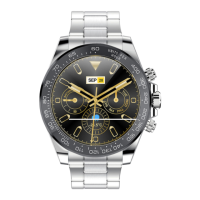
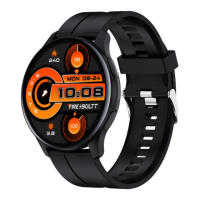
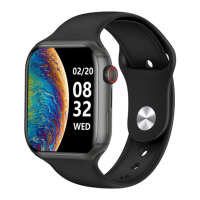
Change the Clock Style: Click to enter, slide left
and right to view the dial, click the dial setting as
the main interface.


 To Next Page