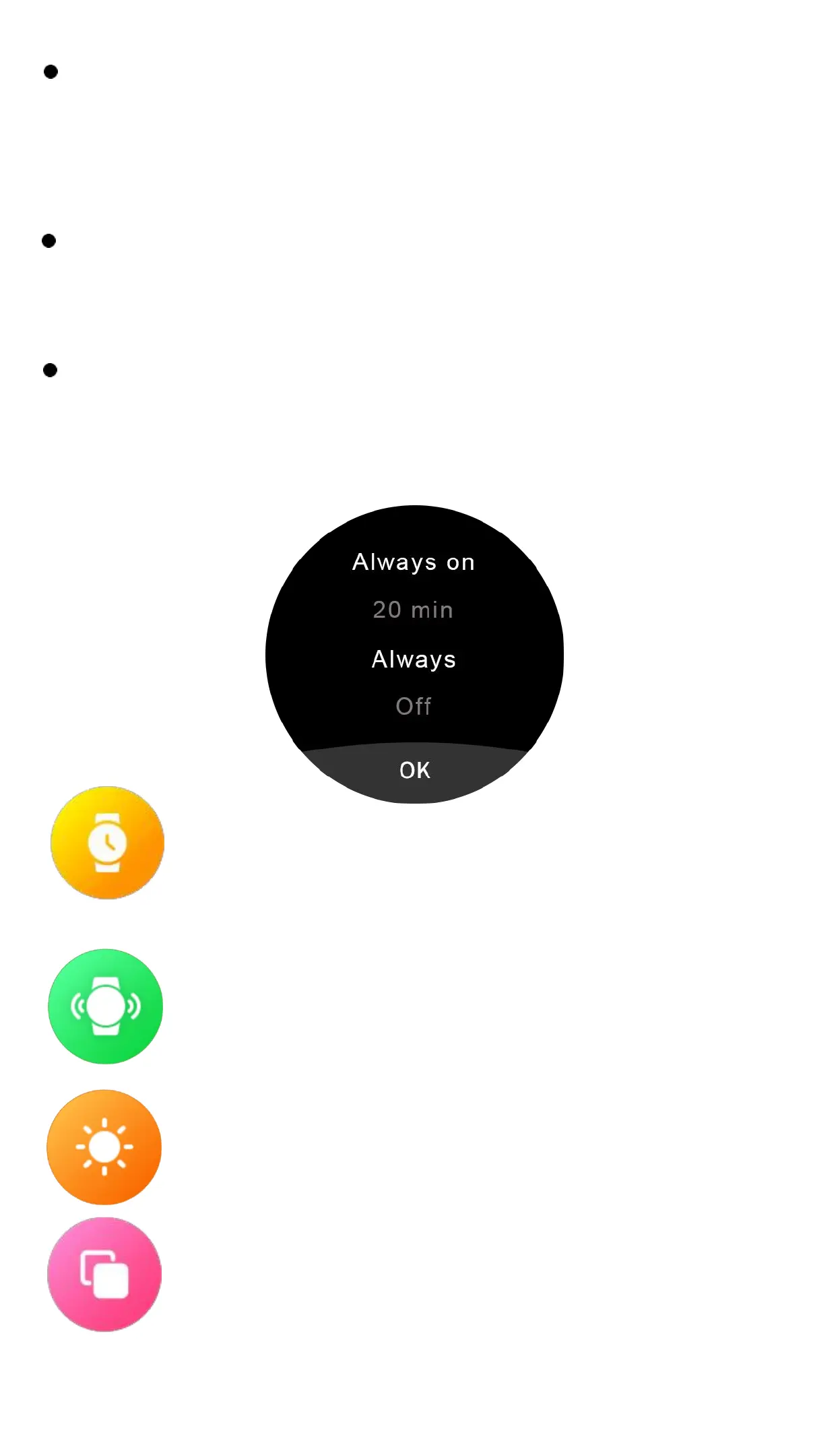
Standby Idle Clock: Click to enter, swipe left and
right to view the standby dial, click to set it as a
rest screen clock.
Screen off time: Click to enter and swipe up and
down to select the screen off time.
Always on: Click to enter and slide up and down
to select shut down display always-on function
or choose Idle clock time.If you want the display
always on,please slide to "Always".
Time Setting: Click to set the date and
time.
Vibration intensity: Click to enter, slide
up and down to select vibration tensity,
Brightness: Click into it, click to set the
screen brightness.
View Mode: Click to change view mode,
there are 7 modes for your selection.



 To Next Page