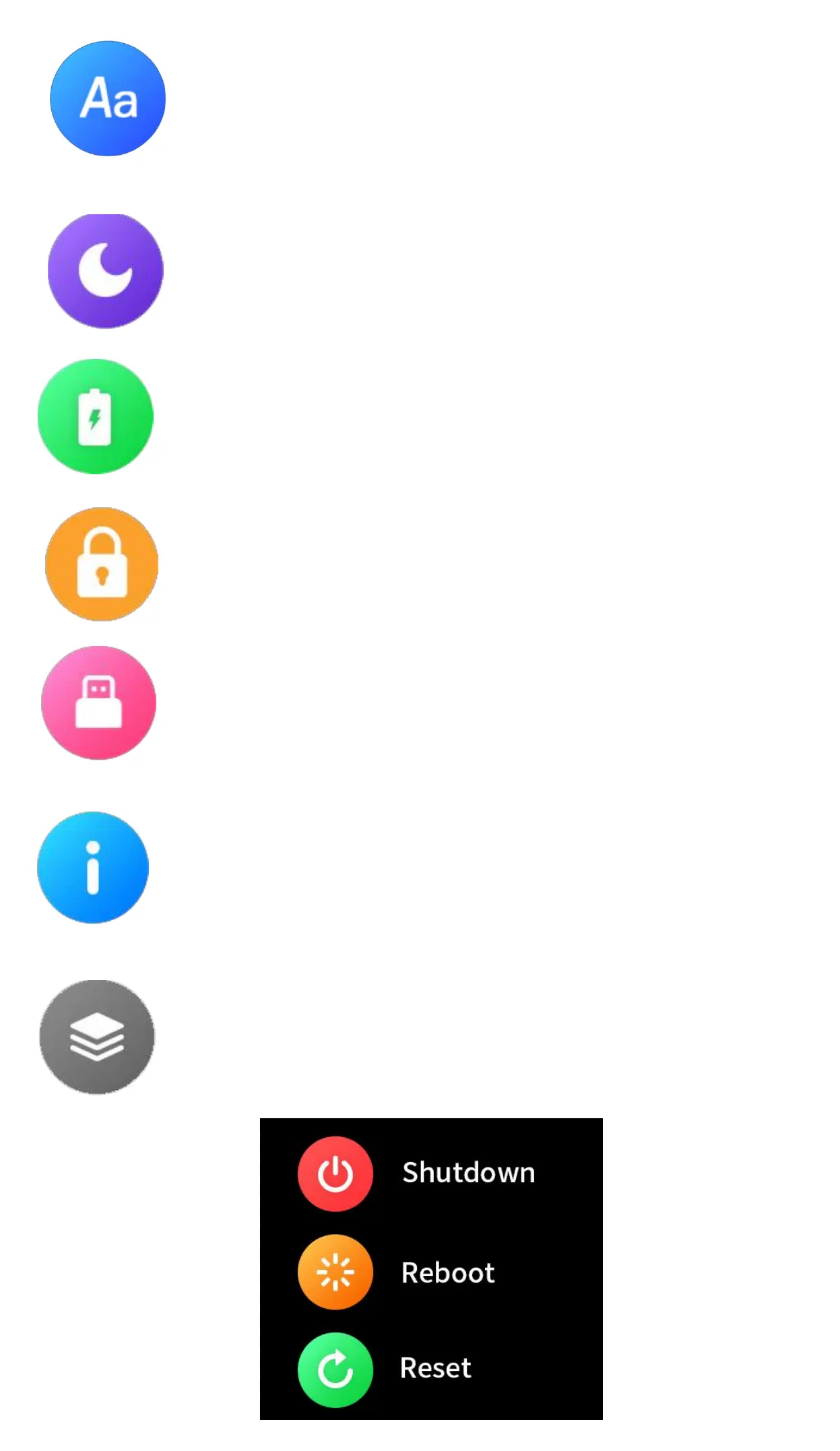
Set language: Click to enter, slide up and
down to set the language, click OK to set
Do not disturb: Click to enter to select to
turn on or turn off Do Not Disturb
Power Save: Click to enter to select to turn
on or turn off Power Save function.
Lock Screen:Click to set lock screen and
set up the password.
USB Mode: Click to enter to upload Mass
Storage Mode to Charge Mode, or trans-
fer Charge Mode to Transfer Mode.
About the watch: Click to view the device
name, version number,bluetooth name,
System Menu:Click to do system setting.
You can shutdown the watch,Reboot the
watch and Reset the watch.


 To Next Page