Getting to know the FD130
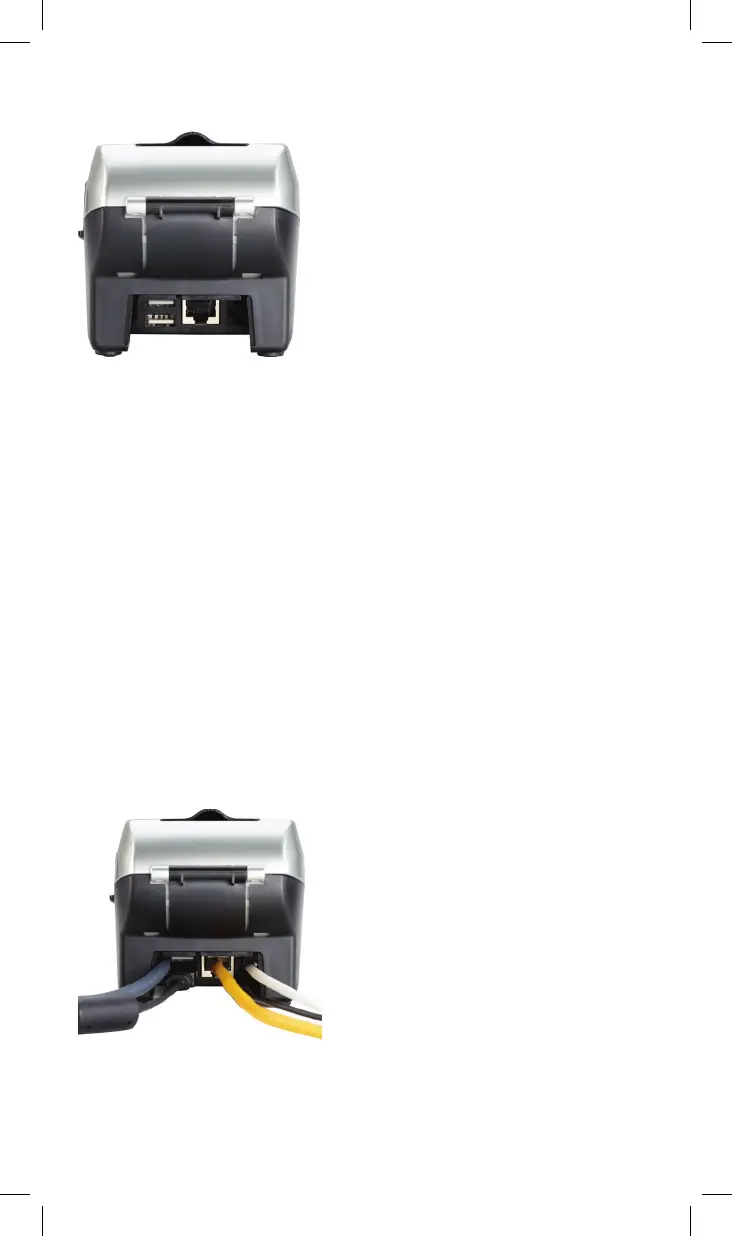
Port connections
The ports on the back enable you to add peripherals such as PIN
ads, check readers and contactless readers.
Phone (blue)
For dial-up transactions using a phone line.
USB (gray) and Serial (green)
You may connect additional peripherals to the USB or COM
ports, such as the FD-10, FD-10C or FD35 PIN pads, and/or the
MagTek
®
MiniMICR Check Reader.
Ethernet (yellow)
For Internet transactions using Cable or DSL.
3



 To Next Page