4
Getting to know the FD130 (continued)
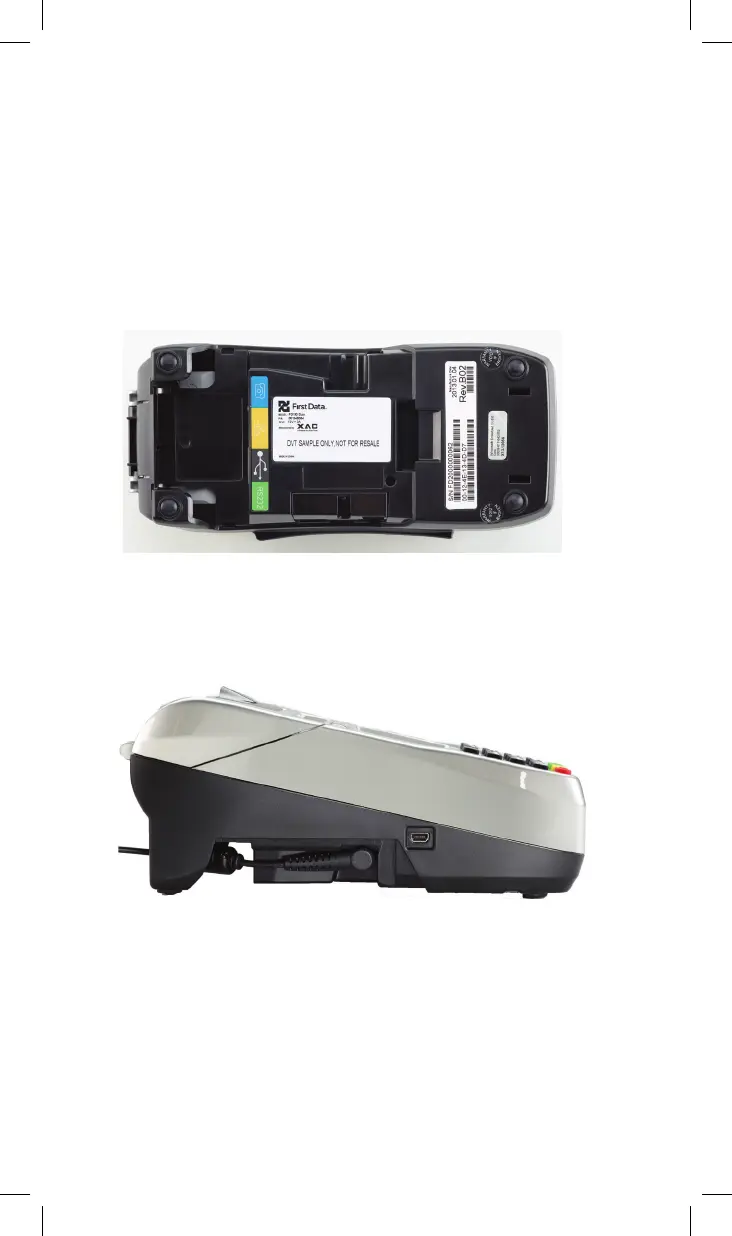
Note: If you open the cover on the bottom of the terminal, you
will find two additional ports. The left is a USB port and the other
is a mini USB port.
Caution: The USB port cover should be kept closed during normal
operation. The USB port cover shall not be removable from other
parts of the FIRE ENCLOSURE by the OPERATOR
AC Input
To connect your power supply to a wall outlet.



 To Next Page