Let’s get started
Typical set-up time: 10-15 minutes
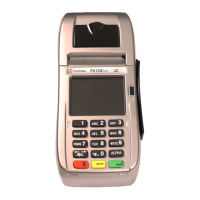
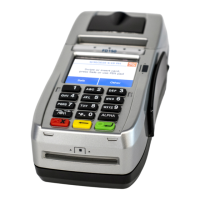
Where to put the FD130 Terminal
Place the terminal on a desk or tabletop. Avoid areas with
direct sunlight, objects that radiate heat, excessive dust and
other electrical devices that can cause excessive voltage.
Loading the paper
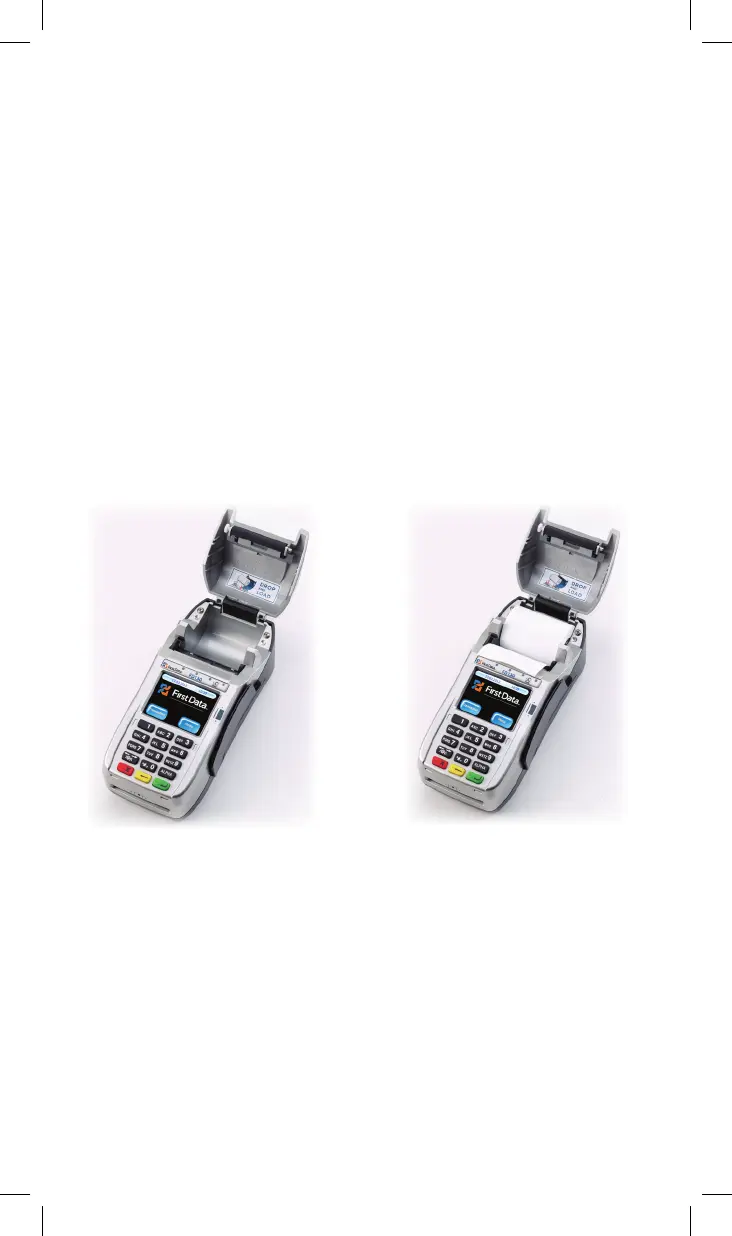
Pop the printer cover’s latch to open the cover; then lift the
cover. Load a roll of paper (Appleton POS Grade Plus 600-2.4
is recommended) into the printer. The thermal print-side of
the paper will feed out facing the operator. Close the cover
and tear off any excess paper.
5



 To Next Page