Basic operations
Settlement
To settle the batch on your terminal and clear it of all transaction
information, you can set the device to auto-close or manually
manage the close.
For auto-close settings, please call the help desk (see sticker on
the side of your device).
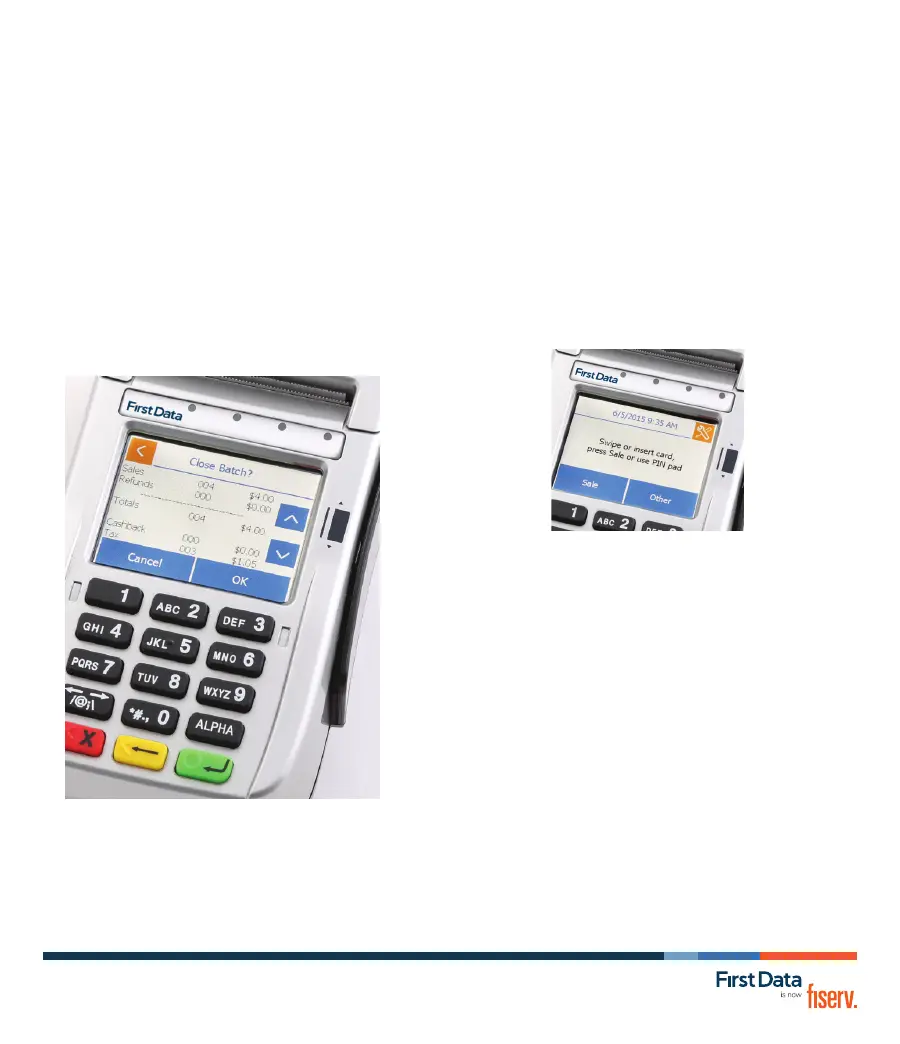
To settle the batch manually:
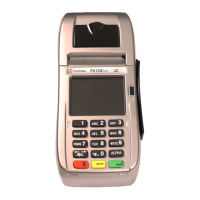
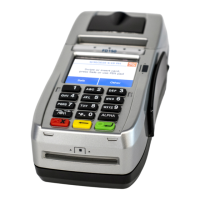
1 From the home screen, select “Other.”
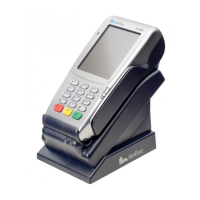
2 Depending on your specic terminal model, select
“CLOSE” or “Close Batch.”
3 Select OK via the touch screen (or press 3 for non-touch
screen terminals.)
4 The terminal will now complete the batch settlement.
The following operations are meant to cover the most common
transactions. For more detailed assistance, please refer to
businesstrack.com/terminalguides.
Sale
To begin a sale, your customer may offer a card for payment
in one of three ways:
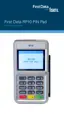
1 By inserting a “chip card” into the slot at the front of the
terminal or PIN pad, called the “dip slot.”
Reminder. the chip card must remain in the dip slot until the
device prompts the customer to remove it.
2 By swiping the card through the magnetic stripe reader.
3 By tapping a contactless card or phone.
Then
• Follow the on-screen prompts
• If prompted, your customer will enter their PIN or can press
Cancel X to bypass
• The device will automatically print a receipt or prompt for
customer receipt. To skip this step, press ENTER or CANCEL
(red button).
Refund
To issue a refund to the cardholder:
1 From the home screen, Select “Other.”
2 Select Refund.
3 Enter the amount.
4 Instruct your customer to insert, swipe or tap their card.
5 Select Credit.
6 The device will automatically print a receipt or prompt for
customer receipt. To skip this step, press ENTER or CANCEL
(red button).
For more information or if you have questions, go to
businesstrack.com/terminalguides or contact your
help desk at the number on the sticker on your device.
© 2009–2019 Fiserv, Inc. or its afliates. Fiserv is a registered trademark. Other products referenced in
this material may be trademarks or registered trademarks of their respective companies. 603578 2019-10
FirstData.com


 To Previous Page
 Loading...