System Operation
Temperature Units (Fahrenheit/Celsius)
Setting Operating Temperature
Temperature Options
Safety Features
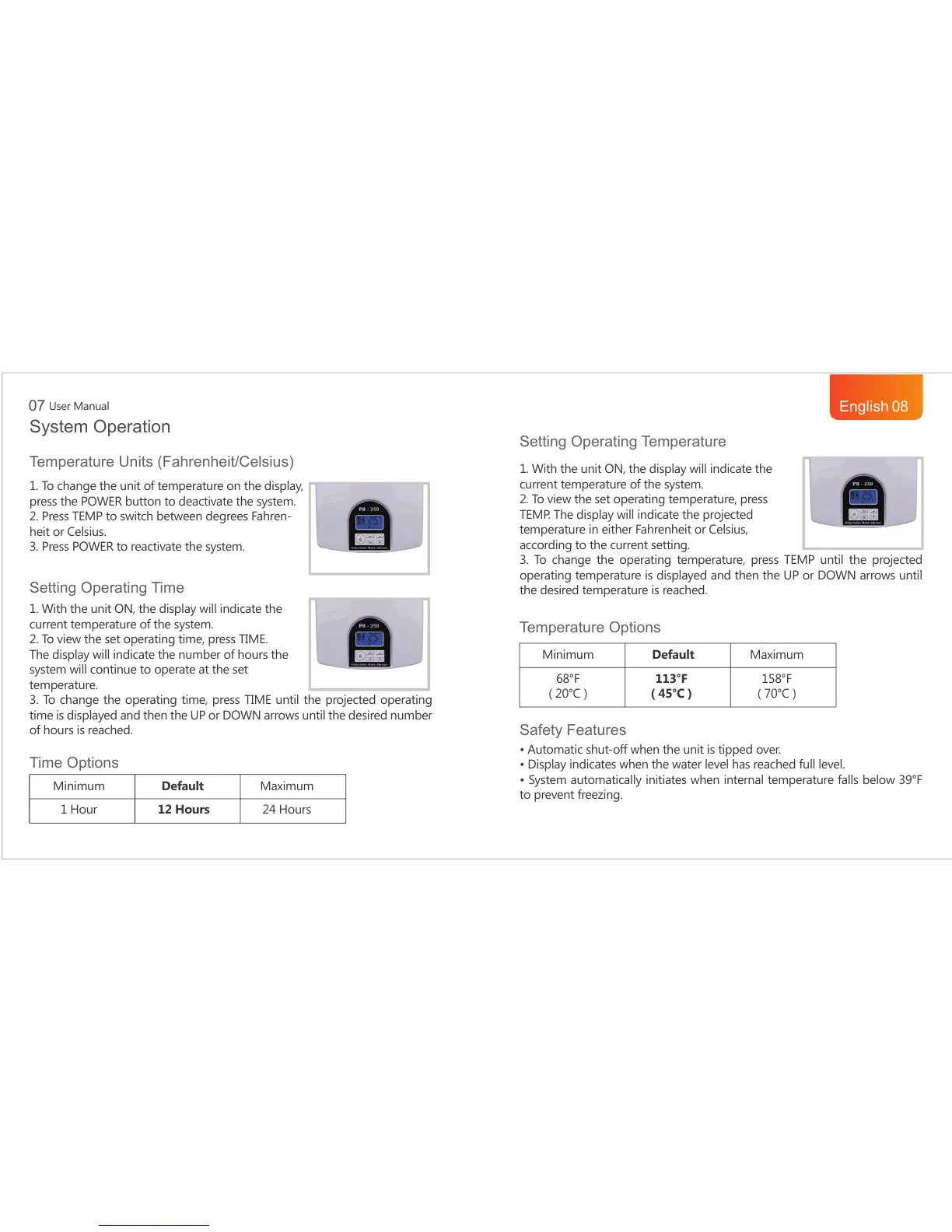
1. To change the unit of temperature on the display,
press the POWER button to deactivate the system.
2. Press TEMP to switch between degrees Fahren-
heit or Celsius.
3. Press POWER to reactivate the system.
Setting Operating Time
Time Options
1. With the unit ON, the display will indicate the
current temperature of the system.
2. To view the set operating time, press TIME.
The display will indicate the number of hours the
system will continue to operate at the set
temperature.
3. To change the operating time, press TIME until the projected operating
time is displayed and then the UP or DOWN arrows until the desired number
of hours is reached.
Minimum
1 Hour
Default
12 Hours
Maximum
24 Hours
Minimum
68°F
( 20°C )
Default
113°F
( 45°C )
Maximum
158°F
( 70°C )
1. With the unit ON, the display will indicate the
current temperature of the system.
2. To view the set operating temperature, press
TEMP. The display will indicate the projected
temperature in either Fahrenheit or Celsius,
according to the current setting.
3. To change the operating temperature, press TEMP until the projected
operating temperature is displayed and then the UP or DOWN arrows until
the desired temperature is reached.
$XWRPDWLFVKXWRIIZKHQWKHXQLWLVWLSSHGRYHU
'LVSOD\LQGLFDWHVZKHQWKHZDWHUOHYHOKDVUHDFKHGIXOOOHYHO
6\VWHPDXWRPDWLFDOO\LQLWLDWHVZKHQLQWHUQDOWHPSHUDWXUHIDOOVEHORZ)
to prevent freezing.
User Manual
07
English
08



 To Next Page