SelectAirCon.com
Tel 647171531 or
966719362
Page 8 of 15
Operation of Air Conditioner
1 Run/Stop Press the I/O button to Start and Stop the operation.
2 Temp Adj Press the Temp Adj button to increase or decrease the
temperature by 1 degree.
3 Fan Adj Press the Fan Adj button to vary the speed of the fan from Low,
Medium. High and Auto
4 Sleep Select the Sleep button to set the sleep operation which sets
the room temperature to a comfortable level and maintains it
overnight.
5 Air Flow Change the air flow direction by pressing the Manual Swing
button from 1 – 5 angles. In Dry or Cool mode, air blows
downward in positions 4 – 5 for one hour and revert to
horizontal blowing automatically to prevent possible
condensation drips.
By pressing the Auto Swing button, the deflector swings
automatically .
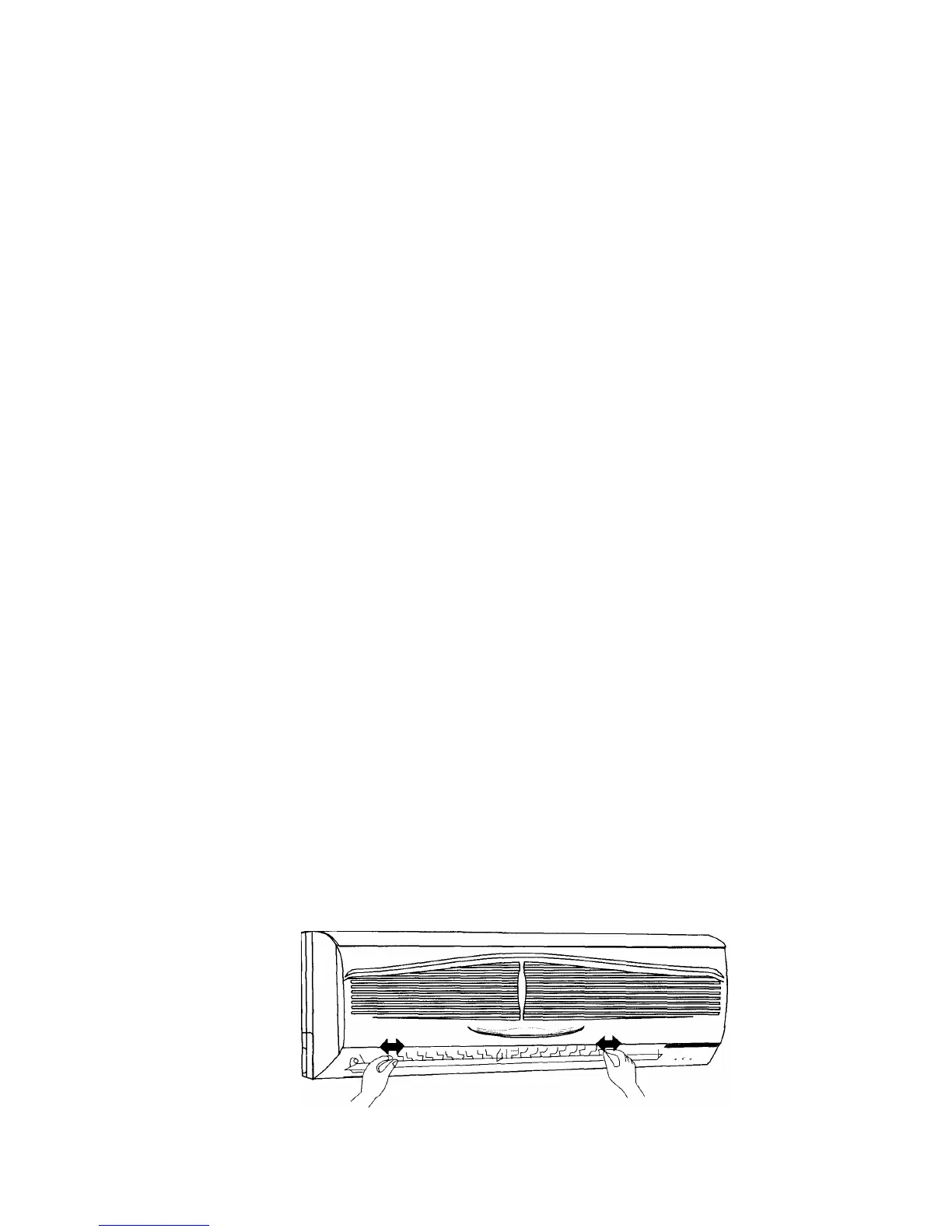
The air flow can be directed left and right by manually adjusting the deflectors.
Complete the adjustment before operation as the swinging deflector may trap
your fingers.



 To Next Page