29
ROBO TX CO n T R O l l e R In s T R u C T I O n Ma n u a l
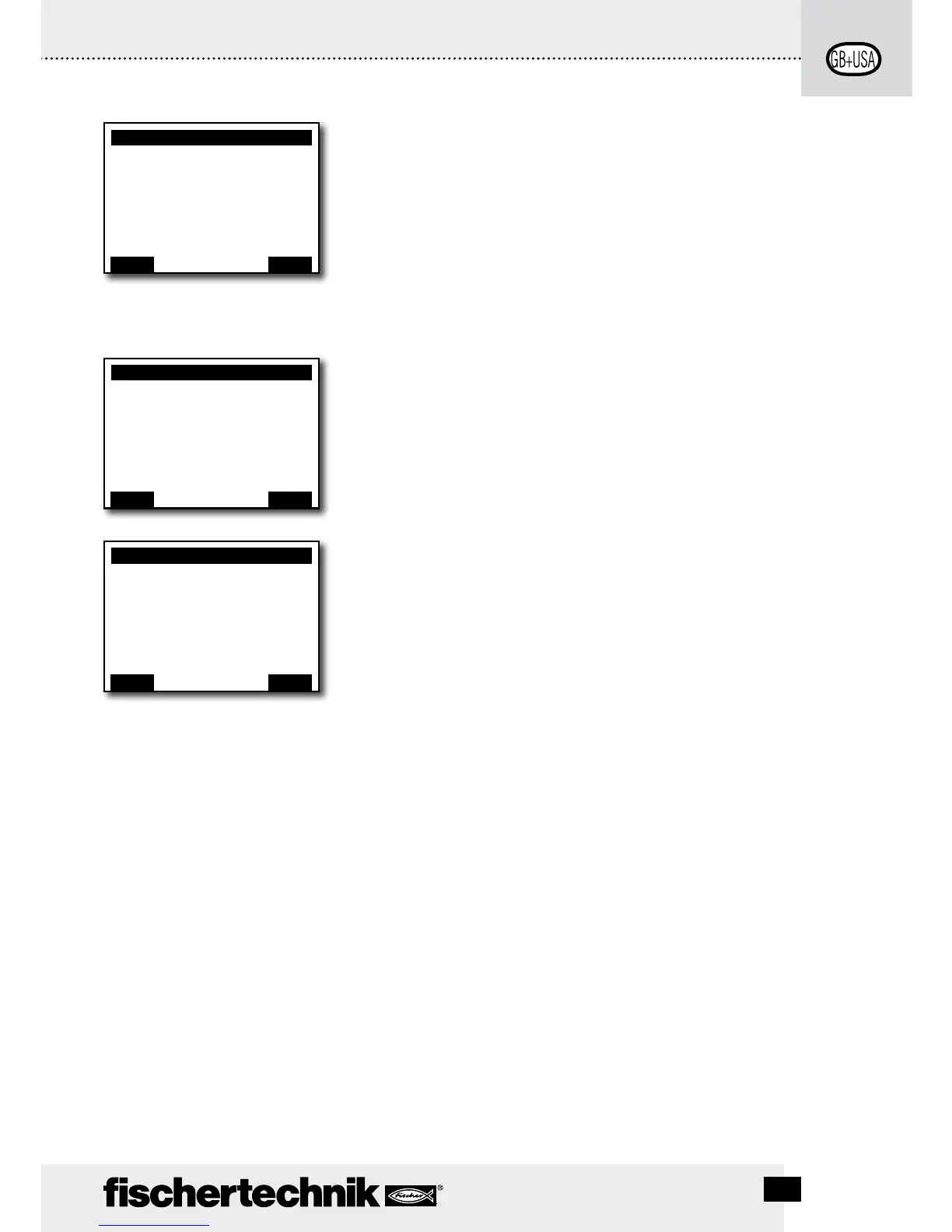
The Role
Here, the Controller is assigned the role as master or as an
extension 1 ... 8. Just select and confirm with OK. More on
the subject in the chapter, "Expansions".
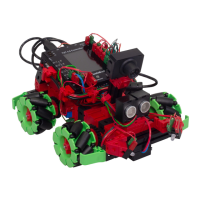
The Languages
Here, the language used in the display can be changed. Just
select and confirm with OK.
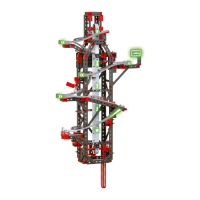
Bluetooth
If one of the lines 1 to 5 is selected, a menu opens up, in
which the particular functions can be switched on or off or
changed.
Line 1: Bluetooth:
The Bluetooth function is switched on or off here.
Line 2: Device discoverable
If the function is switched on, then other Bluetooth devices
can identify the ROBO TX Controller.
Line 3: Device connectable
If the function is switched on then the ROBO TX Controller
allows other devices to make a Bluetooth connection with
the Controller.
Line 4: Paired devices:
Shows how many devices are connected with the Controller
over Bluetooth.
Line 5: Restore defaults:
Restores the original factory settings.
Role:
Master
Extension 1
...
...
...
Extension 8
Back
È
OK
<– Double click
to change direction
Language:
English
Deutsch
Français
Nederlands
Español
...
È
OK
<– Double click
to change direction
Bluetooth
Bluetooth: ON
Device discoverable Yes
Device connectable Yes
Paired devices: 0
Restore defaults:
Back
È
OK
<– Double click
to change direction




 To Next Page