15
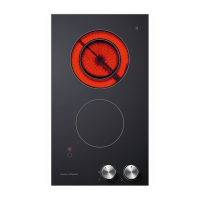
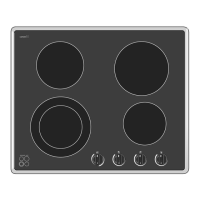
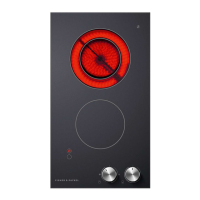
The cooking zones become red when turned on full.
Whenever a cooking zone is turned on, the ‘Cooking zone On’ indicator light will glow.
When a cooking zone is turned off, the ‘Hot surface’ indicator light will glow until the glass
becomes cool enough to be safely touched.
Cooking zone controls
To begin cooking, turn the control knob of the cooking zone you wish to use to the High setting,
then adjust as necessary.
For further advice, see ‘Cooking guidelines’ following.
When you have finished cooking, turn the knob to the off (
O
) position.
When you have finished using your cooktop, make sure that all knobs are turned off and the
‘Cooking zone On’ indicator is unlit.
Using your cooktop
Fig.9 Control knob (CE604) Fig.10 Control knob (CE302)
High
High
Low
Low
OFF
OFF


 To Next Page
 Loading...