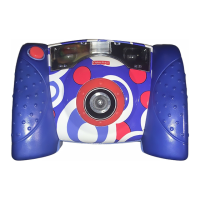
Turning the Camera On and Off
Power Button
• The camera will not turn on if the battery compartment door is open. Make sure the battery
compartment door is closed and locked before using the camera.
• Press the power button on the back of the camera to turn power on. You will hear a tone.
• To turn power off, press and hold the power button until you hear a tone.
Hint: If you have not used the camera for a while, it shuts off automatically. To turn it back on,
simply press the power button.
12


 To Next Page
 Loading...