13
For more detailed instructions please visit www.fishman.com/tripleplay
TriplePlay Pairing
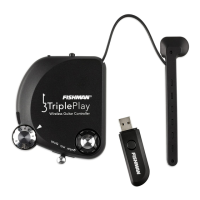
Pairing the controller and USB receiver
TriplePlay transmits wirelessly via a proprietary radio protocol that is prioritized for transmitting MIDI. This type
of transmission is much more accurate than Bluetooth or wireless network and allows TriplePlay to send data at
near-zero latency (1ms). The controller and receiver need to pair in order to work properly. This step generally
needs to be performed once and is remembered automatically during future use. Follow the instructions below
to pair the controller and receiver.
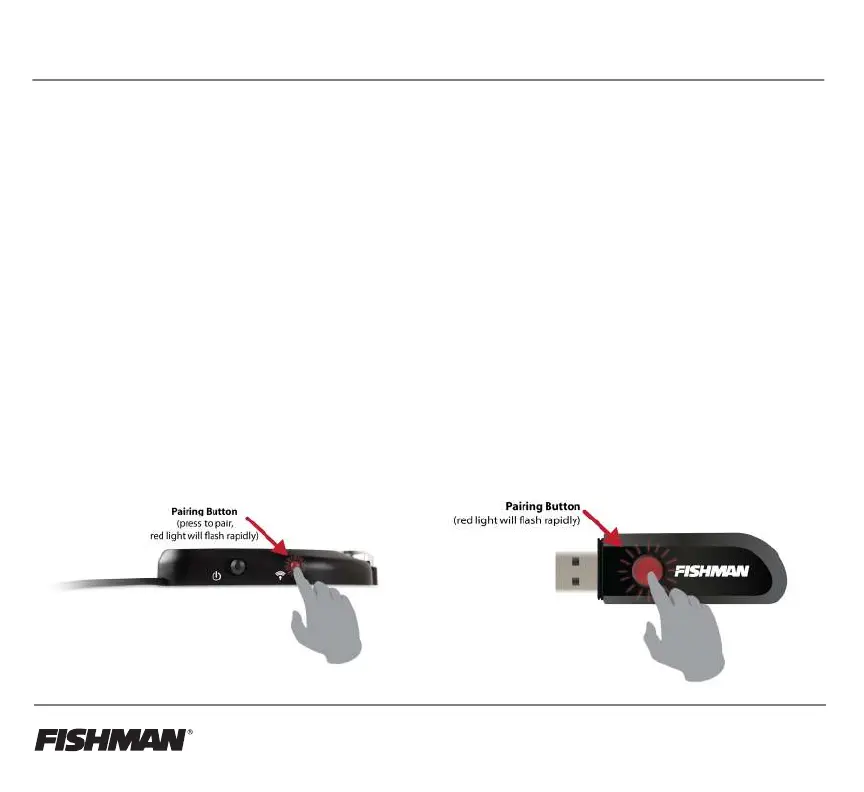
• Turn the controller on and insert the receiver into the USB port of a computer, tablet, or device that
accepts USB MIDI.
• LED lights on the controller and receiver will flash moderately, showing that the controller and receiver
are not paired.
• The LED lights themselves are push buttons - press both buttons to pair, and the LED lights will start to
flash rapidly while they connect to each other.
• Once paired, the receiver LED will glow steadily, while the controller’s LED flashes slowly.
Note: TriplePlay will not work unless the controller and receiver are paired!



 To Next Page