14
For more detailed instructions please visit www.fishman.com/tripleplay
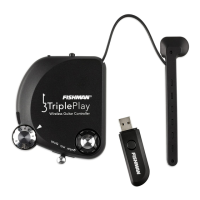
TriplePlay Getting Started
Installing the TriplePlay software is quick and easy!
TriplePlay includes custom software designed specifically for your controller. Follow the instructions below to
download the software. The process is quick and easy and will have you playing sounds on your computer in
minutes.
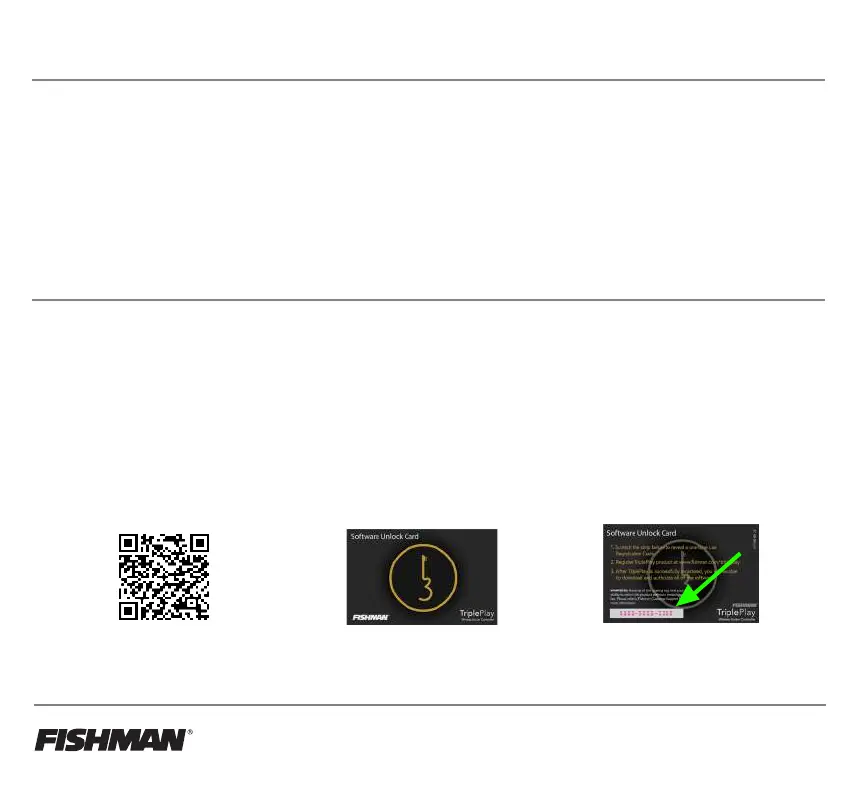
1. Register your product by using
the QR code below or navigate
to https://www.fishman.com/
support/tripleplay-registration/
2. Find the Software Unlock
Card provided in the
TriplePlay Wireless box.
3. Scratch off the coating at the bottom
left of the back of the card to reveal
the Software Unlock Code. You will
enter this code when you register.
Once you have registered TriplePlay, download the latest TriplePlay software installer available
in the software downloads section and follow the instructions.
TriplePlay Software - TriplePlay's Best Friend
We highly recommend you download and use the the free TriplePlay Software package when connecting to
your computer and DAW. In addition to offering a wide range of instruments and other music-making features
and utilities, it helps you tune your TriplePlay to achieve the most accurate performance.
The Sensitivity Settings utility included with the software package is particularly important to the proper setup
of the TriplePlay hex pickup. While the default settings will provide acceptable tracking, you can achieve the
best performance by setting the sensitivity of each string so that your loudest played notes nearly reach the top
of the meter. Proper sensitivity adjustment is particularly important when using TriplePlay with hardware synths.



 To Next Page