15
For more detailed instructions please visit www.fishman.com/tripleplay
guitar
mix
synth
0
1
2
3
4
5
6
7
8
9
1
0
TriplePlay Basic Mode Operation
Just turn it on and connect!
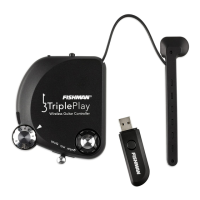
What is Basic Mode? If you want to get started playing right away without using the TriplePlay software, simply
plug the TriplePlay USB receiver into the USB port of a computer, tablet, mobile, or device that accepts USB
MIDI. If you have not already done so, pair the receiver with your controller. TriplePlay will appear as a MIDI
device transmitting all strings on MIDI Channel 1.
plug the USB receiver into any device that accepts USB MIDI
Working in Basic Mode
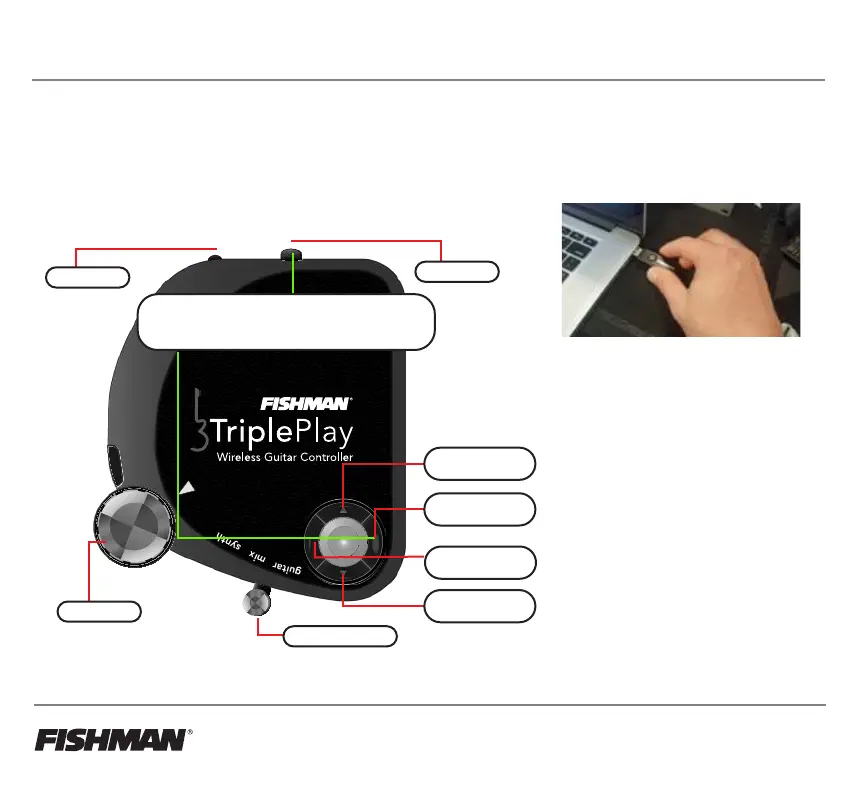
• Up/Down Buttons - send MIDI
Program changes: Bank 0,
Program +/-1
(starting from program 001)
• Enter/Back Buttons - turn On/Off
Pitch-bending: Enter = Off
or Back = On
• Volume Knob - sends MIDI
Volume CC 007
• Guitar/Synth Switch - N/A in
Basic Mode. Only works with the
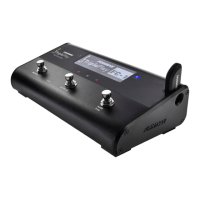
TriplePlay software or FC-1 Pedal
Up Button
+ Program Change
Enter Button
Pitch Bend Trigger
Down Button
- Program Change
On/Off Switch
Pairing Button
Volume Knob
Guitar/Synth Switch
Basic Mode Controls
Switch controller ‘On’ to start in Basic Mode
(Starts in Basic Mode unless connected to TriplePlay software)
Back Button
Pitch Bend Auto



 To Next Page