EasyManua.ls Logo

Fit4Home F4H-TM-D2450 - User Manual

Default Icon
25 pages
Print Icon
To Next Page IconTo Next Page
Loading...
1
F4H-TM-D2450
Please Keep For Future Reference
IMPORTANT - Please Read Instructions Fully Before Assembly Or Use
These instructions contain important information which will help you get the best
from your equipment and ensure safe and correct assembly, use and maintenance.
If you need help or have damaged or missing parts,
call the Customer Helpline: 0330 124 0718 (Opening hours: Mon-Fri 9:00am-3:00pm)
or Email: customerservices@fit4home.co.uk
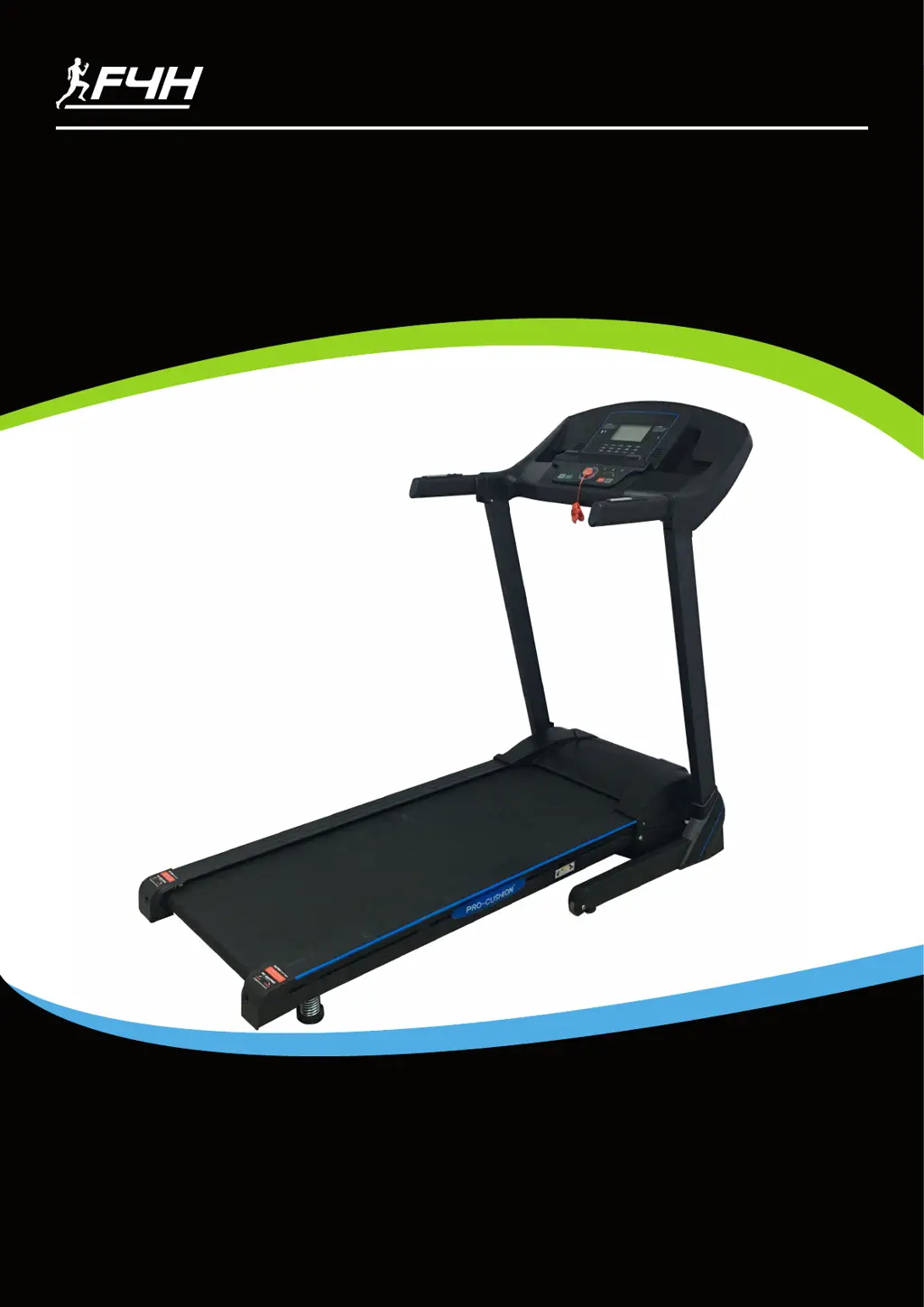
TF-D2450 TREADMILL
USER MANUAL

Questions and Answers

  • G
    gibsonmatthewAug 9, 2025
    What to do if my Fit4Home Treadmill shows current overload protection?
    • A
      Amanda MillerAug 10, 2025
      If your Fit4Home Treadmill shows a current overload, it means the treadmill's self-protection system has been activated. This can be caused by overloading the machine or the motor being stuck, leading to excessive current. Try adjusting the machine and restarting it. Also, check the motor for unusual noises or signs of burnout in the motor or bottom control board. If either is burnt out, replace them with good components and ensure the correct voltage is used.
  • A
    Austin WilliamsAug 16, 2025
    Why Fit4Home Treadmill computer cannot find safety key signal?
    • S
      Stephanie FordAug 16, 2025
      If the computer on your Fit4Home Treadmill cannot find the safety key signal, first ensure that the safety key is properly placed in its position. If it is, open the computer to check if the safety key wire is securely connected and inspect the PCB for any damage or deviation in its position.
  • R
    Rodney LeeAug 21, 2025
    What to do if Fit4Home Treadmill control board doesn't find voltage on DC motor wire?
    • P
      powellvictoriaAug 21, 2025
      If the control board of your Fit4Home Treadmill cannot detect voltage on the DC motor wire, first check if the DC motor wire is properly connected to the control board; if not, reconnect the wire. If the connection is secure, inspect the power tube and nearby components for any damage and replace any damaged parts.
  • N
    ncookAug 27, 2025
    How to fix message failure between computer and control board on Fit4Home F4H-TM-D2450 Treadmill?
    • M
      matthew27Aug 27, 2025
      To address a message failure between the computer and the control board on your Fit4Home Treadmill: * Check the wire connections between the computer and the bottom control board to ensure they are secure. * Inspect the IC on the control board for looseness; if loose, reset the IC. * If the bottom control board has power issues, consider replacing it.
  • J
    jimmy59Sep 2, 2025
    What to do if DC motor on Fit4Home F4H-TM-D2450 doesn't find speed feedback signal when rotating?
    • C
      Christian DoyleSep 2, 2025
      If the DC motor on your Fit4Home Treadmill does not detect the speed feedback signal while rotating: * Check if the DC motor rotates. If it stops quickly and the computer shows error E03, verify the light sensor is fixed correctly, the sensor wire isn't damaged, and the pin connects well with the 4-pin connector on the speed sensor. * Inspect the 4-pin connector, nearby components, the control board, and the IC for any damage. * If the DC motor doesn't rotate at all and the computer shows E03, check if the DC motor is blocked or damaged.

Summary

IMPORTANT SAFETY INFORMATION

General Safety Precautions

Covers essential safety guidelines for operating the treadmill.

ASSEMBLY INSTRUCTIONS

Step 1: Prepare Main Frame

Unpack and place the main frame on a level surface.

Step 2: Attach Computer Frame

Connect the computer frame to the uprights using bolts and washers.

Step 3: Raise Uprights

Pull up the computer and L&R uprights, ensuring wires are not pinched.

Step 4: Secure Frame

Attach the right upright tube to the main frame and base frame.

Step 5: Install Base Covers

Fix the right base cover to the upright and base using bolts.

Step 6: Insert Safety Key

Place the safety key into the computer console.

TECHNICAL PARAMETER

Grounding Methods

Explains the importance and procedure for grounding the treadmill to prevent electric shock.

COMPUTER OPERATION GUIDE

EXERCISE INSTRUCTIONS

RUNNING BELT ADJUSTMENT

Belt Tension and Alignment

Instructions on how to adjust the running belt for proper tension and centering.

TROUBLESHOOTING

Error Code Solutions

Lists common error codes (E1, E2, E3, E5, E7) and their solutions.

Fit4Home F4H-TM-D2450 Specifications

General IconGeneral
BrandFit4Home
ModelF4H-TM-D2450
CategoryTreadmill
LanguageEnglish

Related product manuals