10
• The steps displayed represent your daily total. Your Zip resets each day at midnight.
• Walking and running steps are displayed as a combined total.
Distance
• Zip calculates your distance based on your step count and stride length. Your stride
length is estimated based on your height, weight, age, and gender. You also have the op-
tion of entering your own stride length for more accuracy. (Link here to Calculating Stride
length)
• Distance can be viewed in either miles or kilometers by changing your settings.
tbit.com/user/prole/edit
Calorie Burn
• Zip records how many calories you’ve burned based on your activities throughout the
day and your Basal Metabolic Rate (BMR). (link to BMR denition/explanation of BMR)
• When you manually log an activity on Fitbit.com, the calorie burn associated with it will
be added to your Zip the next time you sync.
• The total displayed is how many calories you have burned since midnight, including your
BMR.
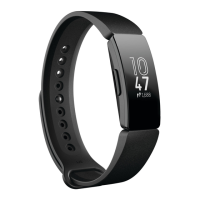
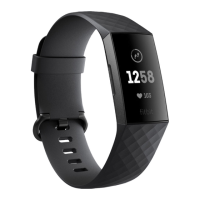
Clock
• The clock shows the current time. If the time is not correct, please sync your Zip and
make sure that have selected the appropriate time zone in your Fitbit.com prole.













 To Next Page


