Setting a Puck as a Gateway or Sensor
7
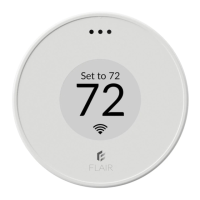
72
Temperature App (Default Home Screen)
Puck opens in this App by default. This screen
lets you adjust the room’s current setpoint.
Push the Puck to go back to the app menu.
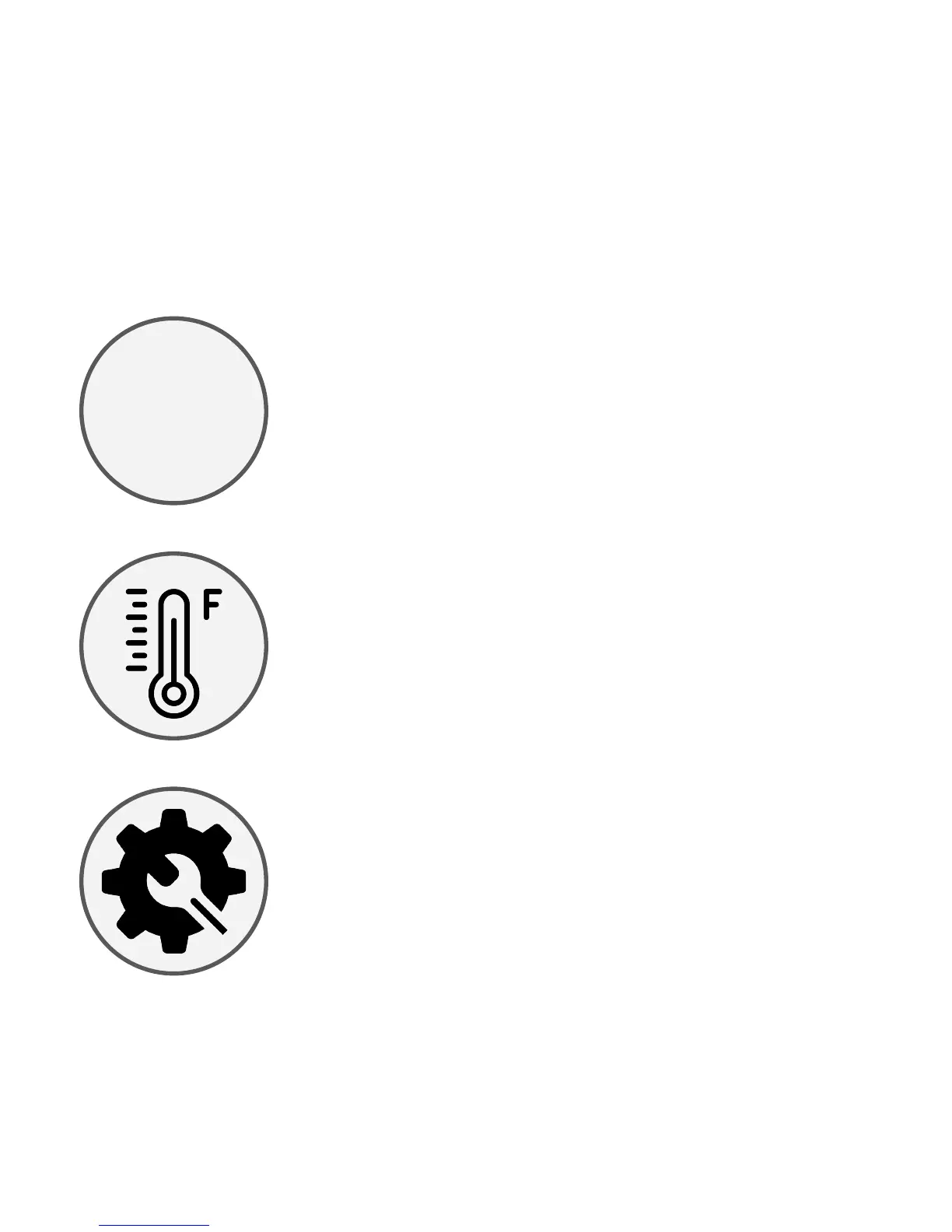
Temperature App Icon
This is the menu icon for the Temperature App
shown above. You can Push the Puck to open
the Temperature App. Rotate to see other
menu icons for different apps.
Settings App Icon
This is the menu icon for the Puck Settings
App. Push the Puck to open the Settings App.
1
2
3


 To Next Page