Switching
To
Gateway
Make Gateway
Factory Rest
Exit
8
72
4
5
6
Settings App
This App lets you change your Puck from a
Sensor or Gateway and apply other settings.
Push the Puck to go back to the App menu.
Wait
After switching your Puck to a Sensor or
Gateway, the Puck will take a few moments to
apply the change. Wait until you see the home
screen or a message saying its finished.
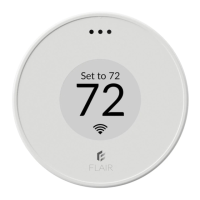
Temperature App (Default Home Screen)
After making your Puck a Gateway or Sensor,
your Puck will return to the home screen.
Setting a Puck as a Gateway or Sensor


 To Next Page