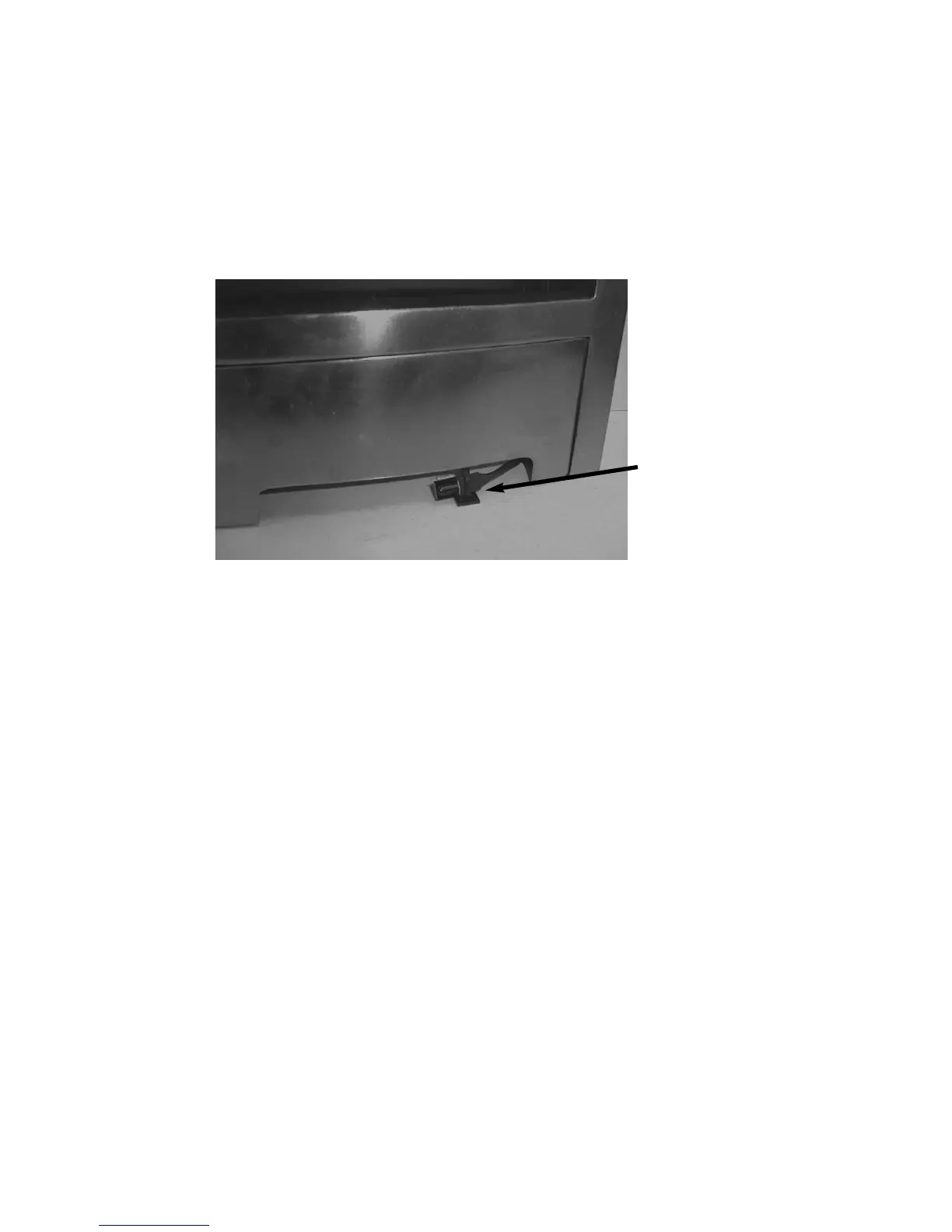
b) Remove the backing paper from the self adhesive pad and position the
infrared eye in the air channels in the ashpan cover, so that the infrared
eye is flush with the front edge of the ashpan cover, as shown below in
figure 21. Check the operation of the handset, as detailed in section
3.10 and adjust the position of the infrared eye if necessary.
Fig. 21
24
Correct final position
of the Infrared Eye
Sensor





 To Next Page