Page 13
Master Programming Mode
CAUTION: Before entering Master Programming, please contact your local professional water dealer.
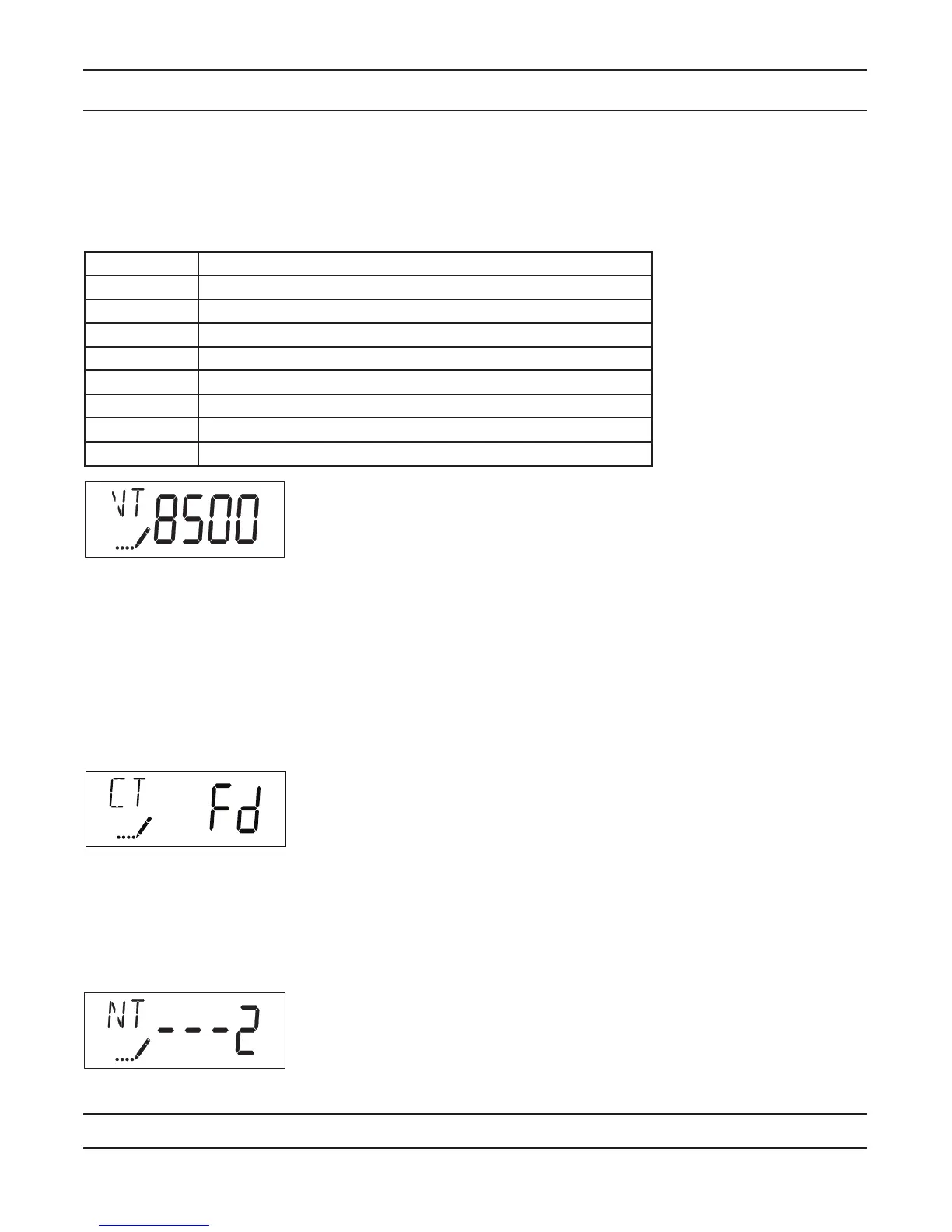
2. Valve Type (Display Code VT)
Press the Extra Cycle button. Use this display to set the Valve Type. The Valve Type setting specifies the type of
cycle that the valve follows during regeneration. Note that some valve types require that the valve be built with
specific subcomponents. Ensure the valve is configured properly before changing the Valve Type setting. This
option setting is identified by “VT” in the upper left hand corner of the screen. There are 6 possible settings:
Abbreviation Parameter
St1b Standard Downflow/Upflow, Single Backwash (Not Used)
St2b Standard Downflow/Upflow, Double Backwash (7000 Default)
Fltr Filter (7000 Default)
UFbF Upflow Brine First (Not Used)
8500 TwinFlo 100 (Not Used)
Othr Other (Not Used)
dFFF Down Flow Fill First
IF Air Injected Oxidizer (AIO)
3. Control Type (Display Code CT)
Press the Extra Cycle button. Use this display to set the Control Type. This specifies how the control determines
when to trigger a regeneration. For details on how the various options function, refer to the “Timer Operation”
section of this service manual. This option setting is identified by “CT” in the upper left hand corner of the screen.
There are four possible settings:
Meter Delayed: Fd
Meter Immediate: FI
Time Clock: tc
Day of Week: dAY
4. Number of Tanks (Display Code NT)
Press the Extra Cycle button. Use this display to set the Number of Tanks in your system. This option setting is
identified by “NT” in the upper left hand corner of the screen. There are two possible settings:
Single Tank System: 1
Two-Tank System: 2 (Not Used)


 To Next Page