Page 18
Master Programming Mode
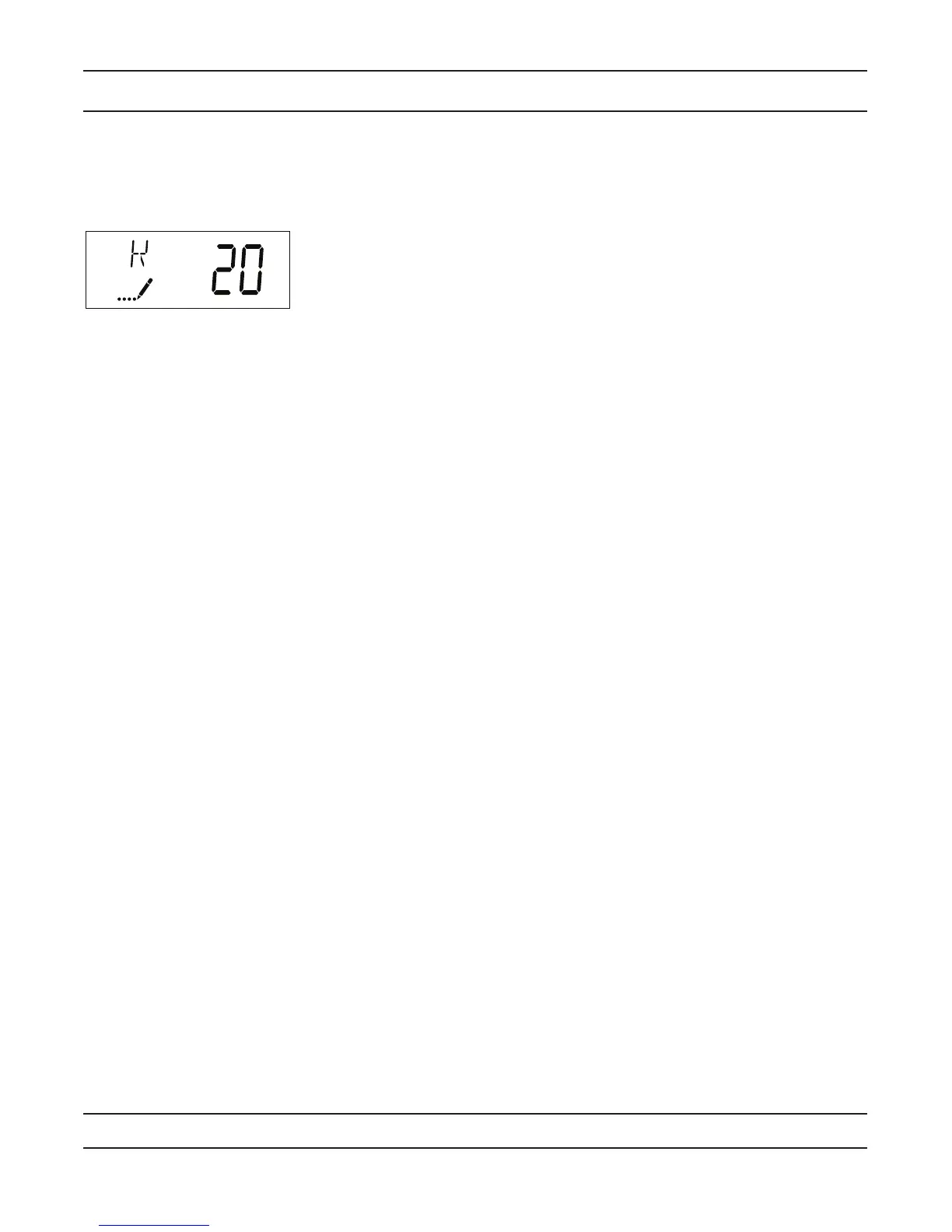
17. Meter Pulse Setting (Display Code K)
Press the Extra Cycle button. Use this display to specify the meter pulse setting for a non-standard flow meter.
This option setting is identified by “K” in the upper left-hand corner of the screen. Use the Up and Down buttons to
enter the meter constant in pulses per unit volume.
18. Press the Extra Cycle button to save all settings and exit Master Programming Mode.


 To Next Page