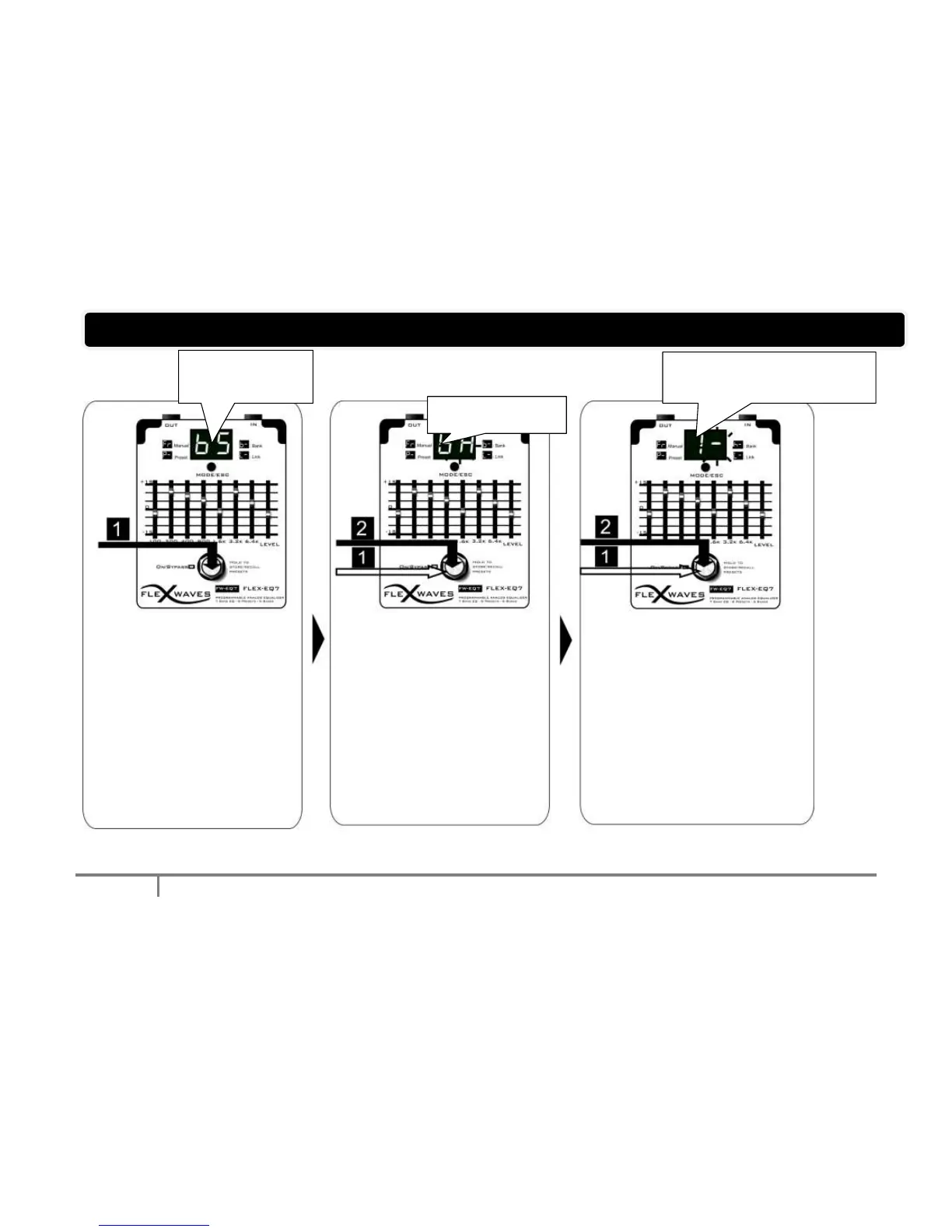
1. From Bank Play Mode,
Hold On the footswitch to
change the Bank, release it
as you reach .
stands for Bank Save.
appears on the display
1. Single Press on the
footswitch to change the
Bank to program.
2. Hold On the footswitch
to confirm the selection.
flashes rapidly
1. Single press on the footswitch to
change Preset Number (you can
hear the Preset sound if you play).
2. Hold On the footswitch to
confirm
3. Repeats step 1 and 2 for the
other positions.You can choose
also - Bypass
4. To terminate the Sequence,
select (it stands for Sequence
END). To abort press MODE/ESC



 To Next Page