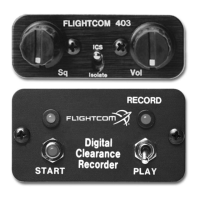
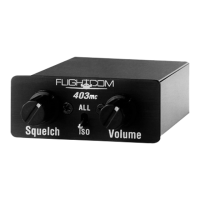
Pilot Isolate Switch
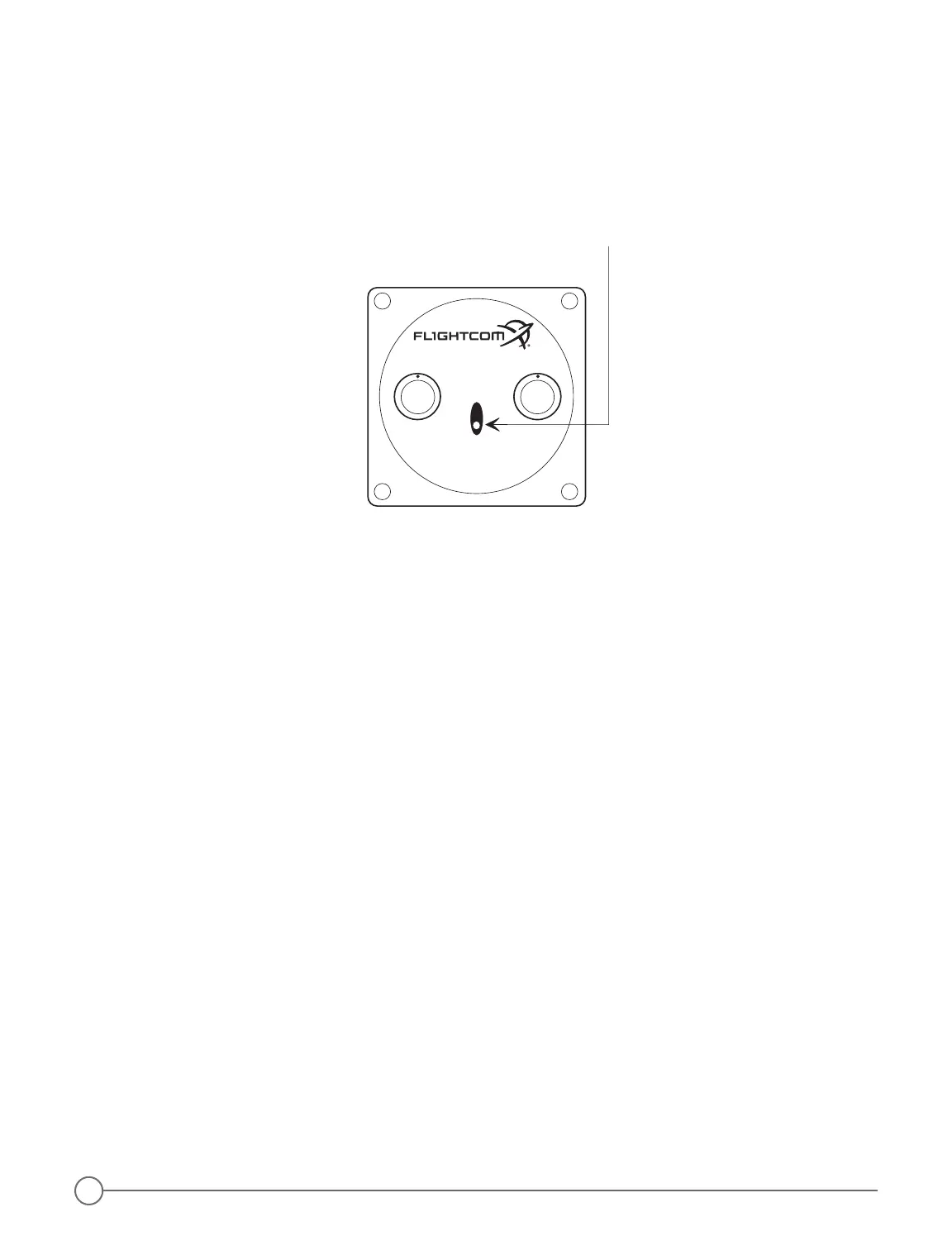
For normal intercom and transmit operations, place the Isolate switch in the ICS position (Figure 15 below).
To isolate the pilot from intercom conversation, DCR™, and music and connect the pilot directly to the aircraft
radio, place the Isolate switch in the Isolate position. Placing the Isolate switch in this position will also prevent
passengers from hearing aircraft radio receptions and pilot transmissions to ATC while allowing them to continue
to use the intercom, including the music source.
Figure 15 - Large Intercom Control Panel Showing Pilot Isolate Switch
Intercom Failsafe Feature
In the event of a power supply interruption to the intercom, the integral failsafe relays in the intercom will connect
the pilot’s headset directly to the aircraft radio.
The power-off default is a monaural only feature. When using stereo headsets, such as the Flightcom 4DX or F20,
set the headset switch to Mono. Using headsets with a stereo headphone plug but without a Mono setting will
cause only one earphone to be active in the no-power default mode.
Music Muting
When you talk on the intercom or receive communication from the aircraft radio, an automatic instant muting
feature will prevent interference with critical voice communications by reducing the auxiliary input volume. When
intercom or radio conversation ends, the muting feature will deactivate to restore full music volume.
If you do not wish to have intercom conversations interrupt music, you can partially disable the instant muting
feature by carefully removing the intercom case top and setting DIP switch 4 to the ON position (page 9, Figure 10).
NOTE: radio conversation will interrupt music even when the instant muting feature is disabled.
Using the DCR™ with Model 403d
The DCR™ is a 1 megabit voice-memory card that provides up to 32 seconds of digital recording with multiple
instantaneous replays of ATC instructions or verbal check-point notes stored in memory. You will find this feature
helpful in IFR conditions, while instructing, or anytime you wish to instantly recall voice information.
NOTE: the DCR™ is connected to the intercom, so using the Pilot Isolate feature will prevent the pilot from using
the DCR™ until the Isolate switch is returned to the ICS position.
Making a New Recording
To record using the DCR™:
1. Set the toggle switch to RECORD.
2. Press the START button.
The red LED will confirm that you are set to the recording mode, while the amber LED will indicate that the DCR™
has been activated.
12


 To Next Page
 Loading...