OPERATING PROCEDURES
Adjusting the Intercom and Headsets
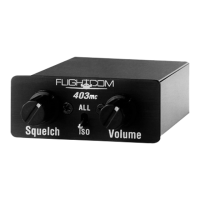
Models 403 and 403d are stereo intercoms, so use of stereo headsets will produce the finest sound reproduction.
To adjust the intercom and headsets:
1. Plug the headset into the pilot, co-pilot, or passenger jacks in the aircraft.
2. If you are using monaural headsets, place the toggle switch next to the headphone jack in the Mono setting.
CAUTION: if you are using monaural headsets and you do not place the toggle switch next to the headphone
jack in the Mono setting, a squealing sound and possibly intercom damage will occur.
3. Turn on the aircraft master switch and avionics master switch to turn on the intercom.
4. Set the intercom Volume control knob to the 11 o’clock position.
5. Set the intercom Squelch control knob to the 3 o’clock position.
6. Turn up each headset volume control as far as possible.
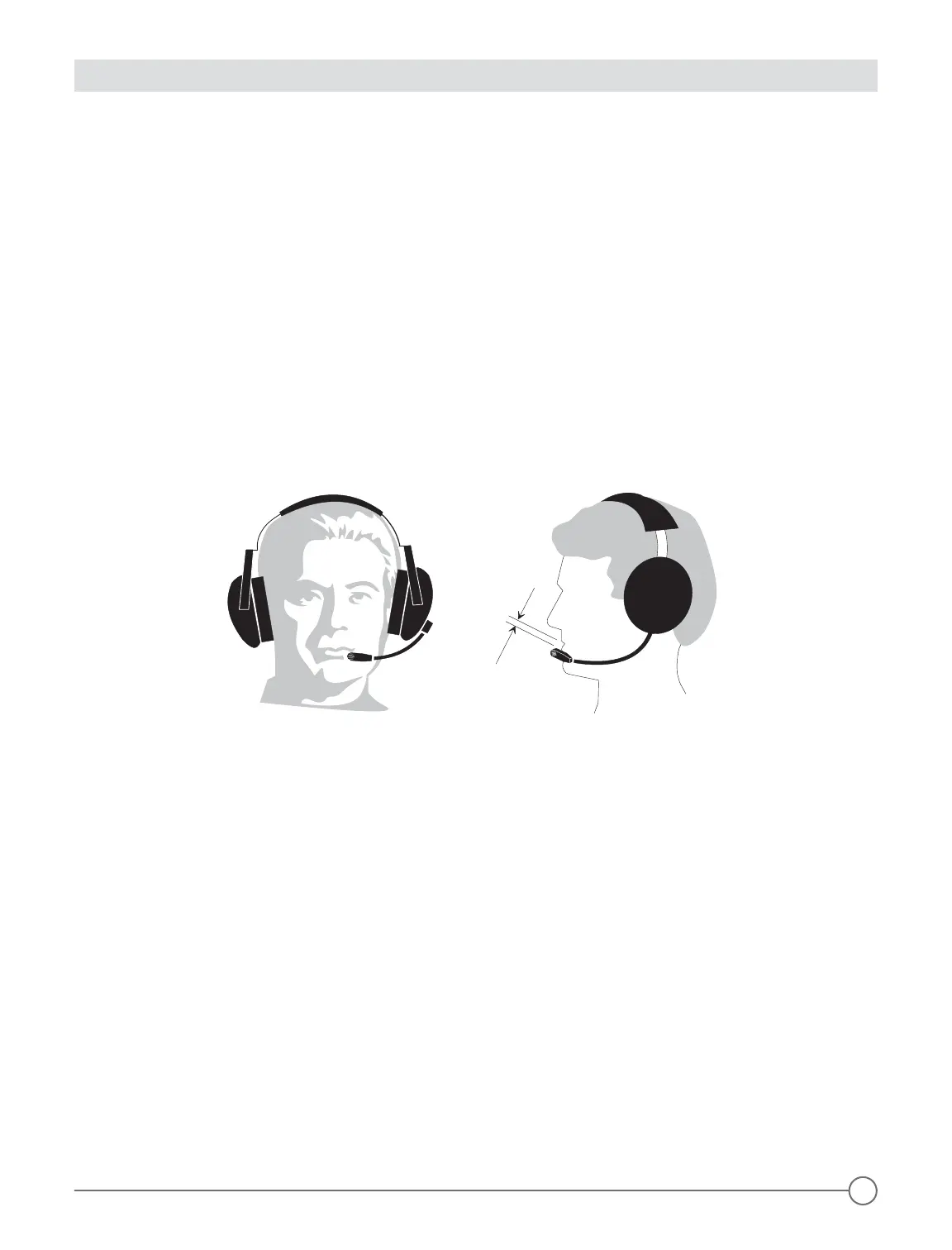
7. Position the headset boom microphone 1/8" from your lips to the side of your mouth (Figure 14 below).
NOTE: noise canceling microphones will not operate correctly if they are more than 1/8" from the mouth.
8. While speaking loudly, adjust the headset volume control to a comfortable listening level.
Figure 14 - Correct Positioning of Boom and Microphone
Adjusting the Squelch Control
To adjust the squelch control:
1. While no one is talking, turn the intercom Squelch control knob as far clockwise as possible while still blocking
background noise.
2. Re-adjust the setting in flight to compensate for different noise levels.
NOTE: if you set the squelch too high by turning the Squelch control knob counterclockwise, your voice will
be cut out unless you talk very loudly; if you set the squelch too low by turning the Squelch control knob
clockwise, the background noise will be heard occasionally.
The intercom will not interfere with normal use of the radio and will allow passengers to hear the aircraft radio
and sidetone.
Radio Transmission
To transmit on the radio as the pilot or co-pilot, push the PTT switch associated with your headset. Only the
person whose push-to-talk switch is depressed will be heard over the radio, so that an instructor can talk to a
student pilot over the intercom while the student is transmitting over the radio without the instructor’s voice
being transmitted.
NOTE: if your push-to-talk switch fails, you can use an existing handheld microphone to talk on the radio while
listening over the intercom.
11


 To Next Page
 Loading...