Set units, distances, height & altitude
Setup opens the Software Settings screen.
The software applications that are compatible with the X3 require
certain settings to be entered by the user before use.
Units
Select Metric or Imperial units.
Sensor to Tee Distance
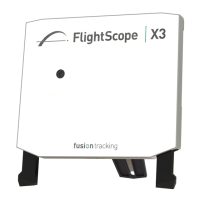
Enter the distance between the X3 face to the tee/hitting position in
the software.
TIP: Always tee up within 6 inches (15 cm) of the specified position
for optimum performance.


 To Next Page