LJ3204P User Manual
18/26
Edit by Victor Xu
Copyright2011@ Shenzhen Runtianzhi Digital Equipment Co.,Ltd www.floradigital.com.cn
margins of the printable area.
Places the job at the specified distances from the lower and
right edges of the printable area of the output media.
Centers the job along the width of the printable area.
Centers the job in the middle of the printable area. Only
available for sheet material.
The number of copies to be output.
he amount of space between the various tiles, copies and/or nested
obs that are
output as part of the job.
Page
Range
Specifies the range of pages that are output for a multi-page job. Format is
x-y
.
Also accepts "," to put in multiple ranges.
Ex:
5
Prints page 5.
2-5
Prints pages 2, 3, 4 and 5.
3, 5-10
Prints pages 3, 5, 6, 7, 8, 9 and 10.
Page
Nesting
Check to automatically nest pages, tiles and separations of the job.
Flips the selected image on the vertical axis, so that the image is mirrored when
printed.
Rotates image on the media in 90-degree increments. Click the button until you
achieve the desired orientation.
You can also rotate a
ob in 90° increments by selectin
it in the Preview Area and
clicking its center rotation handle.
WorkflowTab
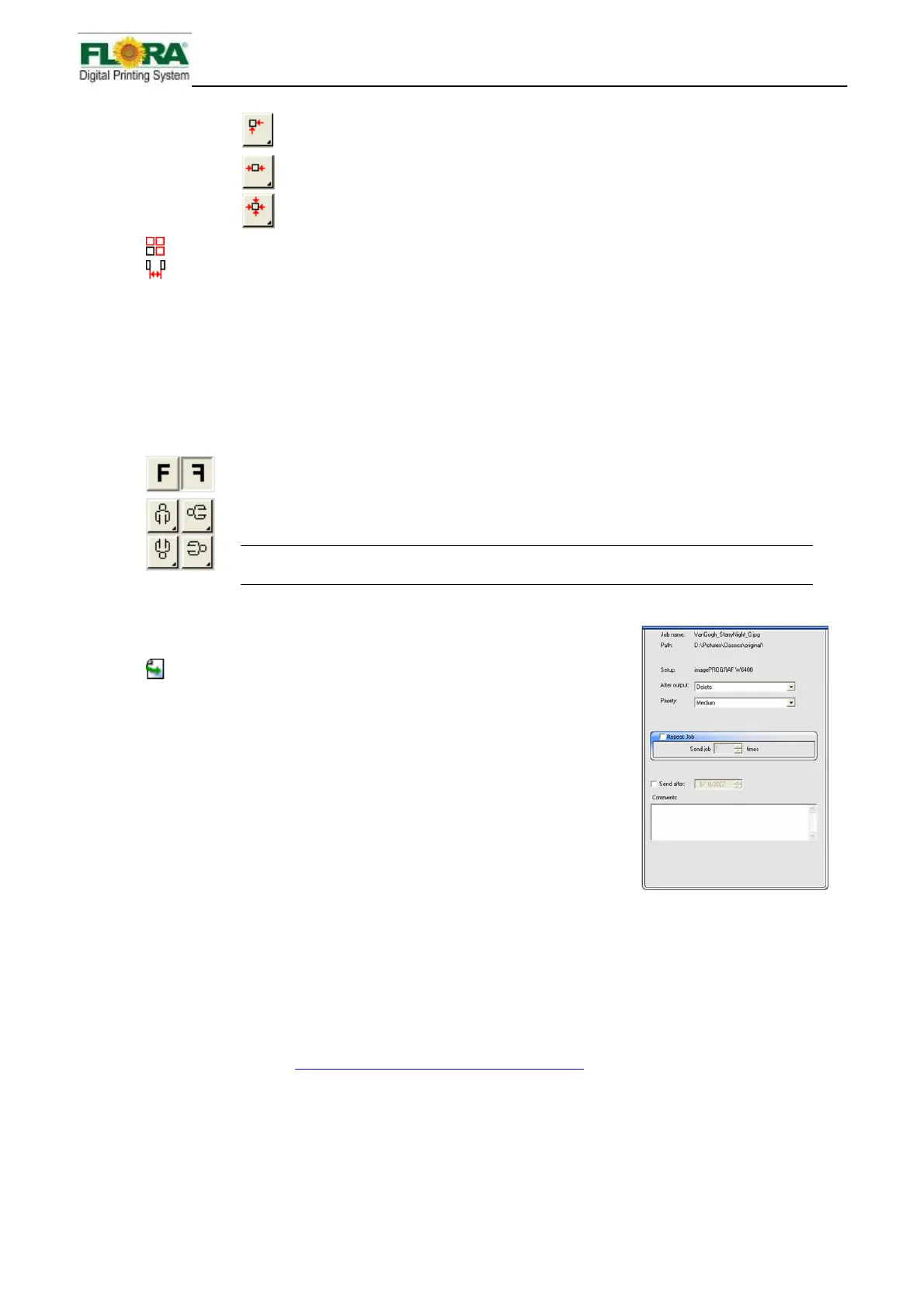
The Workflow tab displays settings related to the time and order
that the job is processed in.
After Output
Sets what to do with the job after output:
Delete
Removes jobs from the queue after output.
Hold
Places jobs in the Hold Queue after output or at the bottom of the
queue.
Archive
Saves the job after output.
Send Sets what part of a combination print and contour job will be output. This control
will only appear for hybrid devices.
See Contour Cutting and Virtual Hybrid Output
for more information.
Print and
contour
The job will be printed, and then the contour will be cut.
Print only
Only the printed part of the job will be output.
Contour
only
Only the contour will be cut.



 To Next Page