4
2.2.1 Load the filament
• The printhead should be a few centimetres
away from the glassplate. If it’s not, adjust the
height by twisting the white knob [13] on top
of the Z axis.
• Preheat the printhead and printbed: Prepare
>> Preheat and wait until both temperatures
are reached. This is dependent on the used
material (PLA or ABS) and can be seen on the
display.
TIP! Check your filament for the right
temperature settings. When in need of
adjusting the temperature, go to ... >> ...
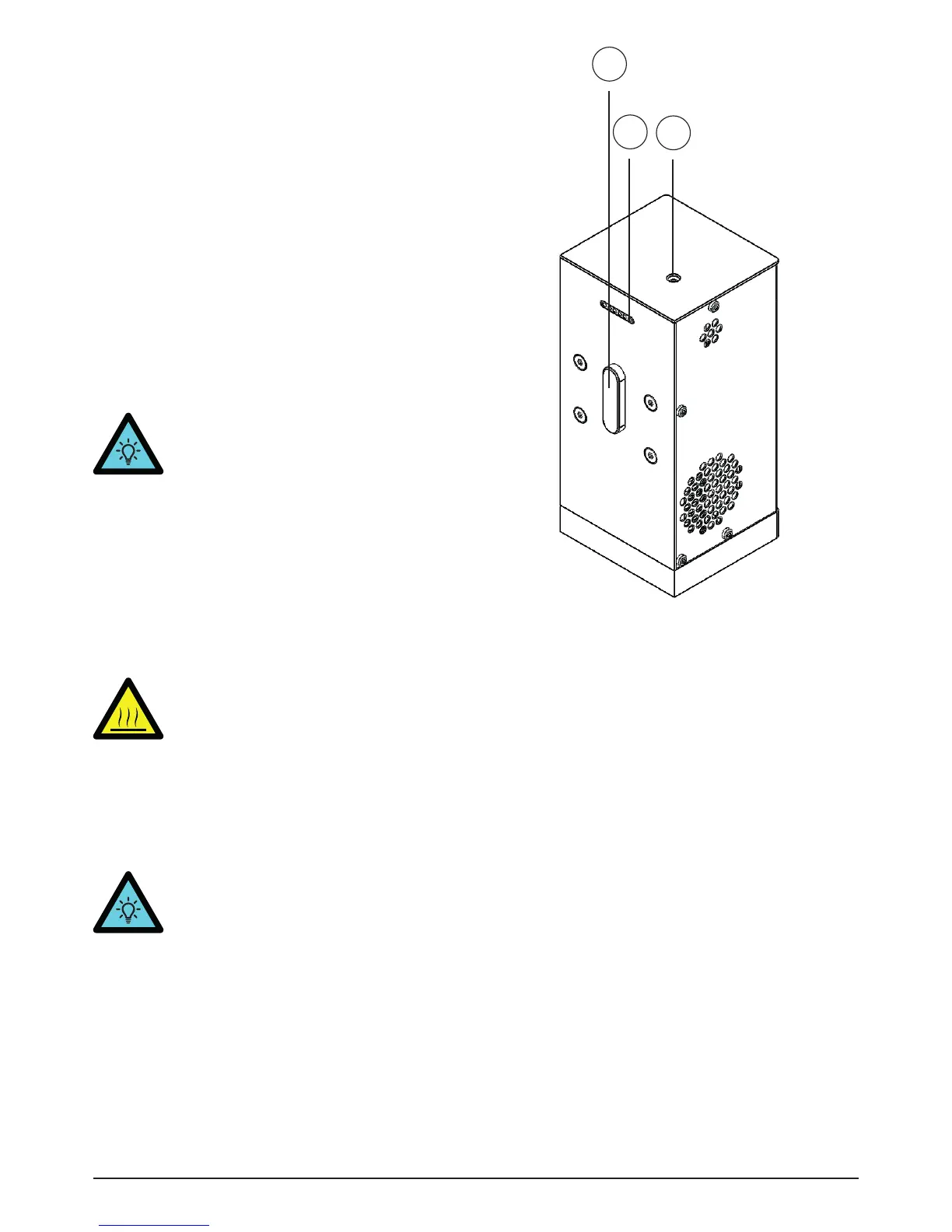
• Insert a filament (1.75mm) into the opening in
the prinhead lid [17] until you feel resistance.
• On the touchscreen press Prepare >> Extrude.
The printer will pull the filament and extrude it
through the nozzle.
• Wait until the material is extruded and remove
the excessive filament from the nozzle (the
bottom part of the printhead) with a pincet
WARNING! The nozzle and
glassplate are hot.
• If you want to change the filament, go to
Prepare >> Withdraw. The material will be
unloaded from the printhead and you can pull
it out of the printhead. After this, you will be
able to load another plastic.
TIP! If you don’t use your printer for a
while, it is best to remove the filament so
it won’t get stuck.
Plastic filament printing2.2
16
17
15
Image 6 - Filament printhead
15. Electronics connector
16. Power connector
17. Opening printhead lid


 To Next Page
 Loading...