6
2.3.1 Fill the syringe.
• Fill the syringe with the paste material (for
more instructions, see FAQ, page 11). Close
the syringe with the red cap and fix the nozzle
on the bottom of the syringe. Make sure the
nozzle diameter is set in the slicing software
(default: 1.6mm olive-green nozzle).
2.3.2. Load the syringe into the printhead.
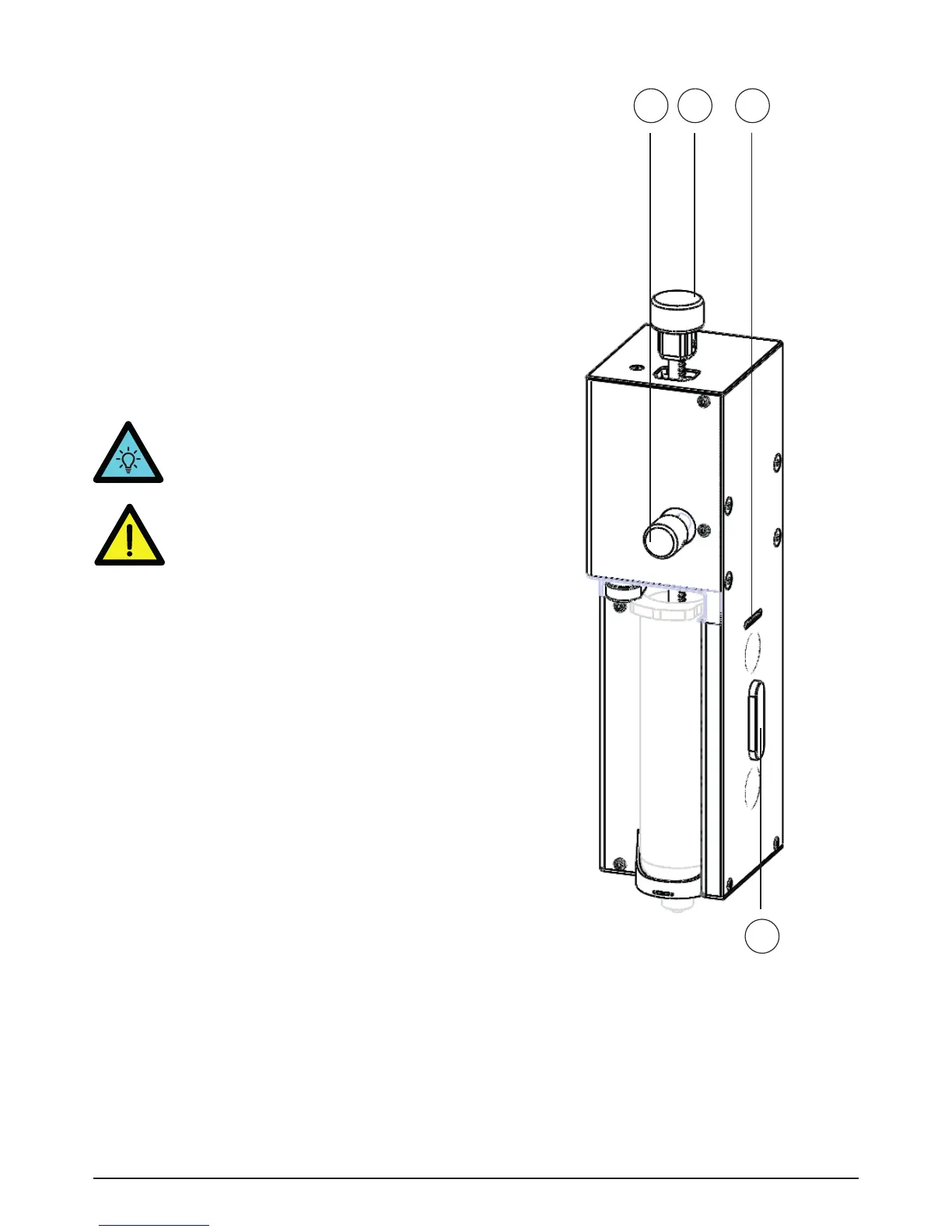
• Push the button on the right side [18] of the
printhead and pull the rack [19] up.
TIP! You can disattatch the printhead
from the printer for loading the syringe.
Paste printing2.3
18 19 20
21
Image 9 - Paste printhead
18. Side button
19. Rack
20. Electronics connector
21. Magnectic connector
WARNING! Don’t connect or remove the
printhead when the power is on. Always
turn off the printer first.


 To Next Page
 Loading...