7
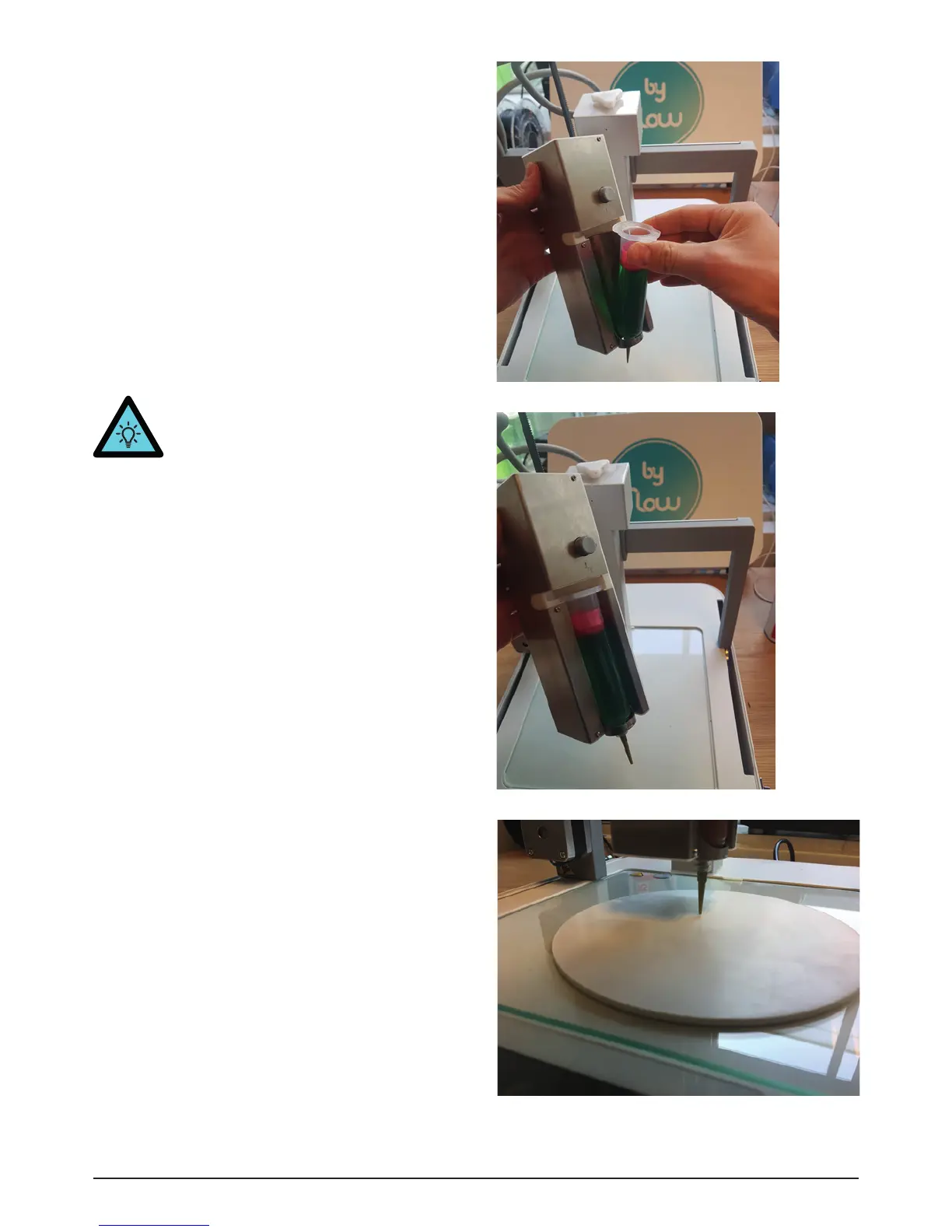
Image 12 - Nozzle too close to surface
• Place the syringe in the paste extruder (Img.
10, Img. 11)
• Push the white button [18] again and push the
rack [19] down into the syringe.
• Release the button on the right side. Make sure
the button goes back to its initial position. If
not, slightly push and pull the rack or twist
the right button until you hear the click of the
button.
• Connect the printhead back to the printer and
wait until you see “PasteHead connected” on
the touchscreen.
• If you want to remove the syringe after a print,
press the right button again and pull the rack
up. Then it’s possible to take out the syringe.
TIP. If you are unable to press the button,
go to Prepare and press Withdraw once
or twice.
• Be careful that the nozzle is not too close to
the surface, otherwise it could be damaged
[Img. 12].
Image 10 - Loading the syringe
Image 11 - Syringe loaded


 To Next Page
 Loading...