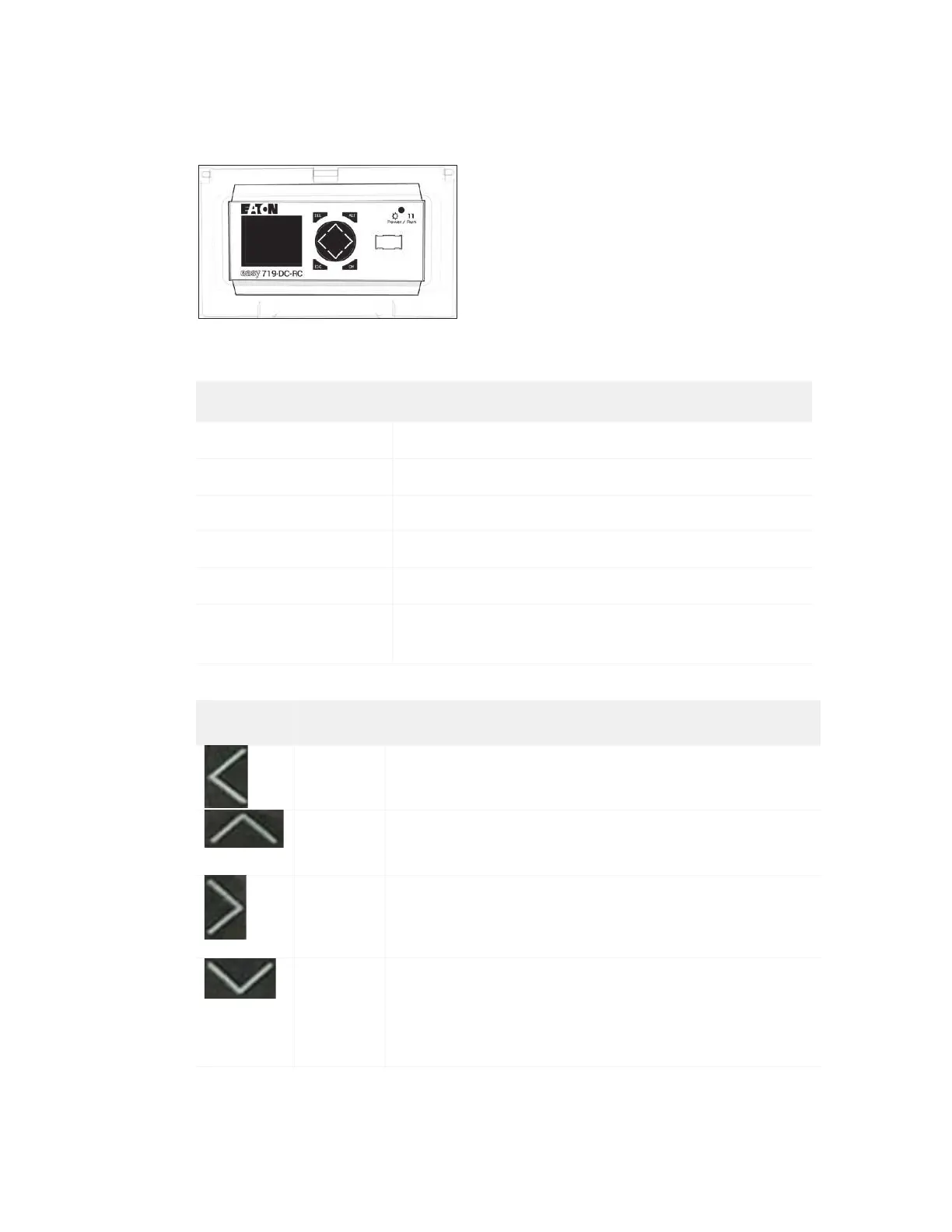
Display panel
The display panel shows the following notices:
Notice Description
Filling Fill cycle
Bleed Release of the vessel pressure
Running Normal operation mode
Silo Empty Silo is empty
Vessel Empty Vessel is empty
Replace Insert of Pinch
Valve Reset P3 =>
Pinch valve hose insert replacement is necessary. This
service message shows after 6000 cycles.
Button Button ID Button function
Push and hold the button for five seconds to show (from
top to bottom) the following: software version, operating
hours (h), switching cycles (c)
Push this button to open the vent, venting valve, and
normally closed pressure solenoid valve to release
pressure from the vessel.
Push and hold this button for five seconds to set the cycle
counter to zero.
Push and hold this button for 10 seconds to switch the
potential free contacts for a warning message from
normally open to normally closed. You can accept the
selected signal in the ADS and use it there for an
additional alarm or as a way to stop the cutting process.
© 2016–2017 Flow International Corporation



 To Next Page