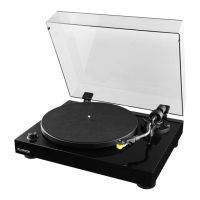
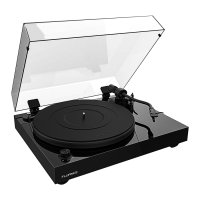
Fluance RT80/RT81/RT81P User Manual
14
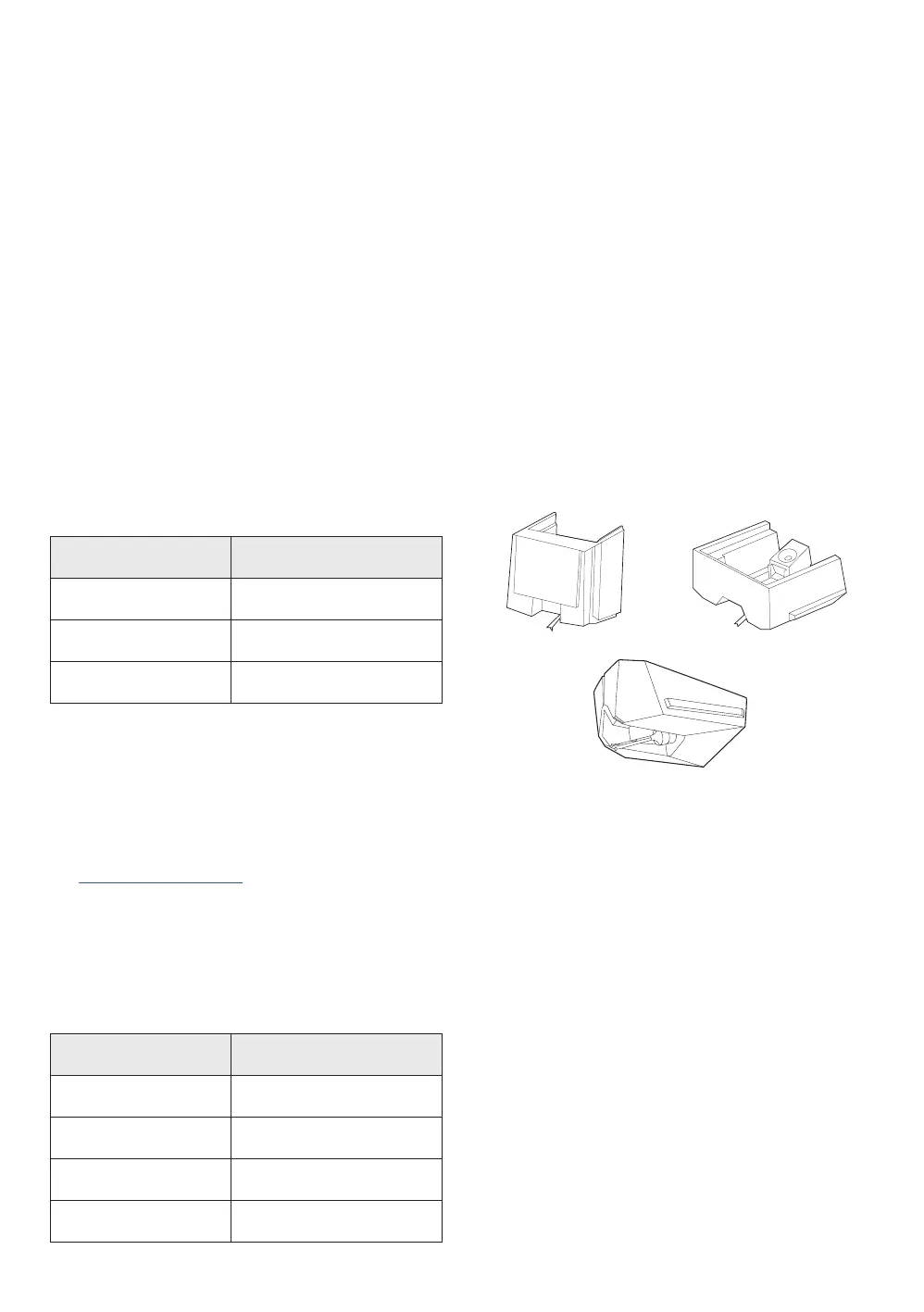
Replacing the Stylus
Use the chart below to ensure you replace your stylus with the correct model.
Replacementstylusandinstructionsareavailableatwww.uance.com
Replacing the Cartridge
Replacement cartridges and a helpful cartridge installation guide and video are available
on www.uance.com. There is also a Cartridge Alignment Protractor at the end of this
manual for convenience.
Model Stylus
RT80 ATN91
RT81 ATN95 E
RT81P AT-VM N95E
ATN95E
ATN91
Cartridge Connections
Wire Channel
White Lef t (+)
Blue Lef t (-)
Red Ri ght (+)
Green Right (-)
Maintenance
Cleaning the Turntable
1. Useasoftdrymicroberclothtowipedustfromtheturntablesurface.
2. Keep the dust cover closed to ensure the turntable components remain dust free.
AT-VMN95E



 To Next Page