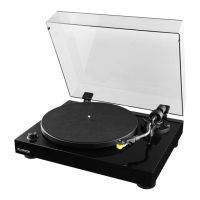
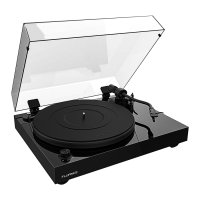
Fluance RT80/RT81/RT81P User Manual
15
Replacing the Rubber Belt
1. Remove the defective rubber belt from the motor pulley.
2. Lift and remove the platter from the spindle. Remove and discard the defective
rubber belt.
3. Wrap the new rubber belt around the inner ring on the underside of the platter and
ensure the rubber belt is not twisted.
4. Place the platter on the spindle and turn it until the motor pulley is visible.
5. Lift the rubber belt and place it over the motor pulley.
6. Rotate the turntable several times to ensure the rubber belt is secure and not twisted.
Record Care
1. Records should be stored vertically in a dry environment away from sources of heat.
2. An anti-static brush can be used to remove dirt from the record’s grooved surface.
Use a record cleaning solution to further clean your records to ensure crystal clear
playback.
3. It is important to use the cueing lever when lifting or lowering the tonearm to prevent
accidental slipping and scratching.
Stylus Care
1. When the turntable is not in use always use the provided stylus protector to prevent
accidental damage.
2. A stylus cleaning brush can be used to remove dust and debris from the stylus.
3. Enabling the auto stop function will reduce wear and tear on the stylus.
Note: See images in Step One of the First Time Setup instructions.
Troubleshooting
Turntable Not Spinning
• The turntable should be connected to a known good power outlet and the power
cable should be securely inserted into the unit.
• Remove the turntable mat and rotate the platter until the motor pulley is visible.
Ensure the rubber belt is intact and hooked around the motor pulley.
• Turn the speed selection knob to 33 or 45 (power LED should light up). Lift the
tonearm over the platter and it should start spinning.


 To Next Page
 Loading...