EasyManua.ls Logo

Fluance RT81 - User Manual

Fluance RT81
24 pages
Print Icon
To Next Page IconTo Next Page
Loading...
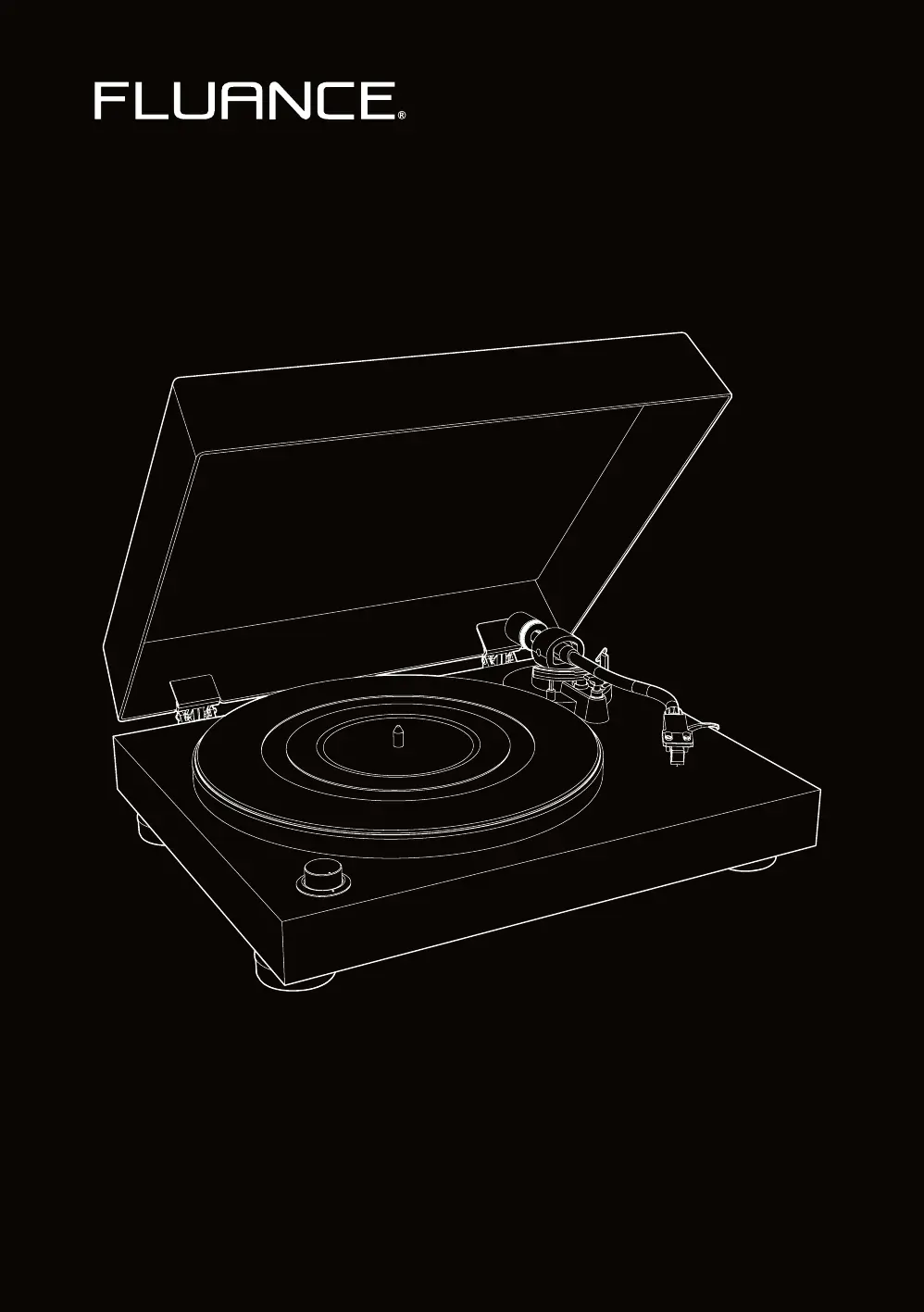
RT80/RT81 - High Fidelity Vinyl Turntable
User Manual v2.3
Serious Performance
Fluance.com

Other manuals for Fluance RT81

Questions and Answers

  • E
    Emily GomezAug 13, 2025
    Why is my Fluance RT81 Turntable playing at the wrong speed?
    • L
      lydia03Aug 14, 2025
      If your Fluance Turntable is playing at the wrong speed, first check the record label to confirm the correct playback speed and ensure the speed selection knob is set accordingly. Normal LP playback speed is 33 1/3 rpm. Also, ensure that the turntable has completed the 24-hour burn-in process.
  • K
    Kenneth ButlerAug 17, 2025
    How to fix Fluance RT81 Turntable not spinning?
    • R
      Rachel GutierrezAug 17, 2025
      To address a Fluance Turntable that is not spinning, ensure it's connected to a working power outlet with the power cable securely in place. Also, remove the turntable mat and check that the rubber belt is properly connected around the motor pulley. Finally, verify that the speed selection knob is set to 33 or 45, which should activate the power LED and start the platter when the tonearm is lifted.
  • H
    hramirezAug 20, 2025
    What to do if Fluance Turntable is skipping?
    • N
      Nichole JohnsAug 21, 2025
      If you're experiencing skipping with your Fluance Turntable, first make sure the record surface is clean and free of any dirt or debris, and that the record isn't warped. Next, inspect the stylus for any buildup and clean it with a stylus cleaning brush if needed. Also, confirm that your turntable is placed on a stable and level surface. Lastly, ensure the tonearm is correctly balanced and set to a tracking force of 2.0 grams, as described in the First Time Setup instructions.
  • P
    Philip SimpsonAug 25, 2025
    How to fix Fluance Turntable cueing lever not lowering tonearm?
    • G
      gedwardsAug 26, 2025
      To address the cueing lever not lowering the tonearm on your Fluance Turntable, first, ensure the tonearm is balanced and set to the correct tracking force of 2 grams, following the First Time Setup instructions. If the issue persists, lock the tonearm, lower the cueing lever, and gently press down on the tonearm bridge until it's fully lowered to reset the tonearm lowering mechanism.
  • S
    Sandra HarrisonAug 28, 2025
    Why my Fluance RT81 has no power?
    • M
      Mr. Luis HortonAug 28, 2025
      To resolve a Fluance Turntable with no power, verify it is connected to a known good power outlet and that the power cable is securely inserted into the unit. Additionally, confirm that the power LED illuminates when the speed selection knob is set to either 33 or 45.
  • T
    taylormelissaSep 1, 2025
    How to stop audio feedback on Fluance Turntable?
    • T
      tabitha64Sep 1, 2025
      To troubleshoot audio feedback with your Fluance Turntable, ensure that your speakers are positioned away from the turntable, avoiding placement directly in front of them. For optimal audio quality, remove the dust cover during playback.
  • J
    Julie Turner MDSep 5, 2025
    Why is the volume so low on my Fluance Turntable?
    • C
      Christine WarnerSep 5, 2025
      If you're experiencing low volume on your Fluance Turntable, first check that the RCA connections are correctly and fully inserted. Also, ensure the Preamp Switch is set to the LINE position if you are not using an external preamp.
  • W
    William HahnSep 9, 2025
    Why is there audio from only one channel on my Fluance RT81?
    • D
      David HaasSep 9, 2025
      To troubleshoot audio coming from only one channel on your Fluance Turntable, begin by testing the speakers with another device like a CD player or smartphone. Then, confirm the tonearm is balanced and using the correct tracking force. Disconnect and reconnect the RCA cables to ensure they are fully inserted. Try using a different set of RCA cables. Finally, remove the headshell from the tonearm and clean the contacts on the back of the headshell with rubbing alcohol on a cotton swab before reinstalling it, ensuring the locking nut is completely tightened.

Summary

First Time Setup

Installing the Platter

Step-by-step guide to installing the turntable platter.

Installing the Counterweight

Instructions for mounting the counterweight onto the tonearm.

Installing the Headshell

Guide for attaching the headshell to the tonearm.

Balancing the Tonearm

Procedure for correctly balancing the tonearm for optimal playback.

Connecting the Power

Steps for connecting the turntable to a power source.

Connecting the RCA Cable

Instructions for connecting audio output cables to a stereo.

Playing a Record

Auto Stop Function

Maintenance

Replacing the Stylus

Guide on selecting and replacing the turntable stylus.

Troubleshooting

Turntable Not Spinning

Solutions for when the turntable platter does not rotate.

No Power

Troubleshooting steps for the unit not turning on.

Important Safety Instructions

Safety Precautions

Essential safety guidelines for operating the turntable.

Cartridge Alignment Protractor

Fluance RT81 Specifications

General IconGeneral
Speeds33 1/3 RPM, 45 RPM
PlatterAluminum
CartridgeAudio-Technica AT95E
OutputRCA
Weight14.1 lbs
MotorDC Motor
Dust CoverYes
TypeBelt Drive
TonearmS-Type
PreampBuilt-in
StylusElliptical
Wow and Flutter<0.2%

Videos

How to Set Up the Fluance RT80 & RT81 Turntable

Related product manuals