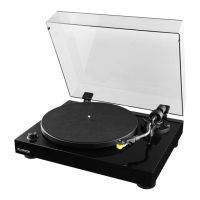
Fluance RT80/RT81 User Manual
9
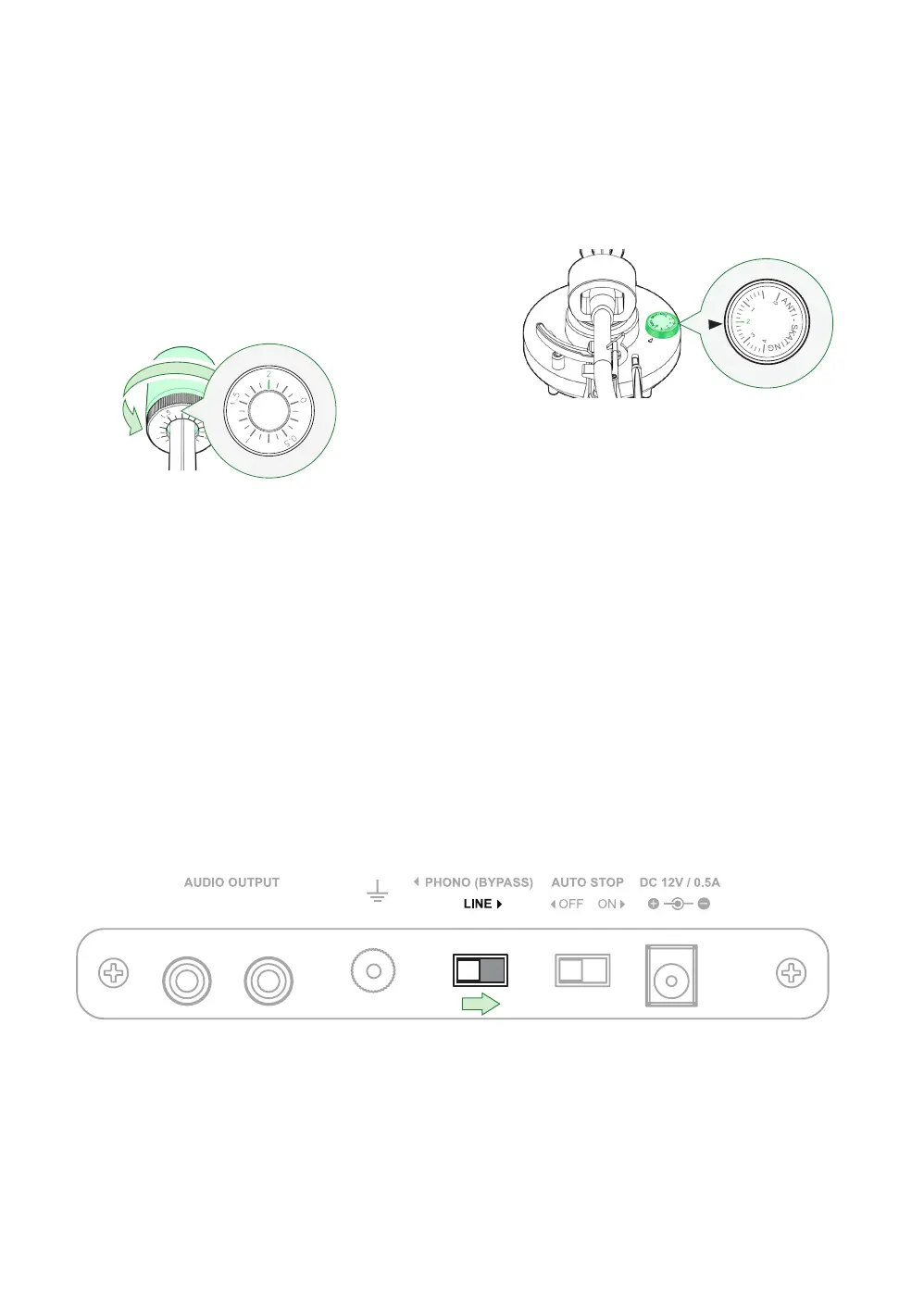
Step Four (Continued): Balancing the Tonearm
Step Five: Setting the Preamp Switch
This turntable includes a built-in preamp. To enable the internal preamp set the switch on
the back of the unit to the LINE position.
7. Rotate the entire counterweight
counterclockwise until the indicator
ring is set to “2” on the center line.
This will set the tracking force to the
recommended 2.0 gram tracking
force of the included stylus.
8. Set the anti-skating control to “2” to
match the tracking force.
Tip: When setting the counterweight make sure
you are turning the entire weight and not just the
counterweight indicator ring.
Optional:
If you wish to use an external preamp you can disable the internal preamp by moving the switch to the
PHONO position. All electronics are bypassed when the internal preamp is disabled.



 To Next Page