EasyManua.ls Logo

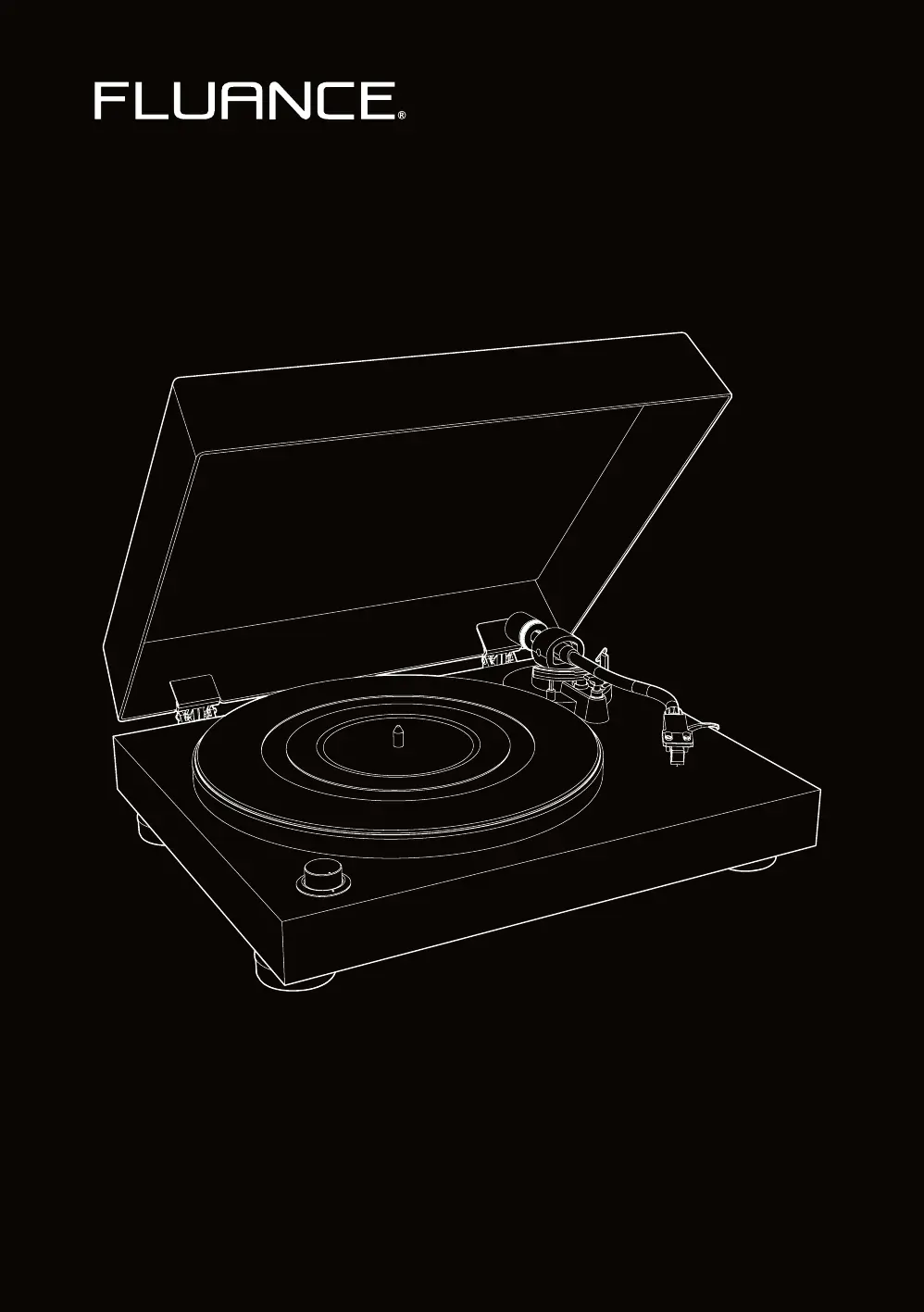
Fluance RT80 - User Manual

Fluance RT80
24 pages
Print Icon
To Next Page IconTo Next Page
Loading...
RT80/RT81 - High Fidelity Vinyl Turntable
User Manual v2.3
Serious Performance
Fluance.com

Other manuals for Fluance RT80

Questions and Answers

  • J
    Jasmine WilliamsAug 13, 2025
    Why is my Fluance RT80 playing at the wrong speed?
    • J
      Jamie JoyceAug 13, 2025
      If your Fluance Turntable is playing at the wrong speed, first check the record label to confirm the correct playback speed and ensure the speed selection knob is set accordingly. Normal LP playback speed is 33 1/3 rpm. Also, ensure that the turntable has completed the 24-hour burn-in process.
  • J
    Jose Wright MDAug 17, 2025
    How to fix Fluance RT80 Turntable not spinning?
    • E
      Eric GeorgeAug 17, 2025
      To address a Fluance Turntable that is not spinning, ensure it's connected to a working power outlet with the power cable securely in place. Also, remove the turntable mat and check that the rubber belt is properly connected around the motor pulley. Finally, verify that the speed selection knob is set to 33 or 45, which should activate the power LED and start the platter when the tonearm is lifted.
  • E
    emontoyaAug 20, 2025
    What to do if Fluance Turntable is skipping?
    • J
      John BarrettAug 20, 2025
      If you're experiencing skipping with your Fluance Turntable, first make sure the record surface is clean and free of any dirt or debris, and that the record isn't warped. Next, inspect the stylus for any buildup and clean it with a stylus cleaning brush if needed. Also, confirm that your turntable is placed on a stable and level surface. Lastly, ensure the tonearm is correctly balanced and set to a tracking force of 2.0 grams, as described in the First Time Setup instructions.
  • S
    Sara GomezAug 25, 2025
    How to fix Fluance Turntable cueing lever not lowering tonearm?
    • O
      orozcogregoryAug 25, 2025
      To address the cueing lever not lowering the tonearm on your Fluance Turntable, first, ensure the tonearm is balanced and set to the correct tracking force of 2 grams, following the First Time Setup instructions. If the issue persists, lock the tonearm, lower the cueing lever, and gently press down on the tonearm bridge until it's fully lowered to reset the tonearm lowering mechanism.
  • L
    Lisa GilbertAug 28, 2025
    Why my Fluance Turntable has no power?
    • J
      Jason BauerAug 28, 2025
      To resolve a Fluance Turntable with no power, verify it is connected to a known good power outlet and that the power cable is securely inserted into the unit. Additionally, confirm that the power LED illuminates when the speed selection knob is set to either 33 or 45.
  • W
    William MontoyaSep 1, 2025
    How to stop audio feedback on Fluance RT80?
    • M
      Megan LaraSep 1, 2025
      To troubleshoot audio feedback with your Fluance Turntable, ensure that your speakers are positioned away from the turntable, avoiding placement directly in front of them. For optimal audio quality, remove the dust cover during playback.
  • N
    Natalie AllenSep 4, 2025
    Why is the volume so low on my Fluance RT80?
    • W
      wmccannSep 5, 2025
      If you're experiencing low volume on your Fluance Turntable, first check that the RCA connections are correctly and fully inserted. Also, ensure the Preamp Switch is set to the LINE position if you are not using an external preamp.
  • A
    Andrew AndersonSep 8, 2025
    Why is there audio from only one channel on my Fluance RT80 Turntable?
    • S
      Steven SilvaSep 8, 2025
      To troubleshoot audio coming from only one channel on your Fluance Turntable, begin by testing the speakers with another device like a CD player or smartphone. Then, confirm the tonearm is balanced and using the correct tracking force. Disconnect and reconnect the RCA cables to ensure they are fully inserted. Try using a different set of RCA cables. Finally, remove the headshell from the tonearm and clean the contacts on the back of the headshell with rubbing alcohol on a cotton swab before reinstalling it, ensuring the locking nut is completely tightened.

Summary

Components and Connections

First Time Setup

Installing the Platter

Steps for installing the platter, including placing it on the spindle and attaching the rubber belt.

Installing the Counterweight

Instructions for securing the tonearm and sliding the counterweight onto the tonearm.

Installing the Headshell

Steps to remove the headshell from packaging and insert it into the tonearm.

Balancing the Tonearm

Detailed steps for balancing the tonearm, including stylus protection and counterweight adjustment.

Playing a Record

Maintenance

Troubleshooting

Turntable Not Spinning

Common causes and solutions if the turntable platter does not spin.

No Power

Steps to diagnose and resolve issues related to the turntable not powering on.

Skipping

Solutions for issues causing the stylus to skip on the record.

Specifications

Important Safety Instructions

Cartridge Alignment Protractor

Fluance RT80 Specifications

General IconGeneral
Drive TypeBelt Drive
PlatterAluminum
Tonearm TypeStatic Balanced
CartridgeAudio Technica AT91
PreampBuilt-in
OutputRCA
MotorDC Motor
Tonearm ShapeS-Shaped
Dust CoverYes
USB OutputNo
Speed33 1/3 RPM, 45 RPM
Dimensions16.5 x 5.5 x 13.75 inches
StylusDiamond

Related product manuals