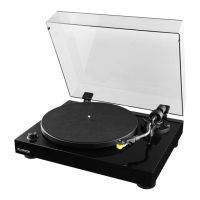
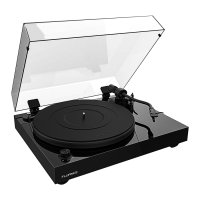
Fluance RT80/RT81 User Manual
16
Audio Feedback
• If audio feedback occurs ensure the speakers are positioned away from the turntable.
The turntable should not be placed in front of the speakers.
• For best audio performance the dust cover should be removed during playback.
Cueing Lever Not Lowering Tonearm
• Use instructions in Step Four of the First Time Setup instructions to confirm the
tonearm was balanced and set to the correct tracking force of 2 Grams.
• Lock the tonearm and lower the cueing lever. Gently press down on the tonearm
bridge until fully lowered to reset the tonearm lowering mechanism.
Low Volume
• Check the RCA connections are correct and fully inserted.
• Ensure that the Preamp Switch is set to the LINE position if not using an external
preamp.
• If low volume persists more information is available at: www.fluance.com/support
Audio From Only One Channel
• Test the speakers with another device such as a CD Player or Smartphone.
• Confirm the tonearm is balanced and using the correct tracking force.
• Disconnect and reconnect the RCA cables ensuring they are fully inserted.
• Try a different set of RCA cables.
• Remove the headshell from the tonearm and use rubbing alcohol on a cotton swab
to clean the contacts on the back of the headshell. Reinstall the headshell ensuring
the locking nut is tightened completely.
Need Additional Help?
• Do not return this product to the store.
• Please contact a Fluance Customer Support Representative first, regarding any
additional information on product features, specifications or assistance with setup.
• Online web chat or Support: www.fluance.com/support



 To Next Page