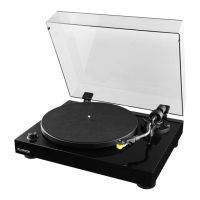
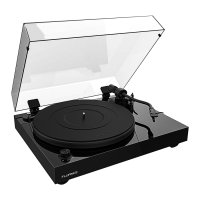
Fluance RT80/RT81/RT81P User Manual
16
No Power
• The turntable should be connected to a known good power outlet and the power
cable should be securely inserted into the unit.
• The power LED should light up when the speed selection knob is set to 33 or 45.
Wrong Speed
1. Check the record label for the correct playback speed and that the speed selection
knob is set to match it. Normal LP playback speed is 33 1/3 RPM.
2. Ensure the turntable 24 hour burn-in process has been completed.
3. If incorrect speed persists a speed adjustment video is available at:
www.uance.com/resources
Skipping
• Ensure the record surface is clear of dirt and debris. Also check that the record is not
warped or deformed.
• Inspect the stylus for built up dirt or debris. Use a stylus cleaning brush to clean if
necessary.
• Ensure the turntable is on a sturdy and level surface.
• UseinstructionsinStepSixoftheFirstTimeSetupinstructionstoconrmthe
tonearm was balanced correctly and set to the correct tracking force of 2.0 Grams.
• Check that the anti-skating control is set to 2.
Audio Feedback
• If audio feedback occurs ensure the speakers are positioned away from the turntable.
The turntable should not be placed in front of the speakers.
• For best audio performance the dust cover should be removed during playback.
Cueing Lever Not Lowering Tonearm
• UseinstructionsinStepSixoftheFirstTimeSetupinstructionstoconrmthe
tonearm was balanced and set to the correct tracking force of 2 Grams.
• Lock the tonearm and lower the cueing lever. Gently press down on the tonearm
bridge until fully lowered to reset the tonearm lowering mechanism.


 To Next Page
 Loading...