Advanced Display Settings (P-Settings)
To access P-settings to make various advanced changes, press POWER and
INFO simultaneously. To cycle through the P-settings press the POWER
button. To make changes press the INFO button. To exit P-settings wait for
10 seconds or press POWER and INFO together.
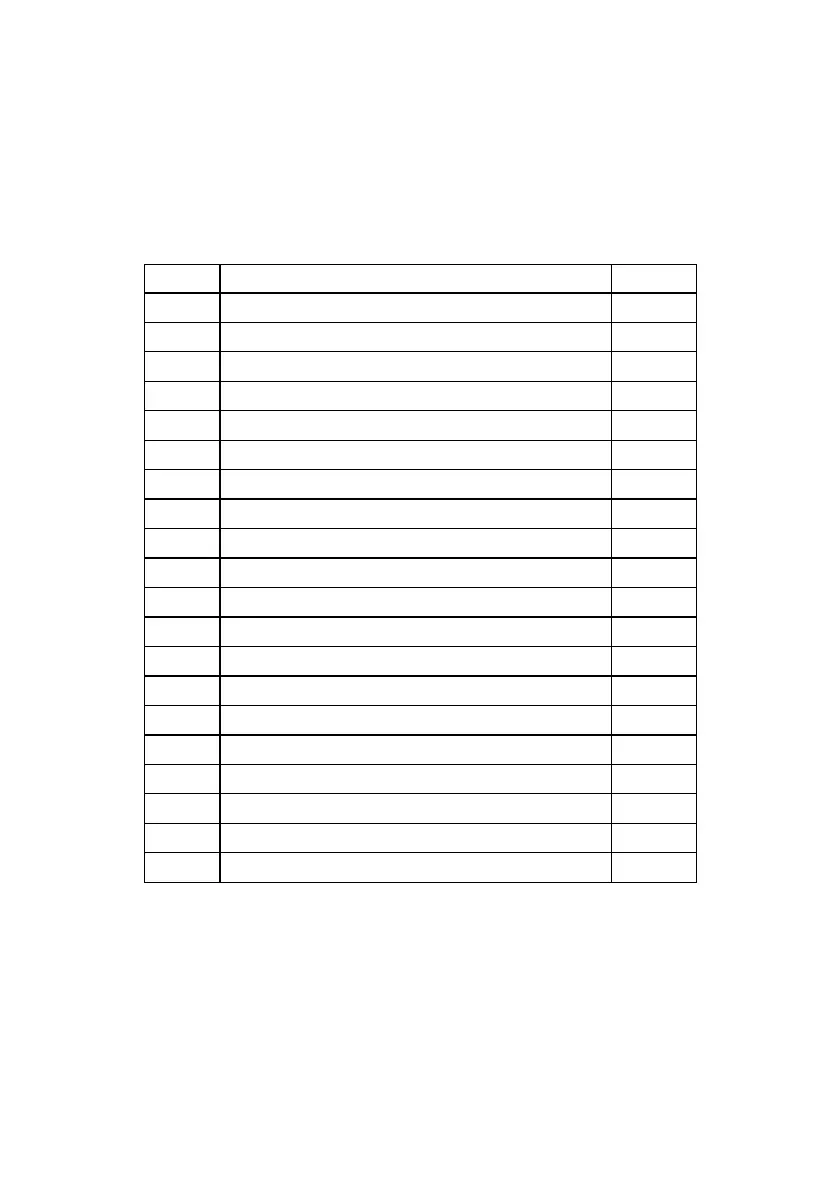
Display brightness: 1(low) – 3 (bright)
Display Kilometers (0) or Miles (1)
System Voltage level (do not change)
Wheel diameter (impacts odometer)
Number of magnets on motor
Speed limit 0-100% of top speed
Zero start (0) or Non-zero start (1)
Electric Braking Strength low (1) to high (24)
Initial Acceleration: soft (1) to strong (5)
Controller cutoff voltage (do not change)
Cruise control on (1) or off (0)
P08 – Set to 100% for no speed limit. If top speed is 25mph, a setting of 80%
will set the speed limit at 20mph.
P09 – Important safety feature: Non-zero start on (1) = need to kick the
scooter before accelerator works. Prevents user from accidentally
accelerating while not riding the scooter.


 To Next Page