SUPER-DAQ Precision Temperature Scanner
General Maintenance
3
Battery Replacement
The battery in the Product is used for Product memory.
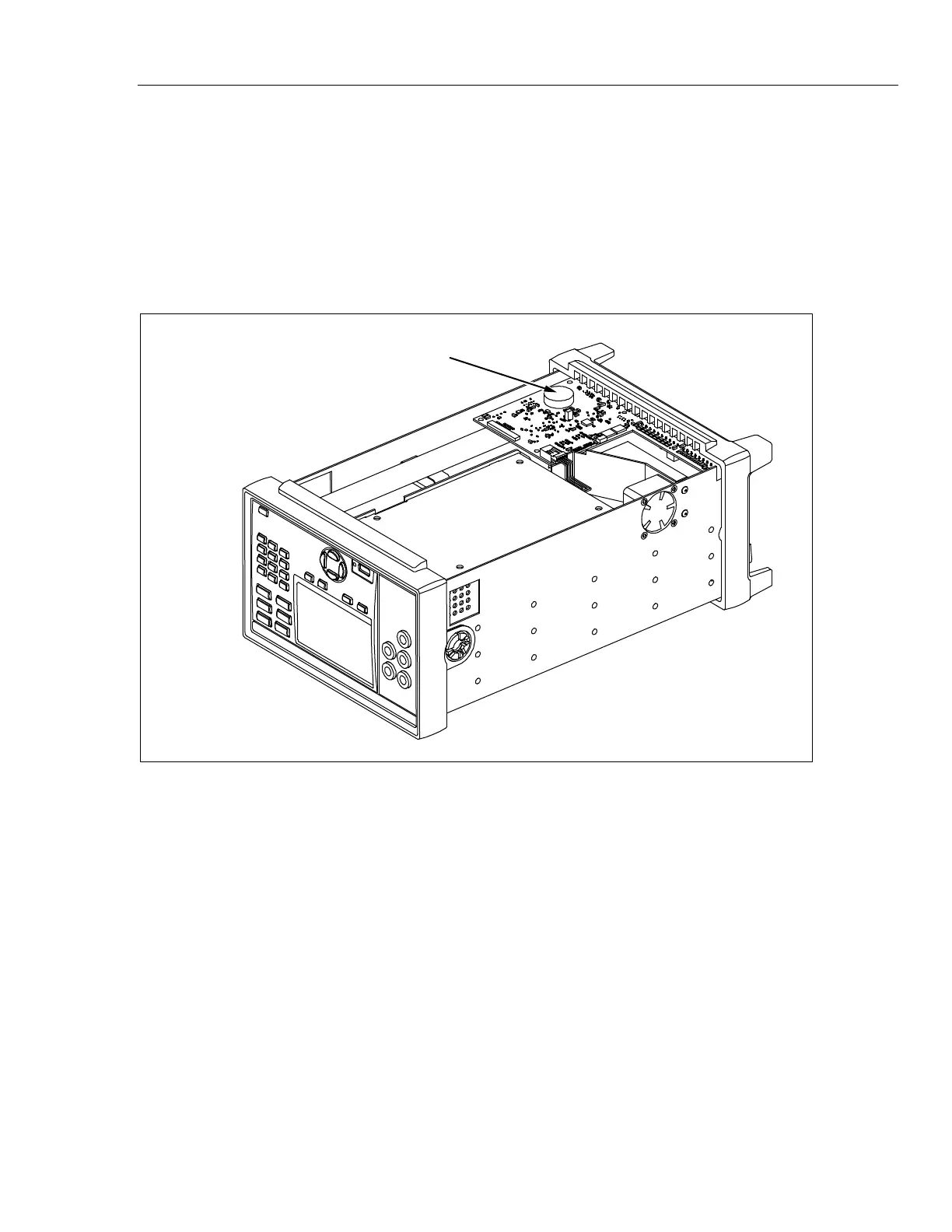
To replace the battery, see Figure 1:
1. Disassemble the Product as described in the Disassembly section.
2. Remove the battery and replace with one rated appropriately for the selected
voltage.
3. Reassemble the Product.
Battery
hcn207.wmf
Figure 1. Battery Location



 To Next Page