1586A
Calibration Manual
4
Memory and Factory Reset
The Product has two memory reset functions:
• Clear all Files
• Factory Reset
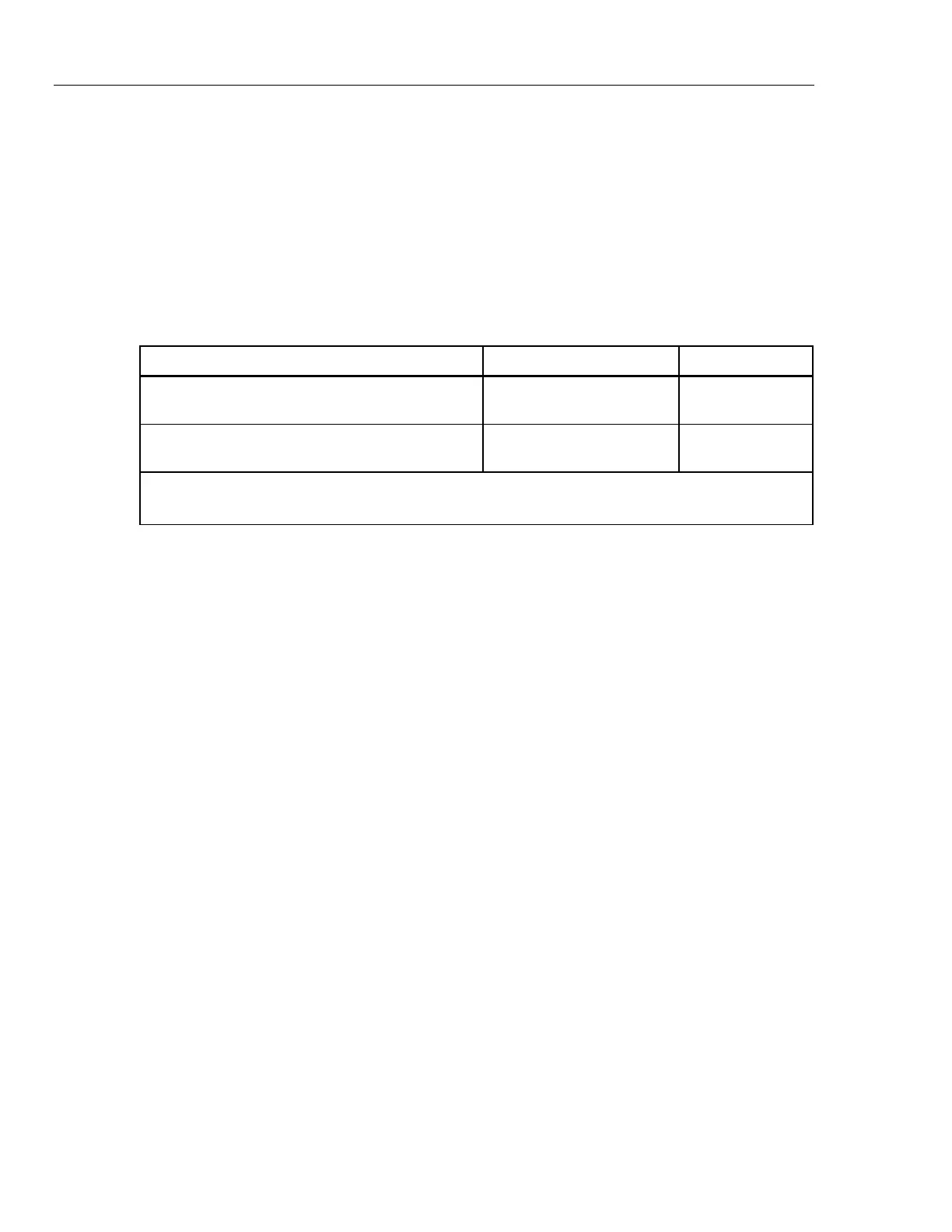
See Table for a comparison of these functions.
Note
All memory reset functions require the Admin password.
Table 1. Memory Clear Functions
Task Clear All Files Factory Reset
Deletes test setup files, DMM data files, and scan
data files from the internal memory.
[1]
•
Clears the configuration of the channel setup, test
setup, and instrument setup
[2]
•
[1] Does not remove data from the USB drive.
[2] Does not reset the MAC address, the serial number, calibration, clock time, or the Admin or User passwords.
To clear all files:
1. Push M.
2. Push A twice.
3. Enter the Admin password.
4. Push D.
5. Push C to confirm.
To reset the Product to factory settings:
1. Push N.
2. Push B.
3. Enter the Admin password, then push D.
Product Disposal
Dispose of the Product in a professional and environmentally sound manner:
• Delete personal data on the Product before disposal.
• Remove batteries that are not integrated into the electrical system before
disposal and dispose of batteries separately.
• If this Product has an integral battery, put the entire Product in the electrical
waste.


 To Next Page
 Loading...
