9
FLUVAL FILTER & HEATER INSTALLATION, USE AND MAINTENANCE
Please refer to the instruction manual of the Fluval lter/heater. Do not attempt to set up the Fluval lter/heater without
reading and following the instruction manual. If it is missing or unusable, contact the store or Hagen Customer Service.
LED STRIP LIGHTS INSTALLATION INSTRUCTIONS
WARNING: Disconnect the plug of all electrical equipment used for the aquarium, before placing your hands in aquarium
water and/or performing any maintenance of any kind.
INITIAL STARTUP
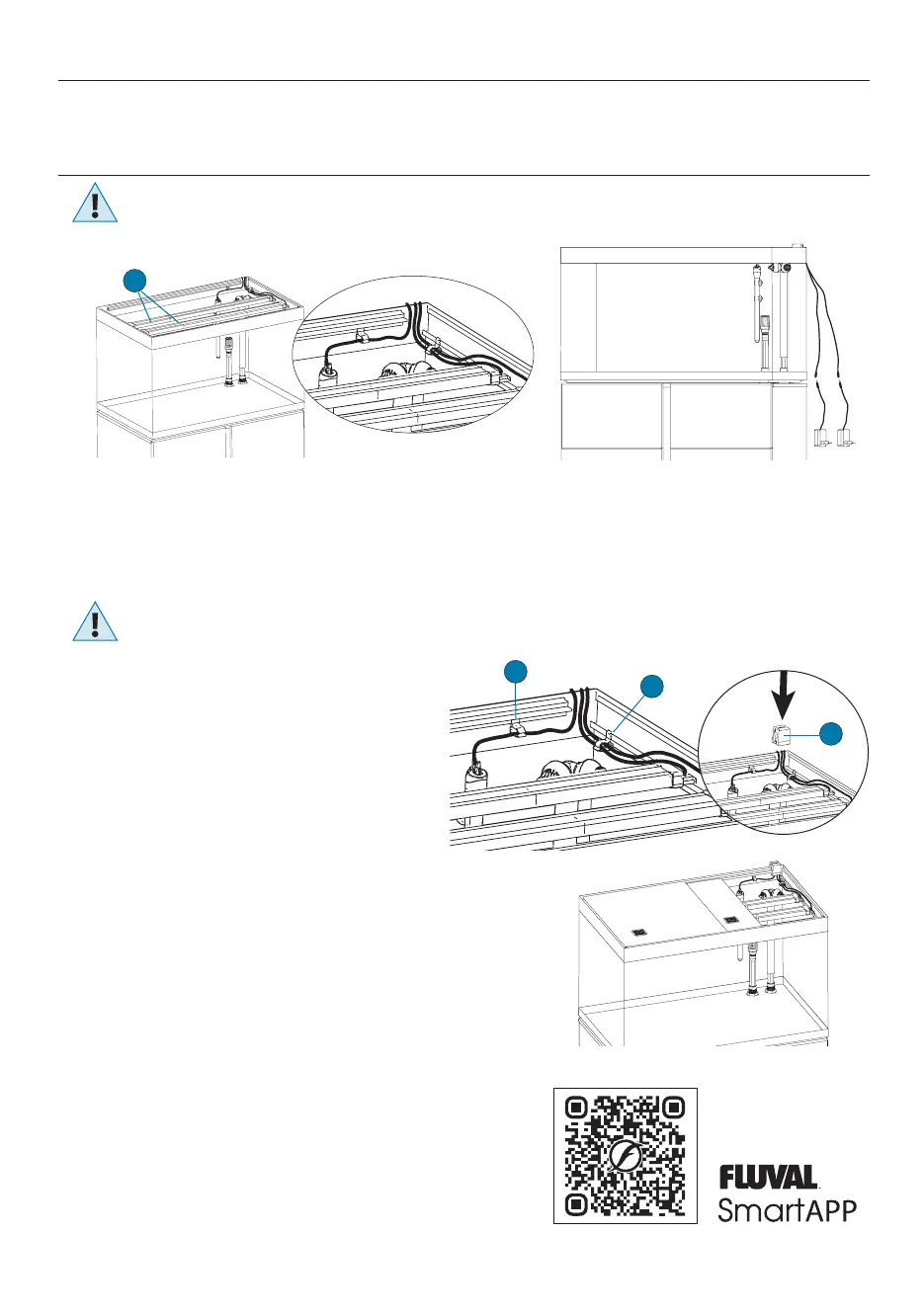
1. Carefully place the LED Strip Lights (C) on the runner of the top frame in the nal position.
2. Pull the LED Strip cables out of the tank (Pict. 8).
3. Hook up the lighting unit to the LED driver with its connector (Pict.9).
WARNING: Do not plug in the LED Strip Lights if there is water on parts not intended to be wet.
OVER RIM CABLE GUIDE
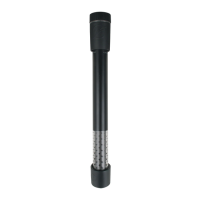
The power cables of the heater and the LED Strip Lights will be routed out
through the back of the aquarium using the provided over rim cable guide
which can be placed on the right or on the left. (TIP: Heaters are most eective
when positioned near the lter output stem).
1. Place the electrical cable hooks (D) where most appropriate, by sliding
them in the lower runner of both rails (Pict. 10) and pull
the cables out of the tank.
2. Apply the over rim cable guide (E) across the glass of the tank.
PLACING THE SLIDING COVERS ON THE TANK
Peel o the protective lm from the two aquarium covers.
1. Lay the narrow cover in the lower sliding surface of the runners (support rails).
2. Lay the wider cover in the upper sliding surface of the runners (support rails).
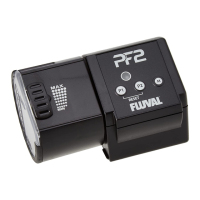
3. If using Fluval PF2 Fish Feeder, remove one of the two ventilation grills to house the feeder.
SWITCHING THE LED STRIP LIGHTS ON
Plug in the units and use a smartphone or tablet with the FluvalSmart App
downloaded to connect to them. The FluvalSmart App can be downloaded from
the iOS or Android app stores or scan the QR code to download.
Use exclusively the LED drivers supplied with the LED Strip Lights.
In all cases, make sure that the LED drivers specications comply to the
specications indicated in the LED Strip Lights identication codes table below.
Pict. 8
Pict. 9
C
Pict. 10
D
D
E


 To Next Page