Attachment FLUXTRONIC Automatic Mode 37 / 84
3 General Information
Switching between operating modes
Normal mode and Automatic mode
To switch between operating modes, hold down the two keys
Stop and Left together for longer than ~3 seconds.
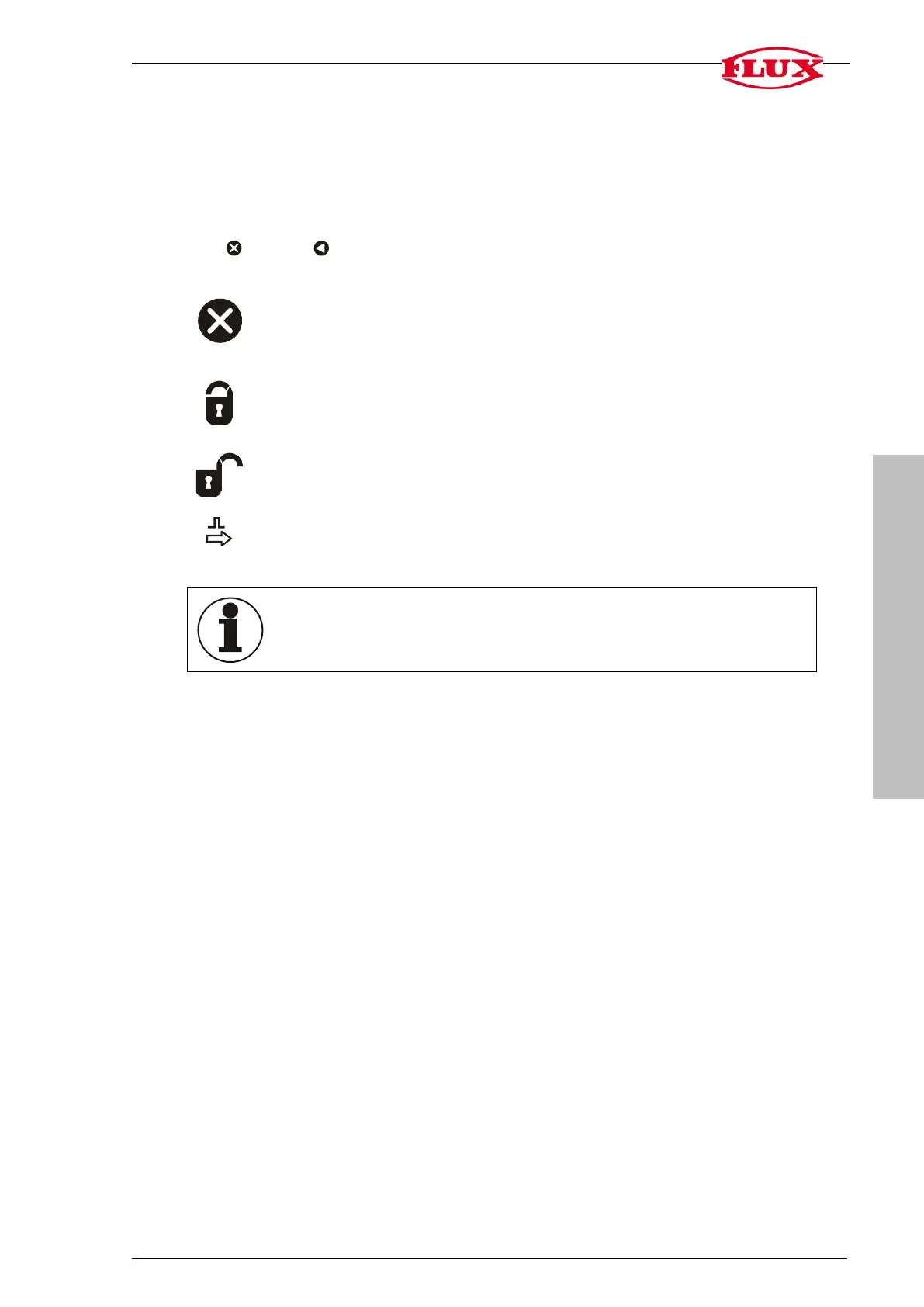
The Stop key can be pressed at any time and is not shown for this reason.
Pressing the key once moves you back one step.
If this symbol appears on the display, the PIN must firstly be entered
before processing.
For setting, refer to [SET] in chapter 5 -> Security Level (5.2) and PIN No.
(5.3)
Operation of the unit is permitted when this symbol is shown on the
display.
This symbol flashes if pulses are detected at the input.
The
display is switched off
if no pulse is measured or if no key is
pressed for 5 minutes. The display switches on again as soon as a
pulse is detected or a key pressed.
The unit cannot be operated when pulses can still be measured and the SET range
is not displayed. The unit can be operated one second after the last pulse was meas-
ured and the SET range can be accessed again.
If no entries are made during operating in a group for one minute, the unit automatically
switches over to RUN.
Forgotten your PIN?
Reset security level [LOC] to 0 and
Reset PIN number to “000”
All other entries are retained.
1. Remove battery from the battery compartment.
2. Press the Stop key before inserting the battery and hold it down while it is being
inserted.
Software version
The version currently used is shown at [SET]->[INFO]->[01].


 To Next Page
 Loading...