EasyManua.ls Logo

Flux FLUXTRONIC - Page 38

Flux FLUXTRONIC
Print Icon
To Next Page IconTo Next Page
To Previous Page IconTo Previous Page
Loading...
38 / 84 Attachment FLUXTRONIC Automatic Mode
ENGLISH
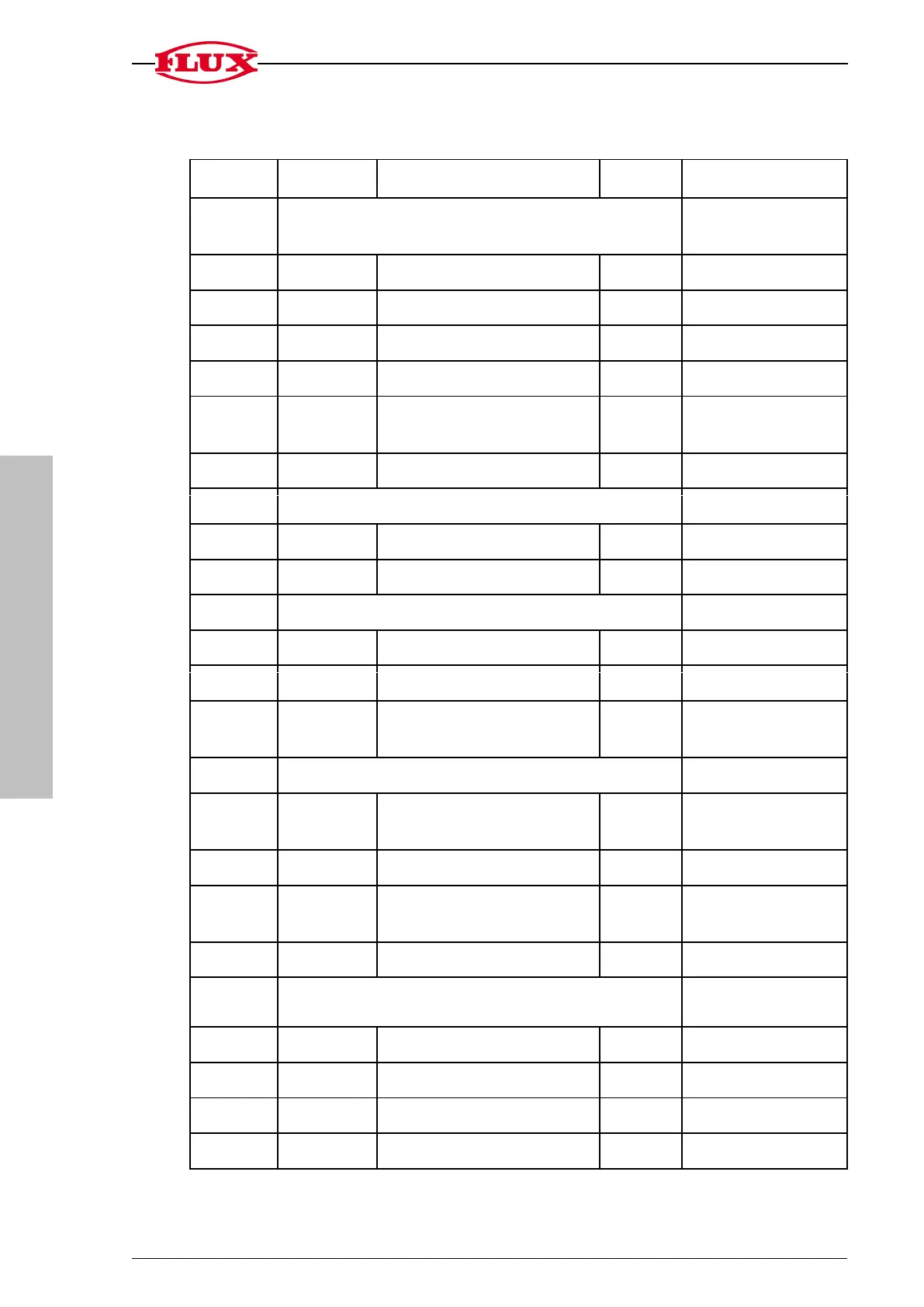
3.1 Menu in automatic mode
Group
Chapter
Designation
Action
Figures
1 [START]
Default display for volume to be filled [S1] and
Cycle counter
4-digit
3-digit
1.1
Filling process
start
Filling process
stop
Filling process
reset
Filling process
stop
1.2
Memory location of the
volume to be filled
select
0 ... 9
1.3
Volume to be filled
change
2 [TOT]
Total volume display and settings
7-digit
2.1 [DEL]
Display of total volume
delete
2.2 [DEC]
Decimal place of display
change
0, 1, 2, 3
3 [FLO]
Flow rate Display and settings
7-digit
3.1 [UNIT]
Time unit of flow rate display
change
s, min, h
3.2 [DEC]
Decimal place of display
change
0, 1, 2, 3
3.3 [GATE]
Gate time for determining
flow rate
change
0.0 s [OFF] to 25.0 s
4 [CAL]
Calibration display and settings
4.1 [CAL]
Memory location of calibration
constants
select
0 ... 9
4.2 [SET]
Calibration constant
change
7-digit
4.3 [UNIT]
Unit of volume
change
[-], kg, g, m³, ml, L,
Imp GAL,US GAL
4.4 [DEC]
Decimal place
change
0,1,2
5 [SET]
Display and settings of different operating parame-
ters
5.1 [DEC]
Decimal place [S1] and [S2]
change
0 ... 3
5.2 [LOC]
Security level
change
0, 1, 2, 3, 4
5.3 [PIN]
PIN No.
change
000 ... 999
5.4
Volume [S2]
change
4-digit

Related product manuals