Attachment FLUXTRONIC Automatic Mode 41 / 84
2. TOT
Display of total volume.
Display range: 9999.999 to 9999999
The point is moved when the respective display range is exceeded until the maximum
display is reached. The counter then starts counting again at 0.
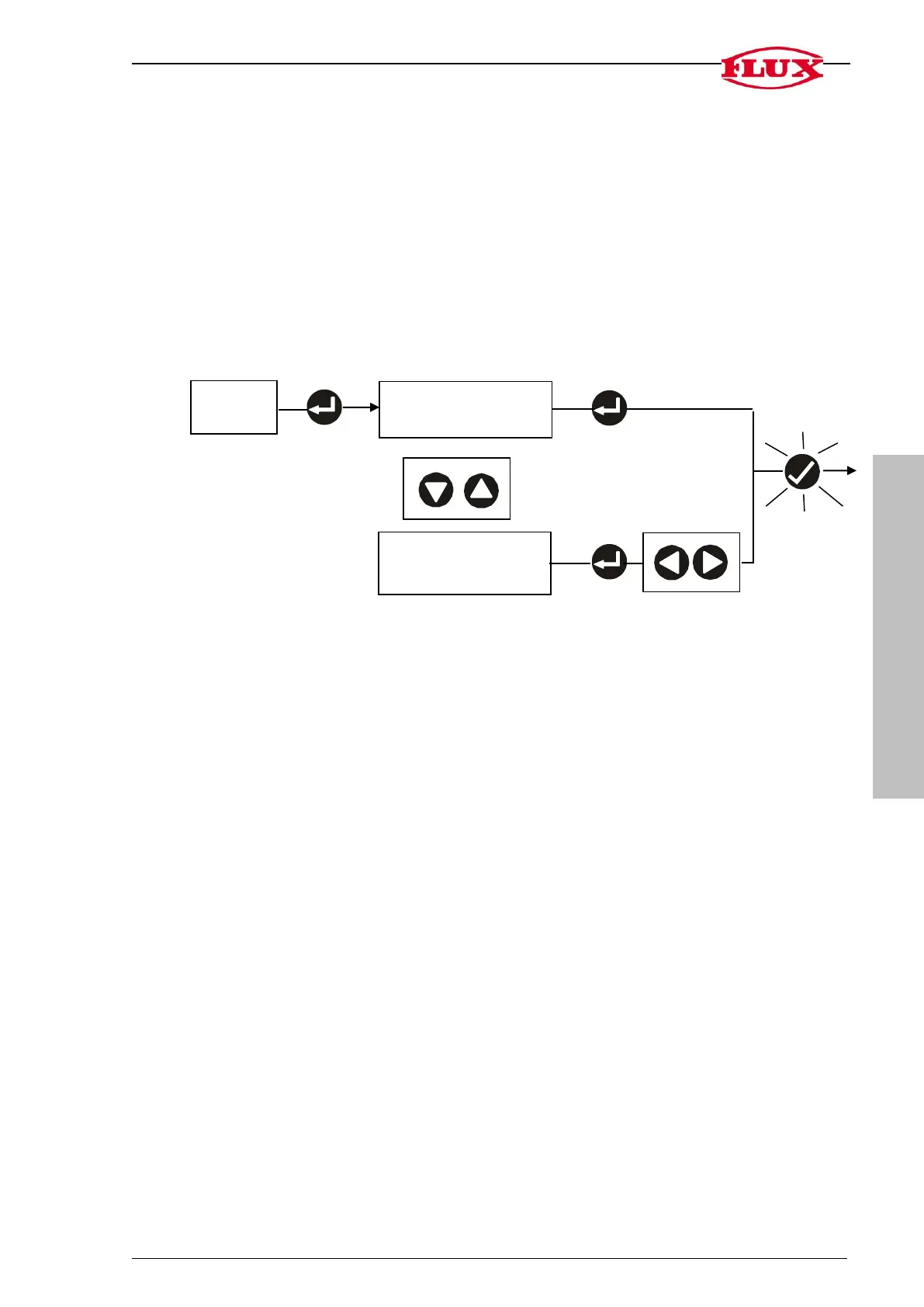
2.1 Delete total volume [DEL]
2.2 Change decimal place [DEC] 0 to 3
2. TOT
total volume [DEL]
back to
[START]
place [DEC]


 To Next Page